
FLUX 3 Draft Mode para vídeo Prévia barata, depois qualidade total
Faça uma prévia barata no FLUX 3 Turbo e refaça a melhor em 720p ou 1080p no FLUX 3.
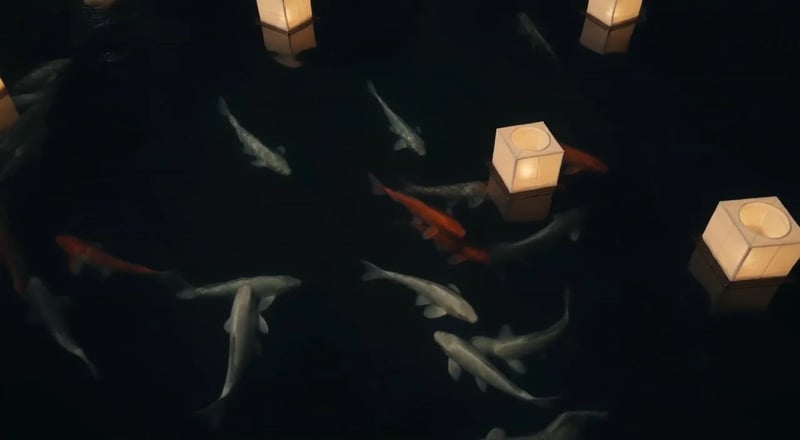
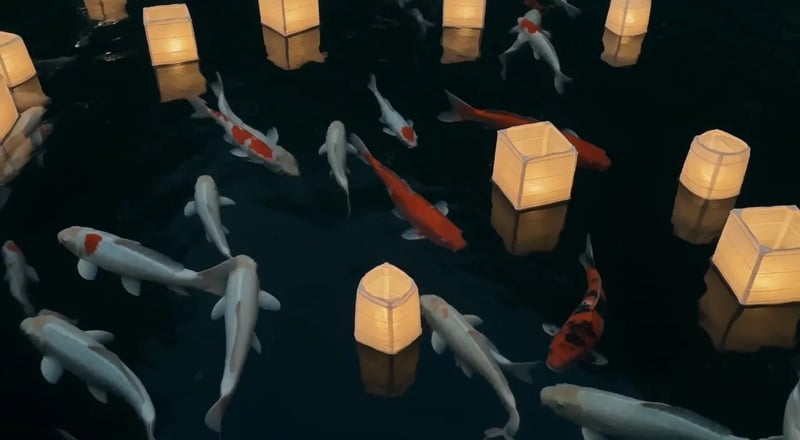
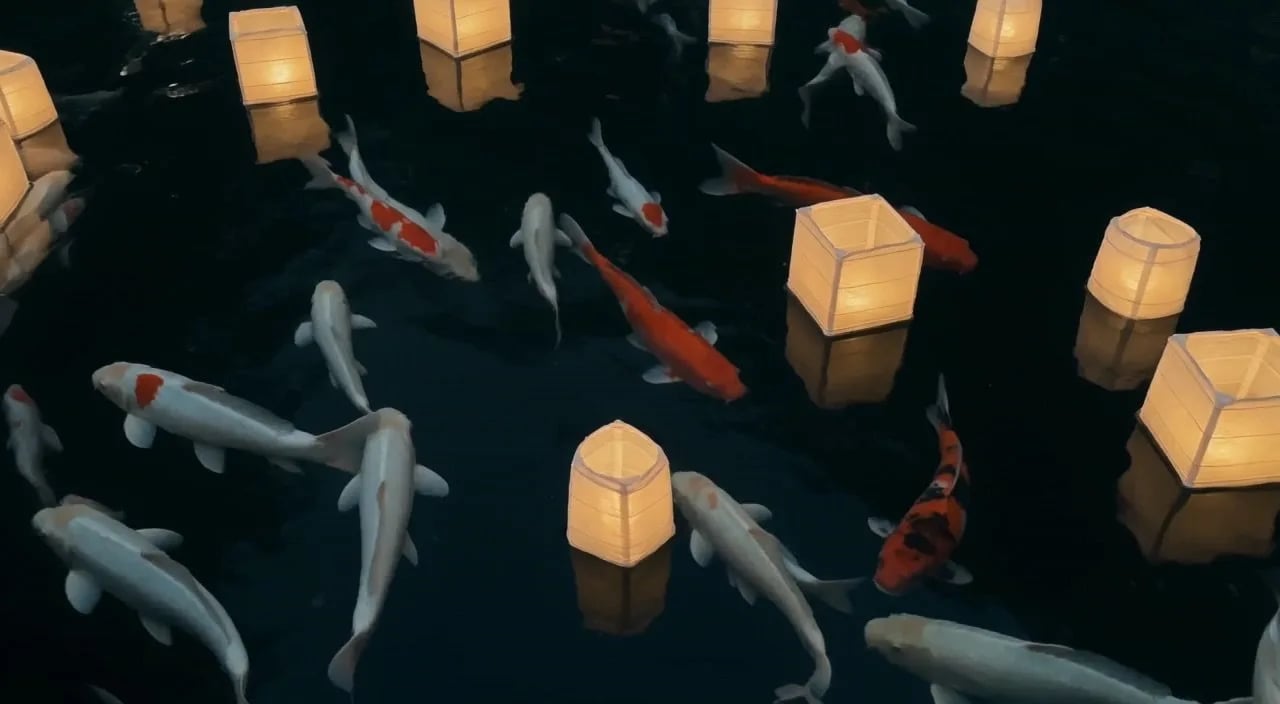
O FLUX 3 Draft Mode é o jeito deste site de testar uma cena sem pagar o preço cheio a cada tentativa. Escreva um prompt ou envie uma foto e gere um vídeo de rascunho no FLUX 3 Turbo, em 480P ou 768P. Quando o movimento e o enquadramento estiverem certos, mande a mesma ideia para o FLUX 3 em 720p ou 1080p, com som opcional. Texto para vídeo e imagem para vídeo começam no Turbo por padrão. Mais abaixo: a mesma cena das carpas em rascunho e em qualidade total.

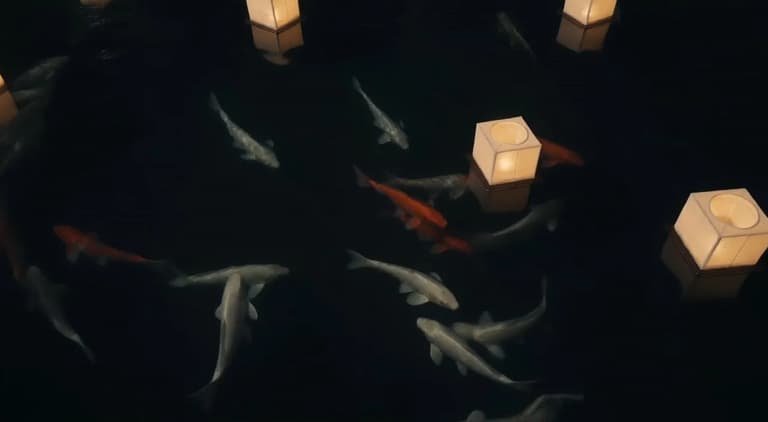
Koi drifting between floating paper lanterns at night, soft reflections on dark water, gentle camera drift
Exemplos de FLUX 3 Draft Mode
 FLUX 3 Max
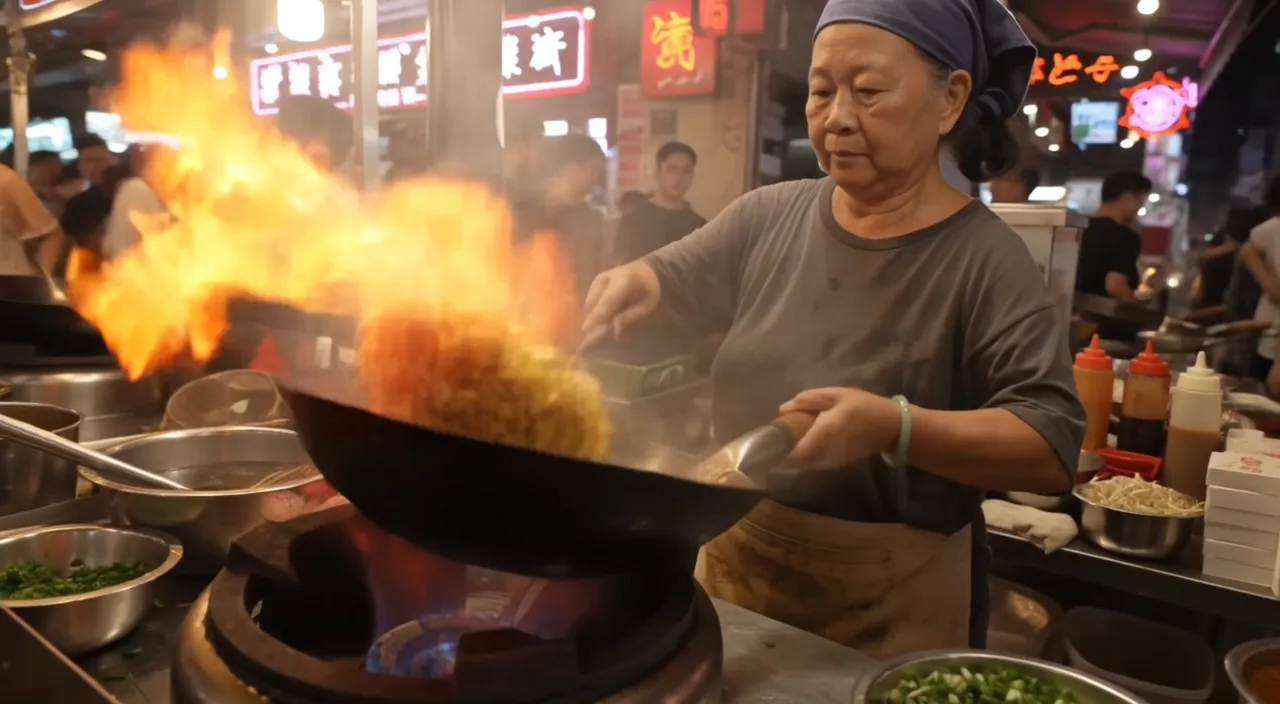
Night market food stall, handheld medium shot. An older street cook tosses noodles in a flaming wok; the flames flare up and light her face. She looks up at a customer just off camera and says with a grin: "Two minutes. Best noodles on this street." Sizzling wok, crowd chatter, a distant scooter horn. Warm neon signs and drifting steam.
 Gemini Omni 1.2 Flash
Amostra oficial
Cinematic travel editorial film following a young ceramic artist opening her seaside workshop at sunrise. She has short curly dark hair, freckles and a relaxed, thoughtful expression. She wears a faded indigo linen shirt with rolled sleeves, cream trousers and a clay-stained canvas apron. The workshop sits inside a weathered Mediterranean building: pale peach plaster walls, arched windows, wooden shelves filled with handmade bowls, a pottery wheel and a small courtyard overlooking the sea. Morning sunlight streams through the windows, catching suspended dust and illuminating the translucent edges of unfinished porcelain. A restrained palette of terracotta, indigo, warm ivory and sea green. Tactile details: wet clay, woven linen, chipped paint and rippling water. Camera movement is quiet and deliberate, alternating intimate 85mm close-ups with wider 35mm environmental compositions. Shallow depth of field for hands and objects, deeper focus when revealing the workshop. Warm natural highlights, soft blue shadows, subtle film grain and gentle highlight bloom. Movements feel observed rather than performed. Maintain the same artist, wardrobe, pottery and workshop throughout. No dialogue, text or logos. An independent craft magazine brought to life. Shot-by-shot beat sheet — five sequential beats, compressed to fit the selected clip duration: 1. OPENING THE WORKSHOP From inside the dim workshop, the camera slowly pushes toward a closed wooden shutter. The artist opens it, letting golden sunlight sweep across the room. She pauses with one hand on the frame, looking toward the sea. Medium-wide composition, soft backlight outlining her curls. 2. PREPARING THE CLAY Close-up of her hands pressing a lump of wet clay onto the pottery wheel. Her fingers leave distinct impressions before smoothing the surface. A slow lateral camera slide reveals a shallow bowl of cloudy water and a folded linen cloth beside the wheel. 3. SHAPING THE VESSEL Three-quarter view as she leans forward and draws the spinning clay into a small rounded vessel. The camera makes a gentle partial orbit, keeping her hands and the vessel in focus. The shape changes gradually and continuously under her fingertips. 4. INSPECTING THE FINISH She lifts a finished sea-green ceramic cup toward the window and slowly turns it, examining its uneven handmade rim. Tight close-up: sunlight travels across the glaze, revealing tiny variations in color. Her softly blurred face remains behind the cup. 5. THE FIRST QUIET MOMENT In the courtyard, she sets the cup on a worn stone table and sits beside it. A breeze moves her shirt sleeve and the leaves of a nearby olive tree. The camera slowly pulls back through the doorway, framing her against the morning sea. Hold the final composition for a quiet beat.
 MiniMax H3 Max
Amostra oficial
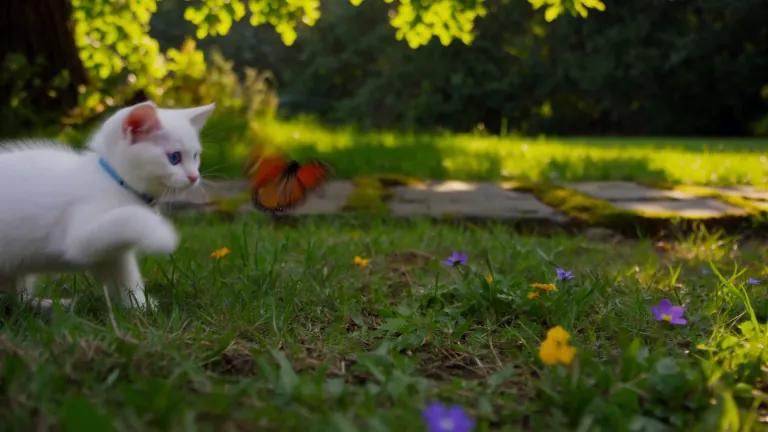
A white kitten chases a butterfly across a sunlit garden. Gentle camera tracking, natural movement, soft afternoon light filtering through the leaves.
 Wan 3.0
Amostra oficial
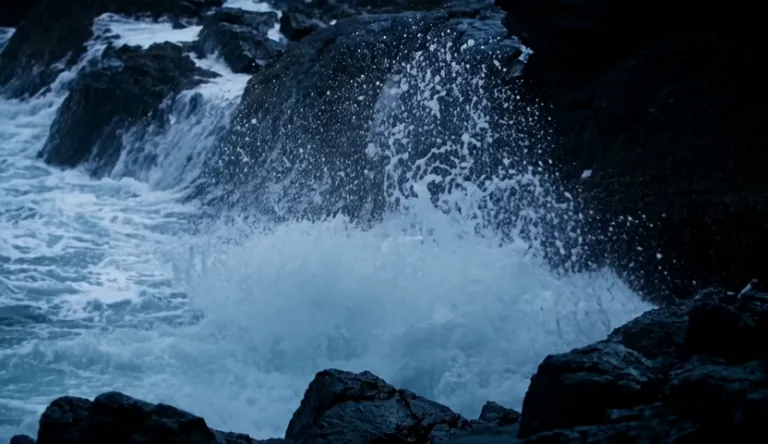
A lighthouse beam sweeps through heavy rain over black rocks at night, waves detonating against the cliff.
 Kling 4.0
Amostra oficial
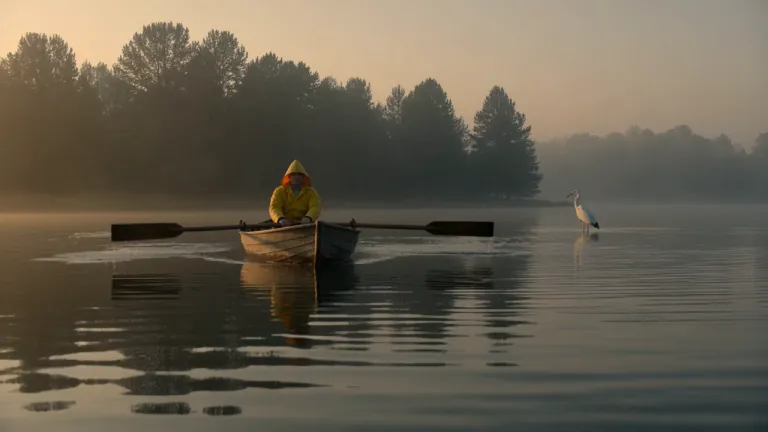
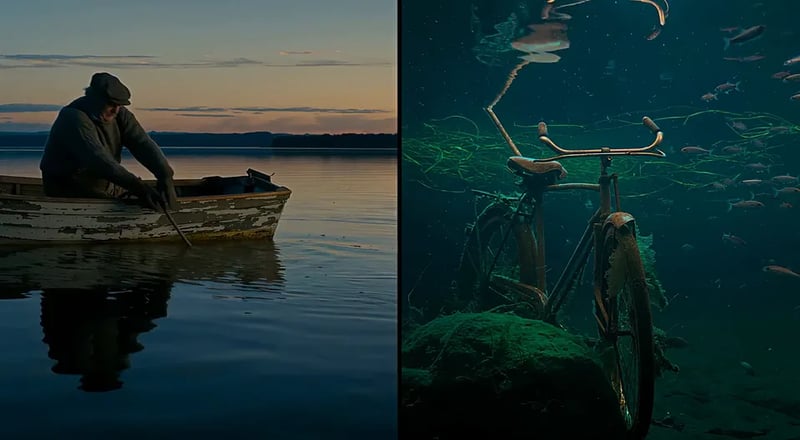
A fisherman in a yellow raincoat rows a small wooden boat across a calm misty lake at dawn, soft golden light breaking through the fog, gentle ripples, a heron lifts off in the background, slow cinematic dolly-in, natural ambient sound of water and distant birds
- FLUX 3 Max
Amostra oficial
A red panda walks along a mossy log in a sunlit forest, pausing to sniff the air before climbing over a fallen branch. Soft morning light filters through the canopy. Ambient birdsong and rustling leaves.
 MiniMax H3 Max
Amostra oficial
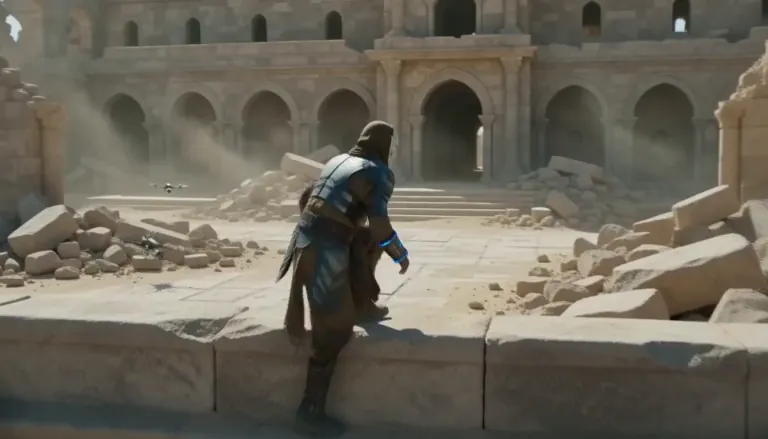
An aging warrior-monk in scorched ceremonial armor, a split ceramic mask and a humming prayer-band on his forearm + 0–4s: climbs silently along a cliffside terrace as insect-like surveyor drones comb the sun-bleached ruins, standing alone under as the camera rises over the ruined monastery. Sun-blasted post-apocalyptic sci-fi action, dust, heat haze, practical debris, sweeping crane tracking, silence broken only by wind.
 Wan 3.0
Amostra oficial
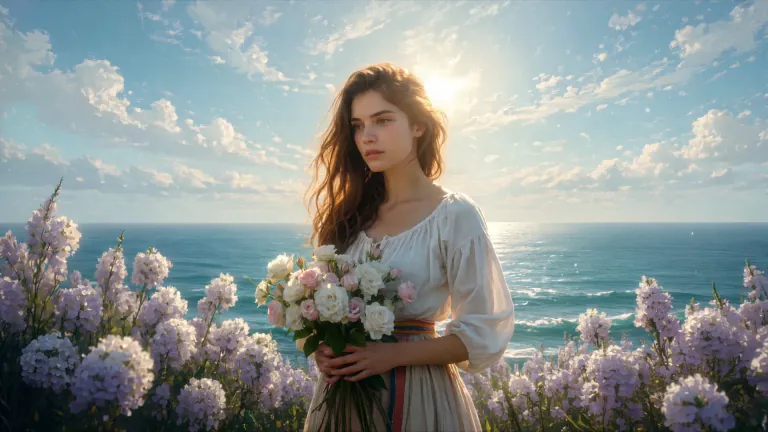
ENVIRONMENT: open coastal air — pale blue and violet sky with dry scumbled clouds, a thin band of teal sea at the lower edge, warm cream haze along the horizon. Backlight from behind the flower mass makes the petals glow near-white while her face and arms fall into warm shadow. STYLE: 24fps, gentle handheld drift, no camera shake spikes. Slow continuous push-in of about 8%, drifting a few degrees to the right so her face rotates marginally into the light. Shallow parallax between three planes: foreground drifting petals, mid-plane figure and bouquet, background sky and sea. Color tone: cool blue-lilac against cream-gold and umber. No morphing, no smoothing, no plastic skin, no added detail beyond the painting's own resolution.
 Kling 4.0
Amostra oficial
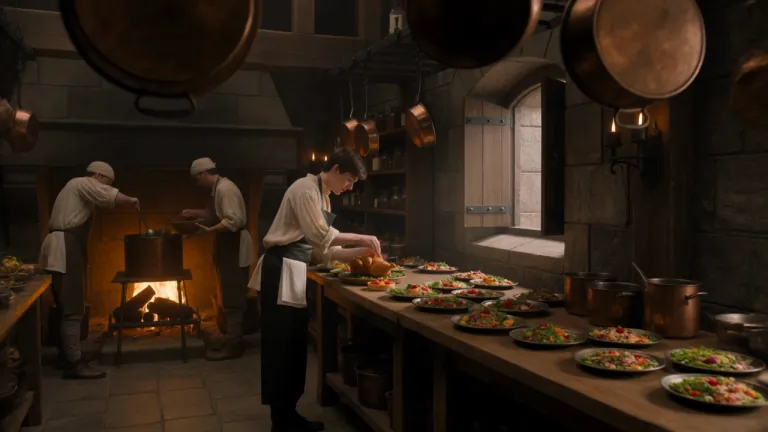
A young royal chef stands inside a huge medieval castle kitchen, wearing a cream tunic and dark leather apron while dozens of elaborate dishes cover a long wooden table. A small dragon suddenly pushes its head through an open stone window. Everyone in the kitchen freezes. The chef cautiously offers it a roasted chicken. The dragon ignores it completely. He nervously raises a tiny fruit tart instead. The dragon’s eyes immediately brighten and it gently reaches toward the dessert. The camera begins behind hanging copper pans, tracks toward the chef, then pushes past him toward the dragon outside the window. Playful Western fantasy, detailed medieval kitchen, expressive creature behavior, cinematic comedy, realistic food and firelight.
 FLUX 3 Max
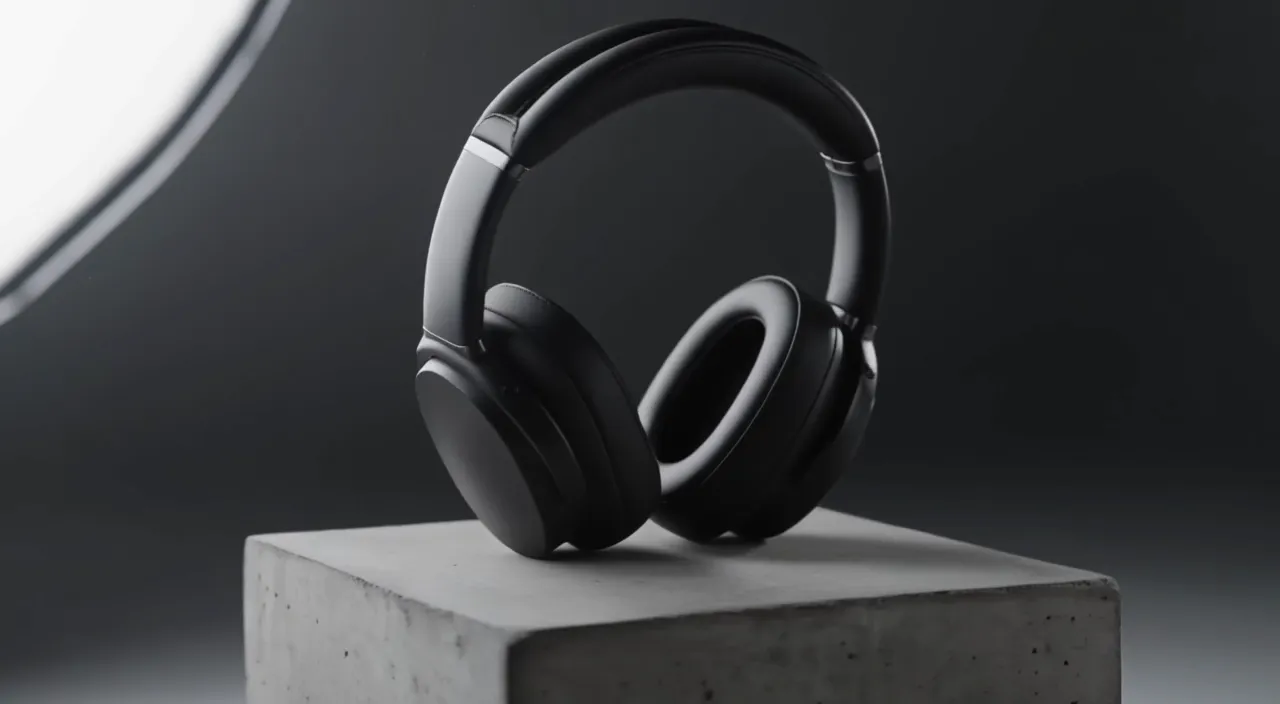
Slow 180-degree orbit around a pair of matte black over-ear headphones resting on a concrete pedestal in a minimal studio. Soft key light from the left, a thin rim light traces the ear cups, dust drifts through the beam. The orbit ends front-on as the light warms slightly. A low ambient synth hum.
 MiniMax H3 Max
Amostra oficial
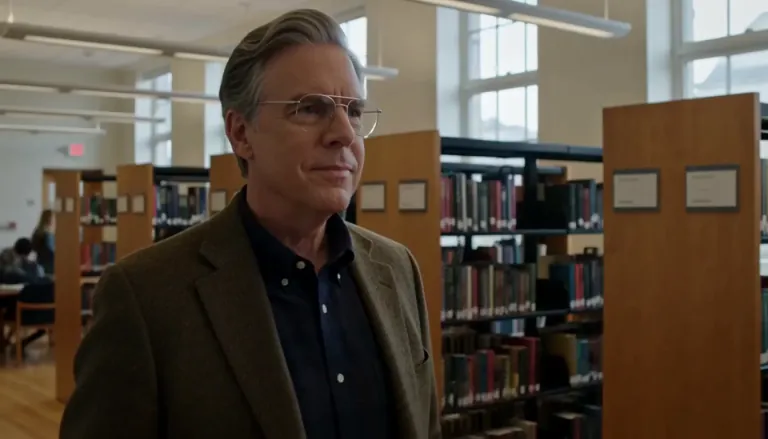
Create a 5-second live-action Hollywood film shot in a bright university library. A thoughtful professor stands in a medium shot, turns slightly toward an unseen student, and calmly says, “What is the real?” Natural daylight, professional cinema camera, realistic performance, subtle camera drift, no close-up, no dark lighting, perfect lip sync.
 Wan 3.0
Amostra oficial
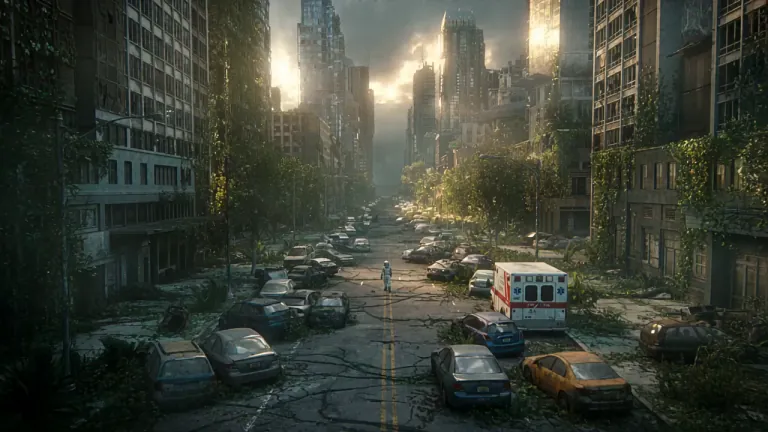
A lone astronaut walks through the ruins of a once-busy city, surrounded by abandoned cars, overgrown skyscrapers, and trees growing through cracked streets. She discovers a small child standing inside an old convenience store, holding a glowing flower. The astronaut slowly removes her helmet as birds suddenly rise into the sky and sunlight breaks through the clouds. Emotional science-fiction film, grand post-apocalyptic environment, slow cinematic camera movement, wide establishing shots, intimate facial close-ups, realistic dust particles, warm sunlight contrasting with cold ruins, epic yet hopeful atmosphere.
- FLUX 3 Draft Mode
- FLUX3 Draft Mode
- prévia no FLUX 3 Turbo
- prévia rápida de vídeo
- do rascunho à qualidade total
- rascunho de texto para vídeo
- rascunho de imagem para vídeo
Para que serve o FLUX 3 Draft Mode
Uma primeira passada mais barata para explorar ideias antes da qualidade total.
O FLUX 3 Draft Mode devolve uma prévia rápida do seu prompt, feita no FLUX 3 Turbo. Quando o movimento, o enquadramento e a história estiverem do jeito que você quer, troque para o FLUX 3 em 720p ou 1080p e gere a mesma ideia em qualidade total. Vale para rascunhos de texto para vídeo e de imagem para vídeo — sempre que você precisar de mais tentativas sem pagar o preço cheio a cada erro.
FLUX 3 Draft Mode: prévias para testar de verdade
Quatro motivos para começar no FLUX 3 Turbo e só levar adiante a versão vencedora.
Veja a cena antes de pagar o preço cheio
O FLUX 3 Draft Mode existe para uma primeira olhada rápida no movimento e no enquadramento. Gere um rascunho de vídeo a partir do prompt, avalie o ritmo em segundos e só pague a qualidade total quando a ideia já funcionar. A fase de testes fica barata e você ainda chega a um clipe pronto para postar.
Leve a melhor versão para qualidade total
Gostou do rascunho? Gere a mesma ideia de novo em 720p ou 1080p. O FLUX 3 Draft Mode não é um nível inferior sem saída: é a primeira metade de um fluxo do rascunho à versão final, para você parar de adivinhar qual prompt merece o preço mais alto.
Explore mais caminhos gastando menos
No FLUX 3 Turbo, cada segundo de prévia custa uma fração do que custa a qualidade total — os valores exatos estão nas perguntas frequentes abaixo. Use o FLUX 3 Draft Mode quando você precisa testar três ângulos de prompt, em vez de apostar tudo em um palpite caro. Guarde o preço cheio para a versão em que você já confia.
Rascunho a partir de texto ou de foto
Comece com um prompt simples (texto para vídeo) ou envie uma imagem (imagem para vídeo). O FLUX 3 Turbo aceita os dois, então fotos de produto, imagens de personagem e cenas escritas ganham uma prévia barata antes da qualidade total.
Como usar o FLUX 3 Draft Mode em 4 passos
Prévia barata primeiro; qualidade total só para a cena que você aprovou.
- 1
Escreva a cena ou envie uma imagem
Descreva a cena em palavras simples ou envie a foto que você quer animar. Fique em uma única ação clara para o rascunho ser fácil de avaliar.
- 2
Comece no FLUX 3 Turbo
Deixe o modelo no FLUX 3 Turbo (ele já vem selecionado) e escolha uma duração de 2 a 15 segundos. As prévias saem sem som — o áudio vem na versão em qualidade total, no FLUX 3.
- 3
Gere a prévia
Rode o rascunho e confira o resultado na sua biblioteca. Ajuste o prompt ou a imagem até o movimento e a história ficarem do jeito certo.
- 4
Gere de novo em qualidade total
Quando um rascunho ganhar, troque o modelo para FLUX 3, escolha 720p ou 1080p e gere outra vez com a mesma ideia. Assim o clipe final segue a prévia que você já aprovou.
Onde o FLUX 3 Draft Mode poupa tentativas
Trabalhos que pedem muitas versões antes de um único gasto em qualidade total.
- 01
Variações de anúncio
Teste três ganchos como rascunho de vídeo, escolha o vencedor e gere só essa ideia em qualidade total para os anúncios pagos nas redes.
- 02
Storyboard e pré-visualização
Monte as cenas como prévias baratas para direção e edição concordarem no movimento antes de alguém pagar o preço do 1080p.
- 03
Testes de movimento de produto
Anime a foto do produto com rascunhos de imagem para vídeo até câmera e luz ficarem certas; depois leve o take aprovado para qualidade total.
- 04
Exploração de estilo
Compare visuais e climas com prévias antes de fechar uma versão em qualidade total alinhada à marca.
- 05
Primeira versão para o cliente
Mande uma prévia para receber comentários e só gaste com qualidade total depois do retorno.
- 06
Vídeos curtos com várias cenas
Faça um rascunho de cada momento do vídeo, monte a história e leve para qualidade total só os cortes que ficam na edição final.
Mais jeitos de criar com o FLUX 3
Vá para o gerador de vídeo FLUX 3 completo, ou para o gerador de imagens, quando o projeto sair da fase de rascunho.

Preços do FLUX 3
Até 1.000 imagens ou 41 vídeos
- Até 1.000 imagens
- Até 41 vídeos
- Todos os modelos, incluindo Premium
Até 2.500 imagens ou 104 vídeos
- Até 2.500 imagens
- Até 104 vídeos
- Todos os modelos, incluindo Premium
Até 7.500 imagens ou 312 vídeos
- Até 7.500 imagens
- Até 312 vídeos
- Todos os modelos, incluindo Premium
· Sem cartão de crédito
Gerações com falha são reembolsadas automaticamente · Cancele quando quiser
Perguntas sobre o FLUX 3 Draft Mode
É a etapa de prévia do flux3.video. Seu prompt roda no FLUX 3 Turbo, um modelo de vídeo rápido e barato, para você explorar ideias antes de gastar com qualidade total em 720p ou 1080p no FLUX 3.
O FLUX 3 Turbo é o modelo barato de prévia por trás do Draft Mode. 720p e 1080p são gerações em qualidade total no FLUX 3. Comece no Turbo e depois gere de novo a ideia vencedora no FLUX 3.
Sim. O FLUX 3 Turbo aceita os dois. Envie uma imagem quando você já tem o quadro do produto ou do personagem; escreva um prompt quando estiver criando a cena do zero.
A prévia no FLUX 3 Turbo custa 5 créditos por segundo: a padrão, de 2 segundos, sai por 10 créditos, e uma de 5 segundos por 25. A qualidade total no FLUX 3 custa 35 créditos por segundo em 720p e 60 em 1080p, com mínimo de 175 créditos por geração. O gerador mostra a estimativa antes de você começar.
Dá — esse é justamente o caminho do FLUX 3 Draft Mode. Mantenha o mesmo prompt (e a mesma imagem, se tiver usado uma), troque o modelo de FLUX 3 Turbo para FLUX 3, escolha 720p ou 1080p e gere de novo.
As prévias no Turbo vão de 2 a 15 segundos; na qualidade total do FLUX 3, até 20. Escolha a duração antes de gerar para cada teste ter um objetivo claro.
Não. As prévias no FLUX 3 Turbo saem sem som — esse modelo não tem controle de áudio. O áudio nativo vem na versão em qualidade total no FLUX 3, onde ele já vem ligado por padrão.
Para uma prévia, sim. Ao se cadastrar você ganha 10 créditos grátis, e a prévia padrão de 2 segundos no FLUX 3 Turbo custa 10 créditos. A qualidade total no FLUX 3 começa em 175 créditos, então compre créditos ou assine um plano quando um rascunho merecer a versão final.
Depois da prévia
Continue no espaço de trabalho para criar imagens ou abra o gerador de vídeo FLUX 3 completo.
Gerador de vídeo FLUX 3
Abra o gerador principal quando quiser todas as resoluções e opções de modelo.
FLUX 3 Image
Crie uma imagem primeiro e depois anime com um rascunho de imagem para vídeo.
Meus arquivos
Veja os clipes de rascunho e de qualidade total salvos na sua biblioteca.
FLUX 3 Max
Gere de novo a versão vencedora mais rápido, com diálogo e som, em 720p ou 1080p.
Pronto para testar o FLUX 3 Draft Mode?
Gere uma prévia no FLUX 3 Turbo, aprove a ideia e depois faça a mesma cena em qualidade total.