TLDR
- Open FLUX 3 video.
- Write Shot 1 / Shot 2 / Shot 3 (who, camera, action) instead of one vague vibe.
- Cap ambition: for first drafts, aim for ~8–12s clarity before maxing length.
- Add audio intent (ambience / SFX / no music) in one line.
- Full-screen review: faces, cut logic, hands, lip motion if speaking, crop for Reels.
- Optional: lock a hero still on image, then image to video.
Key Takeaways
- Multi-shot is a first-class skill: creators with early access highlight several angles in one generation (venturetwins).
- ~20s is the public ceiling narrative—not a requirement for every take (The Decoder).
- Native audio means you can specify ambience/SFX/dialogue energy instead of always post-syncing later (BFL launch; The Decoder).
- Prompt structure beats adjectives: number the shots, name the camera, freeze wardrobe continuity.
- Try here: paste the prompts into the video generator (text-to-video and image-to-video).
Before you start (60-second checklist)
| Check | Why | | --- | --- | | You have a real job (UGC ad, product spin, dialogue beat) | Random “epic” prompts waste free runs | | You can list 2–4 shots on paper | Multi-shot models reward explicit cuts | | Wardrobe / subject is one clear line | Identity drift often starts with vague characters | | You know aspect ratio (9:16, 16:9, 1:1) | Social crops kill good centers | | You will review full screen once | Thumbnail looks lie about faces and hands |
Step 1 — Open the FLUX 3 video generator
Go to FLUX 3 video. Keep FLUX 3 selected as the house video model. Stay on this page for both text to video and image to video—you do not need a second product for the basic loop.
Need stills first? Generate or refine a hero frame on FLUX 3 image, download/save it, then animate on video.
Step 2 — Write multi-shot prompts (the core skill)
Use this skeleton every time:
- Format line — duration intent, aspect, genre.
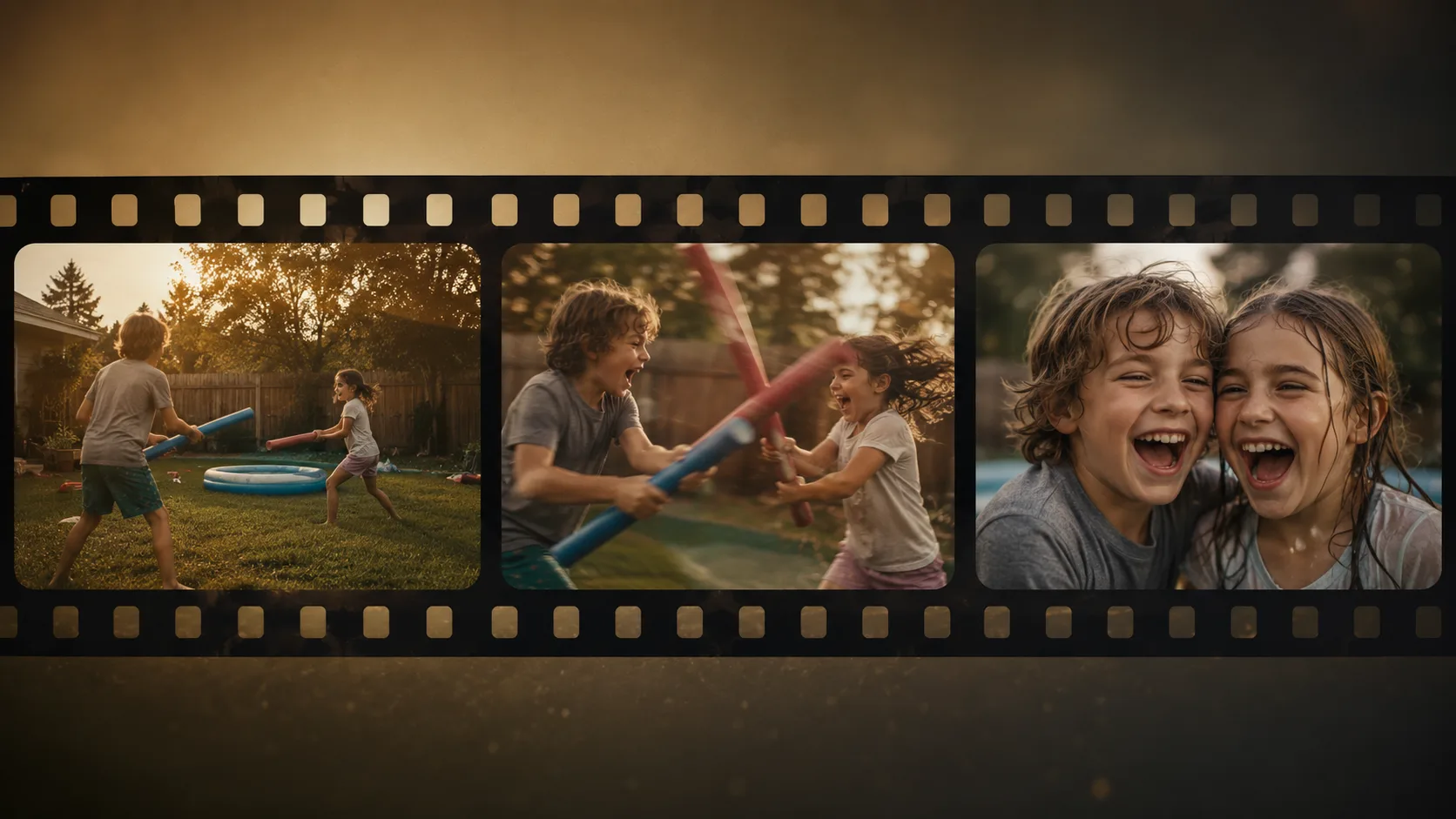
- Shot list — Shot 1 wide / Shot 2 medium / Shot 3 close (action verbs).
- Continuity line — same people, same clothes, same location.
- Audio line — ambience, SFX, dialogue or silence.
- Negatives — no watermark, no extra logos, no random text.
Prompt 1 — multi-shot product unbox (copy-paste)
Vertical 9:16 product ad, about 10 seconds, clean desk daylight.
Shot 1 wide: sealed matte white product box on oak table, soft window light.
Shot 2 medium: hands open the box lid smoothly, tissue paper folds clearly.
Shot 3 close-up: wireless earbuds lift toward camera, subtle specular highlight.
Same hands, same box branding color, continuous desk environment.
Soft paper rustle and light whoosh SFX, no music bed, no on-screen text, no watermark.
Prompt 2 — multi-shot dialogue beat
Horizontal short scene, about 12 seconds, warm kitchen night.
Shot 1 medium two-shot: two friends at a small table, tea cups, fairy lights bokeh.
Shot 2 over-shoulder: person A speaks with natural lip motion, soft smile.
Shot 3 reaction close-up: person B laughs, eyes crinkle, steam rises from cup.
Same wardrobe and hairstyles across all shots, consistent table props.
Quiet room tone plus light cup clink SFX; dialogue energy, no loud score, no subtitles, no watermark.
Prompt 3 — multi-shot outdoor action (simple)
Horizontal action clip, about 8 seconds, golden hour park path.
Shot 1 wide tracking: runner in red jacket jogs toward camera on gravel path.
Shot 2 side medium: arms and jacket fabric motion, trees streak softly.
Shot 3 low angle hero: runner passes, dust motes in sunbeams.
Same red jacket and black shorts throughout.
Footsteps and light wind ambience, no music, no text, no watermark.
Prompt-first motion language · showcase keyframe on FLUX 3 · generated-style still for planning, not a graded film still
Step 3 — Add native audio on purpose
FLUX 3’s public story includes native audio with video (BFL; The Decoder). Treat audio like a direction line, not an afterthought:
| Intent | Example line | | --- | --- | | Ambience only | “city night ambience and light rain, no music, no dialogue” | | SFX hit | “soft whoosh on logo settle, no voiceover” | | Dialogue energy | “natural conversational speech, quiet room tone, no score” | | Silence | “no music, no SFX, no dialogue—picture only” |
Lipsync tip: put the speaking face in a close or medium shot and say “natural lip motion” explicitly (Prompt 2). Full-body extreme wide shots make mouth detail harder to judge.
Step 4 — Text to video vs image to video
| Start from | Use when | Path | | --- | --- | --- | | Text to video | You invent the whole scene | Video generator | | Image to video | You already own a product photo, character frame, or poster | Same video page; optional still from image |
Image-to-video recipe: keep the still simple (one subject, clear edges), then prompt only motion + camera + audio—do not re-describe a different outfit.
Image-to-video, 6 seconds, gentle push-in.
Preserve the exact product, colors, and logo from the reference still.
Soft studio light consistency, subtle rotation of the product, clean background.
Soft whoosh SFX, no new text, no watermark.
Step 5 — Pass/fail checklist (full-screen)
Watch once without scrubbing, then scrub:
- Cut logic — do Shot 1→2→3 read as intentional?
- Identity — same face, hair, wardrobe across cuts?
- Hands / props — extra fingers, melting boxes, sliding labels?
- Audio fit — does sound match events (or did you ask for silence)?
- Crop — faces and product safe for 9:16?
- Text pollution — random glyphs or watermarks?
If two of these fail, rewrite the shot list before burning more runs. Usually the fix is shorter, clearer shots, not more adjectives.
Common failure modes (and fixes)
| Symptom | Likely cause | Fix | | --- | --- | --- | | One long continuous shot | No numbered shots | Add explicit Shot 1/2/3 | | Character morphs between cuts | Vague wardrobe | One sentence locking clothes/hair | | Busy audio | Conflicting music + dialogue + SFX | Pick one audio priority | | Great face, bad product logo | Too much camera chaos | Slow push-in; fewer cuts | | Good 16:9, broken 9:16 | No aspect in prompt | State vertical 9:16 + center subject |
How to run a 3-step evaluate loop on FLUX 3
- Open FLUX 3 video.
- Paste Prompt 1 (or your real brief using the skeleton).
- Judge with the pass/fail list → save keeper → optional image-to-video polish from a still on image.
FAQ
What makes FLUX 3 video different for prompting?
Public creator notes stress multi-shot control from a single prompt and stronger micro-detail (venturetwins; BFL launch). Write cuts, not only moods.
How long should my first FLUX 3 clip be?
Public materials discuss generations up to about 20 seconds (The Decoder). For learning multi-shot, start around 8–12 seconds so each beat stays readable.
How many shots should I request?
Two to four for first drafts. More shots increase continuity risk before you have a stable character line.
Can FLUX 3 do native audio and lipsync?
Native audio is part of the official multimodal story (BFL; The Decoder). Community demos also highlight lip motion—always listen and zoom your own takes.
Should I use text to video or image to video?
Text to video for invented scenes; image to video when brand stills already exist. Both are on the video generator.
Do I need the image page?
Only if you want a controlled still first. Generate on image, then animate on video.
Why does my multi-shot collapse into one continuous take?
Your prompt probably lacks numbered shots and camera sizes. Use the skeleton in Step 2.
Can I ban music?
Yes—say “no music bed” or “picture only, no SFX” in the audio line.
Where do I try this free?
Open FLUX 3 video on flux3.video and start free—no card required to begin.
What should I read next?
The release overview: What Is FLUX 3?.
About Reese Okada
Reese Okada is an AI video workflow writer who turns multi-shot prompts into repeatable browser workflows on FLUX 3.