Ad creative variants
Try three hook lines as draft video, pick the winner, then re-render that single draft idea at full quality for paid social.
 FLUX 3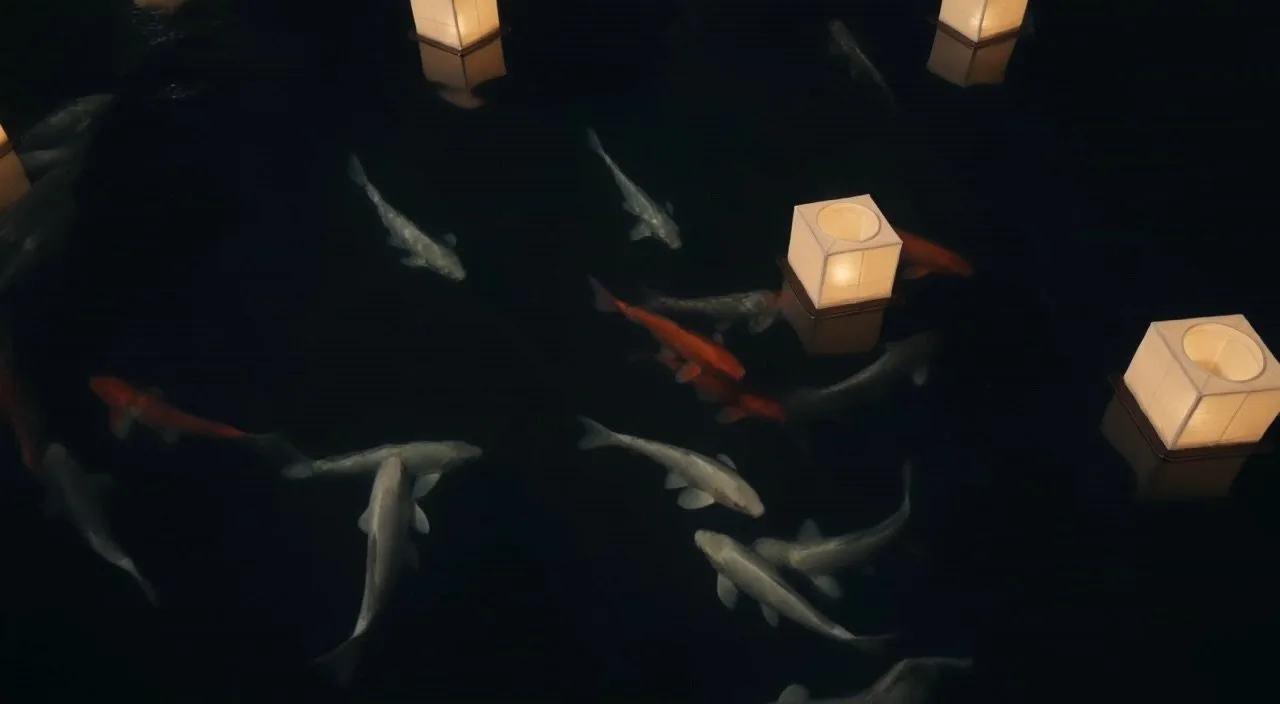
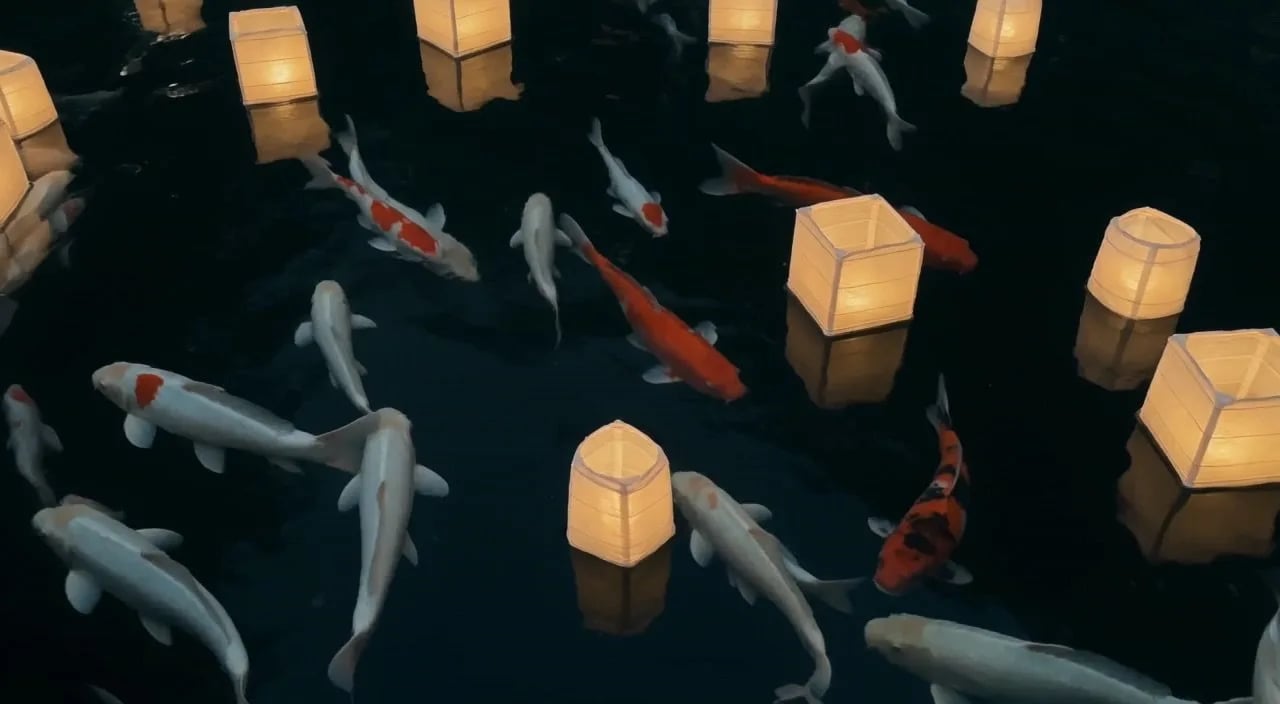
Koi drifting between floating paper lanterns at night, soft reflections on dark water, gentle camera drift
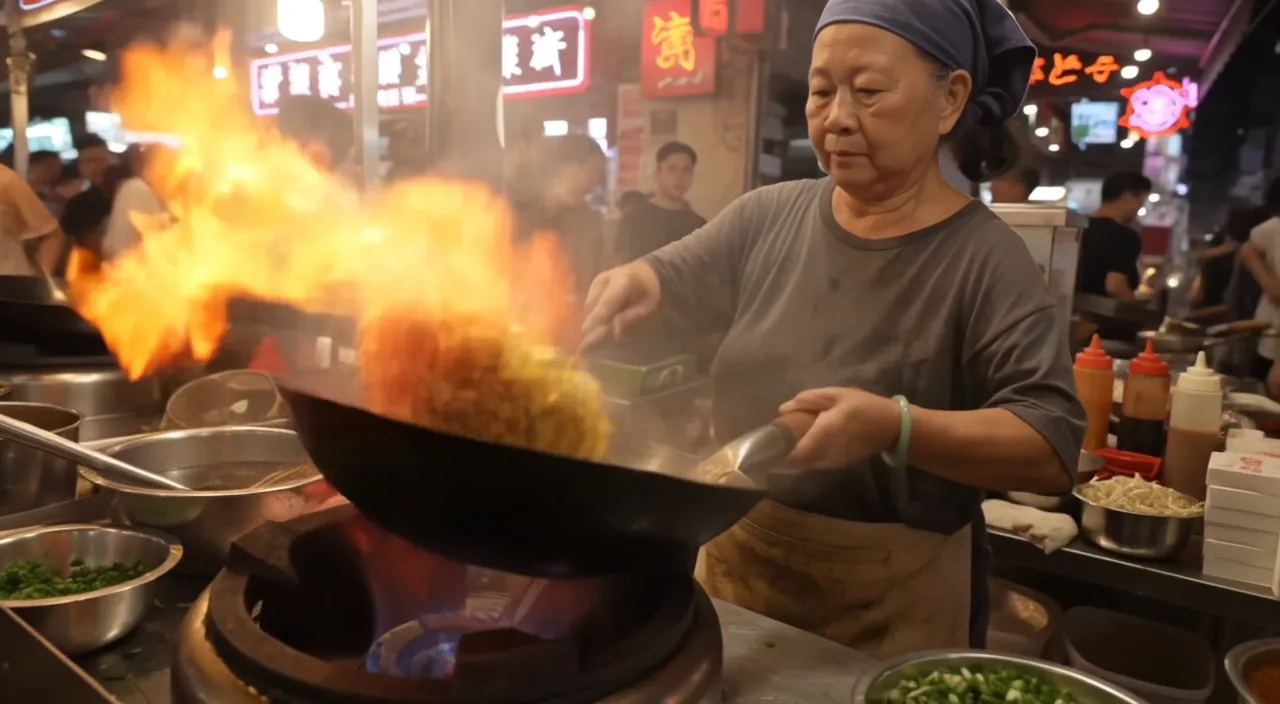
Night market food stall, handheld medium shot. An older street cook tosses noodles in a flaming wok; the flames flare up and light her face. She looks up at a customer just off camera and says with a grin: "Two minutes. Best noodles on this street." Sizzling wok, crowd chatter, a distant scooter horn. Warm neon signs and drifting steam.
 Official sample
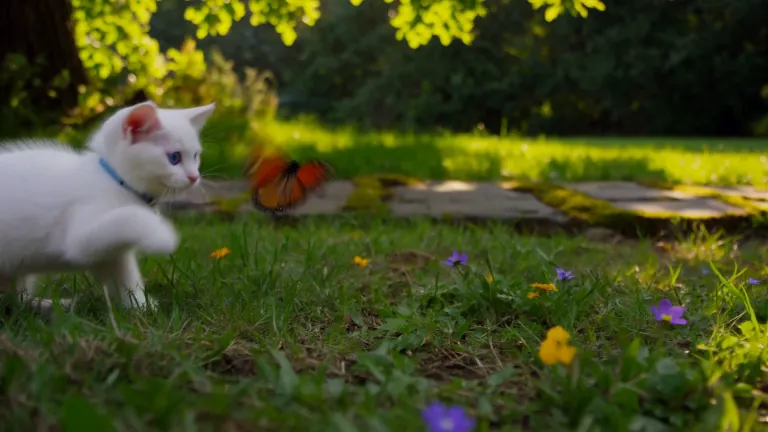
A white kitten chases a butterfly across a sunlit garden. Gentle camera tracking, natural movement, soft afternoon light filtering through the leaves.
 Official sample
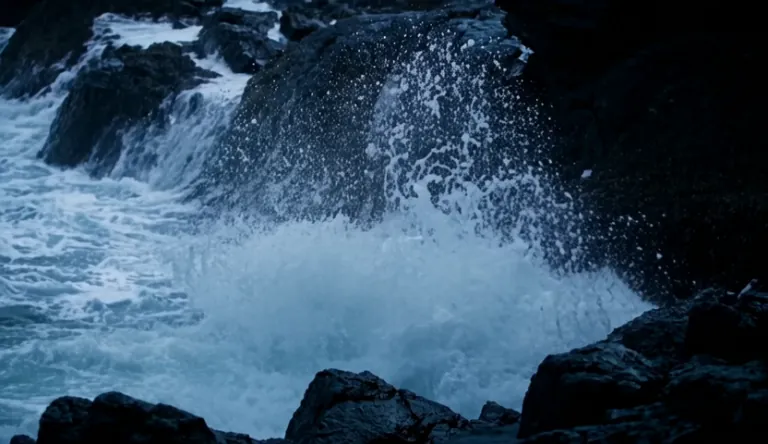
A lighthouse beam sweeps through heavy rain over black rocks at night, waves detonating against the cliff.
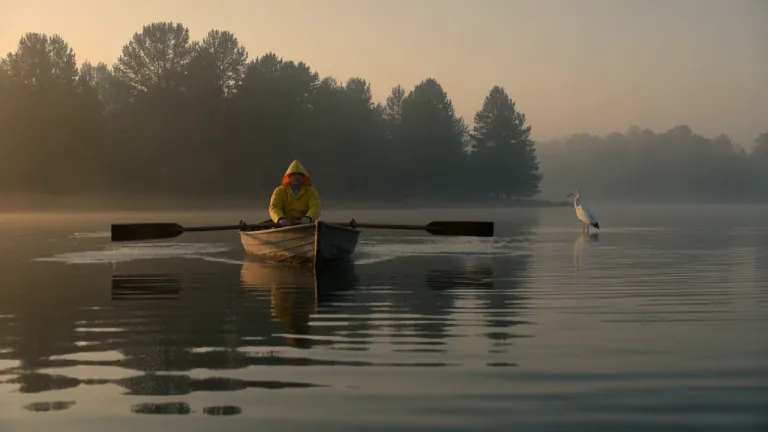 Official sample
A fisherman in a yellow raincoat rows a small wooden boat across a calm misty lake at dawn, soft golden light breaking through the fog, gentle ripples, a heron lifts off in the background, slow cinematic dolly-in, natural ambient sound of water and distant birds
A red panda walks along a mossy log in a sunlit forest, pausing to sniff the air before climbing over a fallen branch. Soft morning light filters through the canopy. Ambient birdsong and rustling leaves.
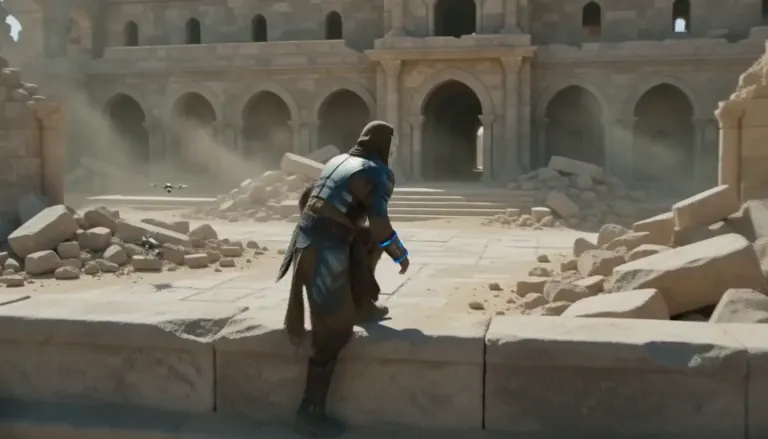 Official sample
An aging warrior-monk in scorched ceremonial armor, a split ceramic mask and a humming prayer-band on his forearm + 0–4s: climbs silently along a cliffside terrace as insect-like surveyor drones comb the sun-bleached ruins, standing alone under as the camera rises over the ruined monastery. Sun-blasted post-apocalyptic sci-fi action, dust, heat haze, practical debris, sweeping crane tracking, silence broken only by wind.
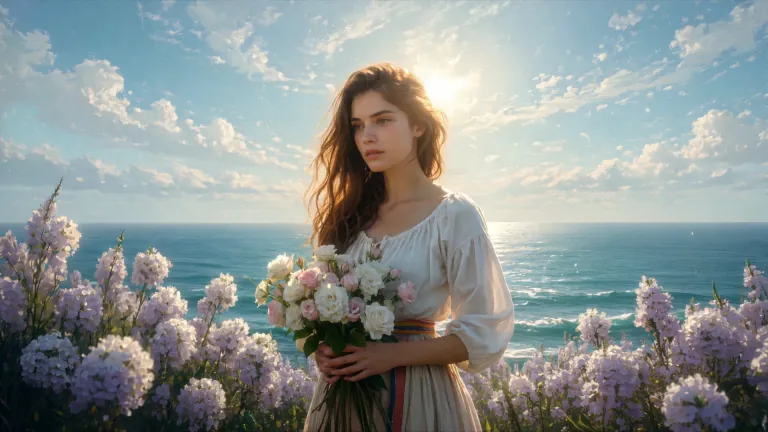 Official sample
ENVIRONMENT: open coastal air — pale blue and violet sky with dry scumbled clouds, a thin band of teal sea at the lower edge, warm cream haze along the horizon. Backlight from behind the flower mass makes the petals glow near-white while her face and arms fall into warm shadow. STYLE: 24fps, gentle handheld drift, no camera shake spikes. Slow continuous push-in of about 8%, drifting a few degrees to the right so her face rotates marginally into the light. Shallow parallax between three planes: foreground drifting petals, mid-plane figure and bouquet, background sky and sea. Color tone: cool blue-lilac against cream-gold and umber. No morphing, no smoothing, no plastic skin, no added detail beyond the painting's own resolution.
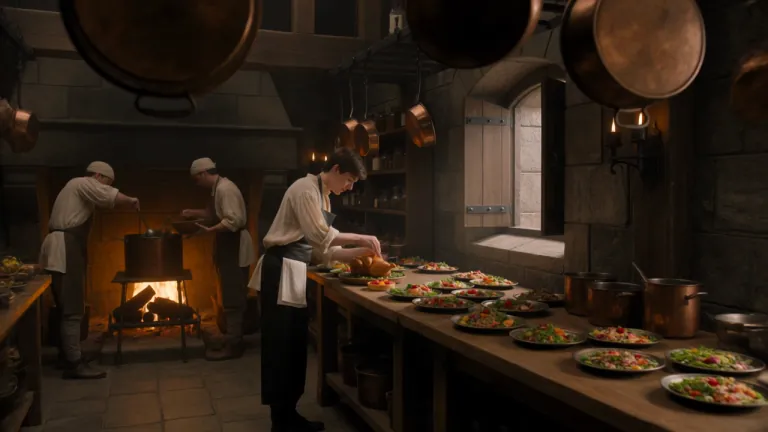 Official sample
A young royal chef stands inside a huge medieval castle kitchen, wearing a cream tunic and dark leather apron while dozens of elaborate dishes cover a long wooden table. A small dragon suddenly pushes its head through an open stone window. Everyone in the kitchen freezes. The chef cautiously offers it a roasted chicken. The dragon ignores it completely. He nervously raises a tiny fruit tart instead. The dragon’s eyes immediately brighten and it gently reaches toward the dessert. The camera begins behind hanging copper pans, tracks toward the chef, then pushes past him toward the dragon outside the window. Playful Western fantasy, detailed medieval kitchen, expressive creature behavior, cinematic comedy, realistic food and firelight.
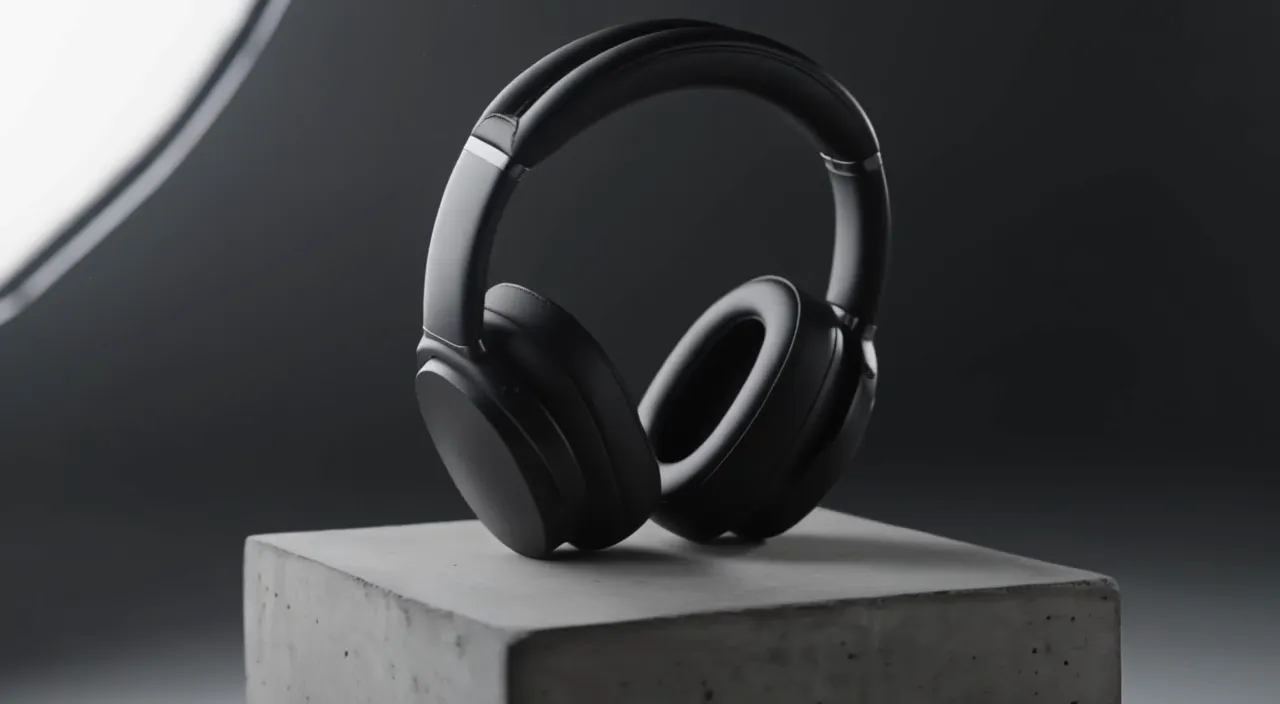
Slow 180-degree orbit around a pair of matte black over-ear headphones resting on a concrete pedestal in a minimal studio. Soft key light from the left, a thin rim light traces the ear cups, dust drifts through the beam. The orbit ends front-on as the light warms slightly. A low ambient synth hum.
 Official sample
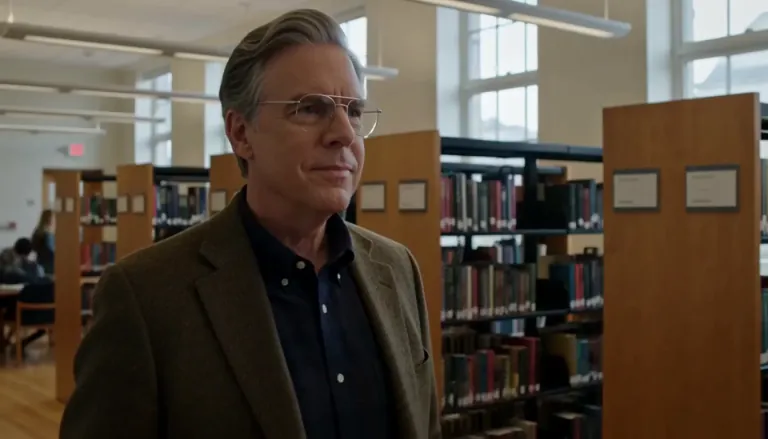
Create a 5-second live-action Hollywood film shot in a bright university library. A thoughtful professor stands in a medium shot, turns slightly toward an unseen student, and calmly says, “What is the real?” Natural daylight, professional cinema camera, realistic performance, subtle camera drift, no close-up, no dark lighting, perfect lip sync.
 Official sample
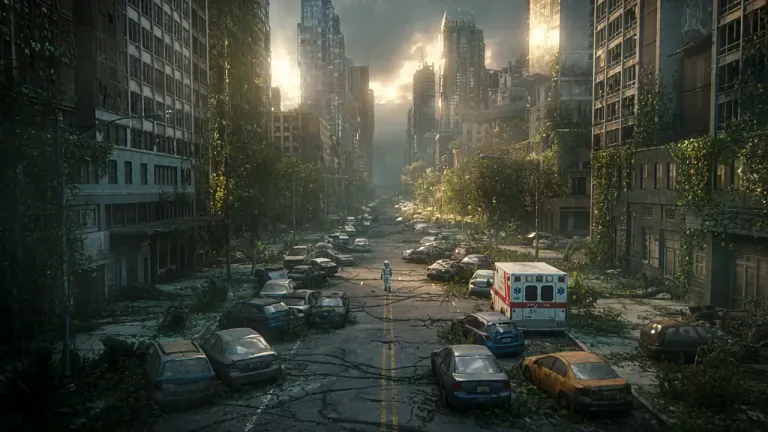
A lone astronaut walks through the ruins of a once-busy city, surrounded by abandoned cars, overgrown skyscrapers, and trees growing through cracked streets. She discovers a small child standing inside an old convenience store, holding a glowing flower. The astronaut slowly removes her helmet as birds suddenly rise into the sky and sunlight breaks through the clouds. Emotional science-fiction film, grand post-apocalyptic environment, slow cinematic camera movement, wide establishing shots, intimate facial close-ups, realistic dust particles, warm sunlight contrasting with cold ruins, epic yet hopeful atmosphere.
 Official sample
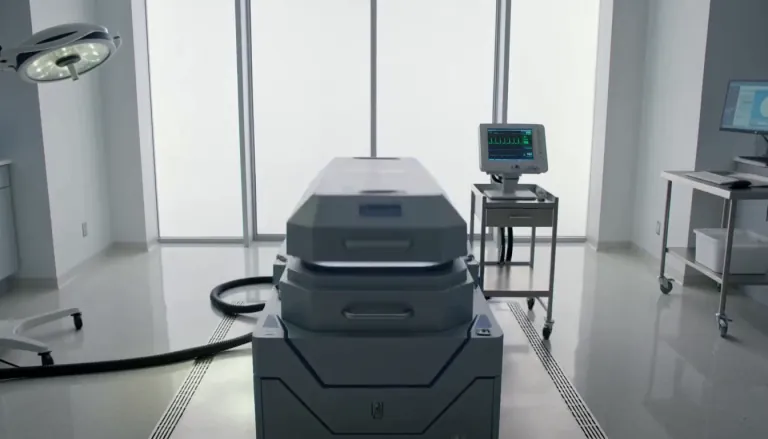
Exactly 5 seconds. Inside a bright sterile laboratory, a cryogenic chamber opens and cold vapor spills across the floor. A confused man slowly sits up. A scientist steps forward and says, “Welcome back.” The man asks, “What year is it?” The scientist hesitates as the camera gently pulls backward. Photorealistic Hollywood science-fiction drama, soft white daylight, realistic vapor, restrained acting, accurate lip sync, no extreme close-up.
A cheaper first pass so you can explore creative directions before full quality.
FLUX 3 Draft Mode returns a fast FLUX 3 Turbo preview of your prompt. When the motion, framing, and story feel right, switch to FLUX 3 at 720p or 1080p and render the same idea at full quality. Use it for text to video drafts and image to video drafts whenever you need more tries without burning full rates on every miss.
Four reasons creators start on FLUX 3 Turbo, then step up only the winner.
FLUX 3 Draft Mode is built for a fast first look at motion and framing. Run a draft video from your prompt, judge the beat in seconds, and only pay full quality when the idea already works. That habit keeps exploration cheap while you still land on a publishable clip.
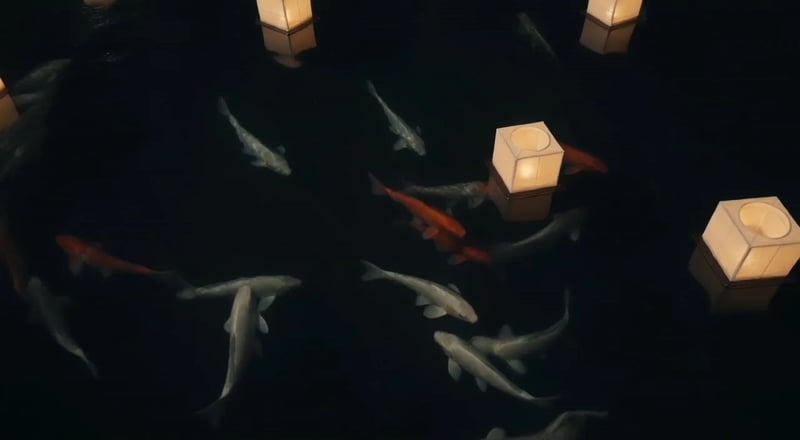
When a draft looks right, send the same idea back at 720p or 1080p. FLUX 3 Draft Mode is not a dead-end low tier — it is the first half of a draft-to-full workflow so you stop guessing which prompt deserves the higher rate.
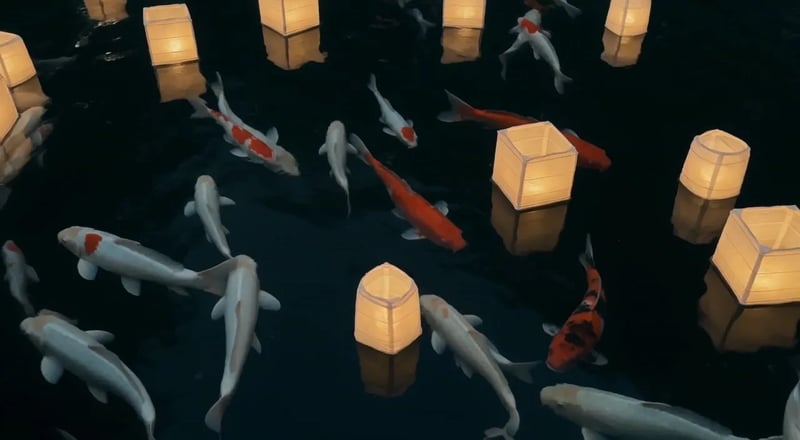
FLUX 3 Turbo bills five credits per second, so a five-second preview is twenty-five credits — a fraction of full-quality rates. Use FLUX 3 Draft Mode when you need three prompt angles, not one expensive guess. Keep full rates for the cut you already trust.
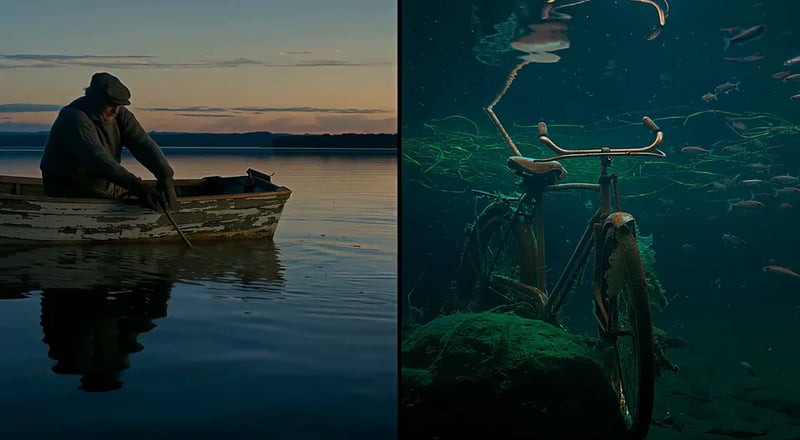
Start with a plain prompt for text to video, or upload a still for image to video. FLUX 3 Turbo takes both, so product shots, character stills, and written scenes all get a cheap preview before full quality.
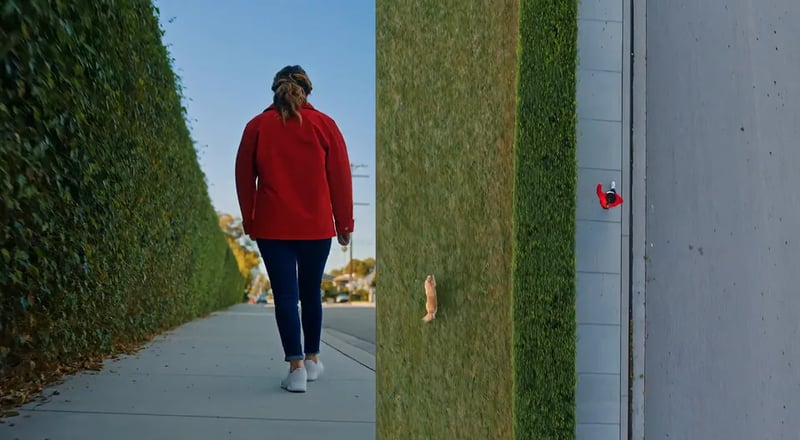
Preview cheap, promote only the shot you like.
Describe the scene in plain words, or upload a photo you want to animate. Keep one clear beat so the draft is easy to judge.
Leave the model on FLUX 3 Turbo (the default here) and pick length from five to fifteen seconds. Previews are silent — audio comes with the full-quality pass on FLUX 3.
Run the draft and watch the result in your library. Change the prompt or still until motion and story feel right.
When a draft wins, switch the model to FLUX 3, pick 720p or 1080p, and generate again with the same idea so the final clip matches the preview you already approved.
Jobs that need many looks before one full-quality spend.
Try three hook lines as draft video, pick the winner, then re-render that single draft idea at full quality for paid social.
Block scenes as cheap draft previews so directors and editors agree on motion before anyone burns 1080p rates.
Animate a packshot still with image to video drafts until camera and light feel right, then step the approved take up.
Compare looks and moods with draft previews before locking a brand-safe full-quality pass.
Share a draft preview for notes, then spend full quality only after feedback lands.
Draft each beat of a multi-scene short, assemble the story, and promote only the cuts that stay in the final edit.
Jump to the full video hub or still generator when the brief leaves draft mode.
Up to 1,000 images or 41 videos
Up to 2,500 images or 104 videos
Up to 6,500 images or 270 videos
· No card required
Failed runs are refunded automatically · Credits added every month · Cancel anytime
FLUX 3 Draft Mode is the preview pass on this site. It runs your prompt on FLUX 3 Turbo, a fast low-cost video model, so you can explore creative directions before spending on 720p or 1080p full quality on FLUX 3.
FLUX 3 Turbo is the low-cost preview model behind Draft Mode. 720p and 1080p are full-quality FLUX 3 renders. Start on Turbo, then re-run the winning idea on FLUX 3.
Yes. FLUX 3 Turbo takes both. Upload a still when you already have a product or character frame; write a prompt when you are inventing the shot from scratch.
A FLUX 3 Turbo preview is five credits per second, so the default five-second run is twenty-five credits. Full quality on FLUX 3 is thirty-five credits per second at 720p and sixty at 1080p, with a one-hundred-seventy-five credit minimum per run. The generator shows the estimate before you start.
Yes — that is the intended draft-to-full path for FLUX 3 Draft Mode. Keep the same prompt (and still, if you used one), switch the model from FLUX 3 Turbo to FLUX 3, pick 720p or 1080p, and generate again.
Turbo previews run from five to fifteen seconds; full-quality FLUX 3 runs go to twenty. Pick length before you generate so draft trials stay intentional.
Draft previews on FLUX 3 Turbo are silent — that model has no audio control. Native audio comes with the full-quality pass on FLUX 3, where it defaults on.
Not on their own. Signup includes 10 free credits on this site, while a default five-second FLUX 3 Turbo preview costs 25 credits. Spend the signup credits on FLUX 3 Image stills, then buy credits or a plan when you want to run a draft video.
Stay in the workspace to finish stills or open the full video hub.
Generate a FLUX 3 Turbo preview, lock the idea, then re-render the same shot at full quality.

