


FLUX 3: Free FLUX 3 AI Video Generator
Make short AI video from a prompt or a photo. Text to video and image to video in one free FLUX 3 AI video generator — no card to start.

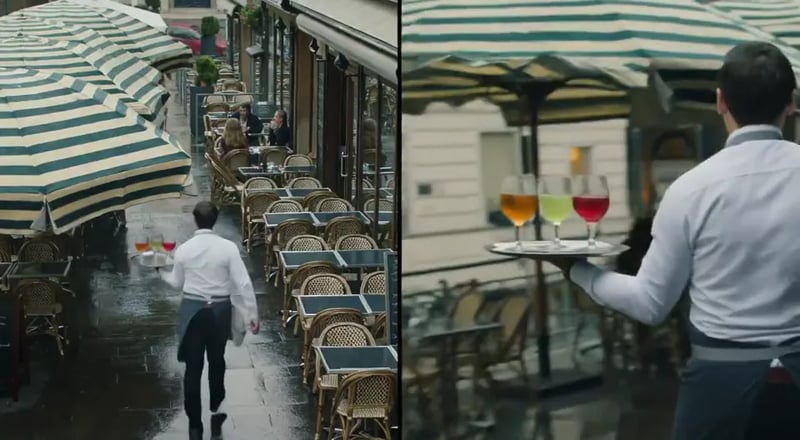
Golden hour shot. A young woman with curly hair walking in a field of tall grass turns back to look at the camera and smiles genuinely. The low sun is behind her, creating a beautiful rim light (backlight) on her hair. Dust motes dancing in the light. Handheld camera feel, warm and nostalgic.
FLUX 3 in One Minute: Models, Release Dates and Open Weights
FLUX 3 is Black Forest Labs' multimodal AI model, announced on July 23, 2026: one model trained on images, video and audio together. It is best known for video with synchronized sound, and it also has image models and a robotics model. Here is what is out as of November 2026 and which parts you can use on this site.
- Made by
- Black Forest Labs, the team behind FLUX.1 and FLUX.2
- Announced
- July 23, 2026, with video and sound first
- Models so far
- FLUX 3 Video, FLUX 3 Max, FLUX 3 Image, FLUX 3 Image Klein and FLUX 3 Action
- Open weights for the FLUX 3 Dev backbone are announced, with no date yet.
- What it makes
- Video with sound up to 20 seconds, images up to 4K, and robot actions
- Latest release
- FLUX 3 Max, October 19, 2026
- Faster than FLUX 3 and closer to the prompt, with sound.
- Open weights
- FLUX 3 Image Klein and FLUX 3 Action only
- Both are on Hugging Face under the FLUX Kommunity License. FLUX 3 Video, FLUX 3 Max and the full FLUX 3 Image are hosted only.
- Official access
- Black Forest Labs' API and dashboard, built for developers
- On this site
- FLUX 3, FLUX 3 Max, FLUX 3 Video Edit and FLUX 3 Image Klein, in your browser
- Free to try here
- Yes, with free credits when you sign up
- No card needed. The FAQ below says what the free credits cover.
What You Can Make with the FLUX 3 AI Video Generator
The FLUX 3 AI video generator is built for short clips you can post — write a scene, or upload a still and animate it, then save the result to your library.
Clips that look more like real life
Creators care about faces, motion, and everyday style — not only glossy film looks. Use the FLUX 3 AI video generator when you want a short clip that feels natural enough to drop into a story, ad, or product demo.
Generate free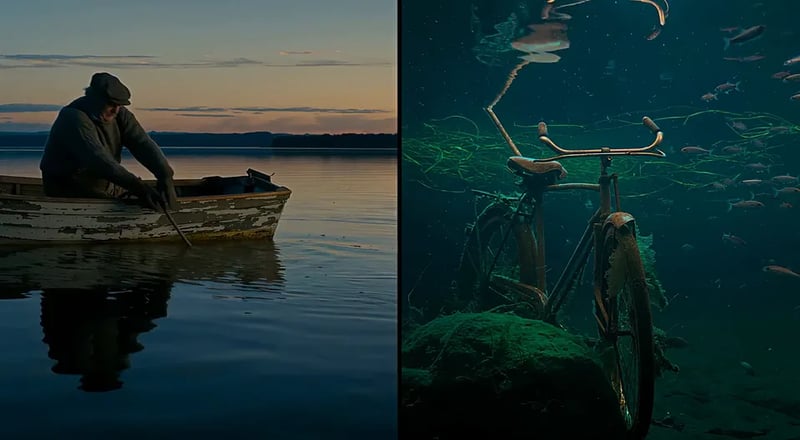
Text to video from a plain prompt
Describe the shot in everyday words — who is there, what moves, how it should feel. Text to video in this FLUX 3 AI video generator turns that brief into a short clip without a timeline app.
Try text to video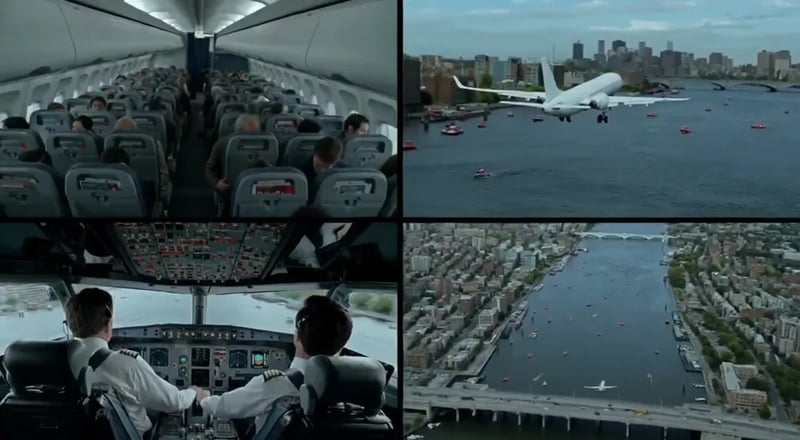
Image to video from a photo
Upload a still and animate it. Image to video is ideal when you already have a product shot, character frame, or poster and want motion without rebuilding the scene from scratch.
Try image to video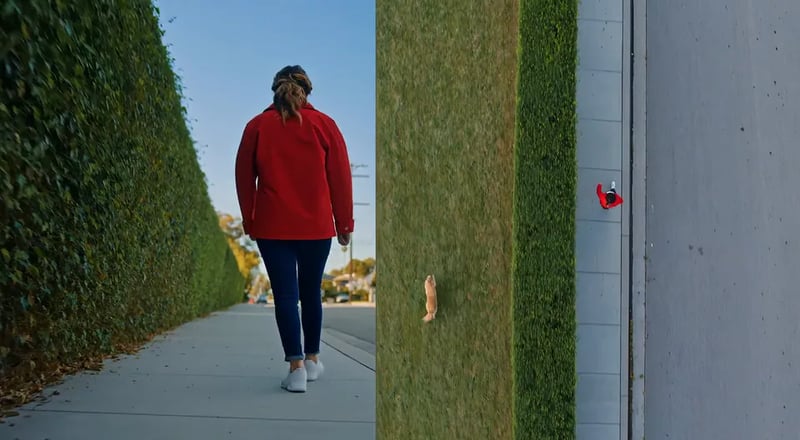
How FLUX 3 Creates AI Video in Seconds
Four steps from idea to a saved clip. Text to video and image to video share one workspace and the same free start.
- 1
Write or upload
Type a short scene in plain language, or upload a photo to animate. Keep the first prompt simple — subject, action, and place are enough to start on the FLUX 3 AI video generator.
- 2
Pick FLUX 3 (or another model)
The video generator opens on FLUX 3 Turbo, this site's fast preview tier; switch to FLUX 3 or FLUX 3 Max in the picker for sound and full quality. Stills run on FLUX 3 Image Klein.
- 3
Generate the clip
Run the job and wait for the short video to finish. Failed runs refund credits automatically so a bad take does not waste your balance.
- 4
Save and reuse
Download the result or open it later from your library. Paid plans include commercial licensing when you need client or ad use.
Inside FLUX 3: Your Complete AI Video Generator Toolkit
Everything you need to make and reuse short video — write a prompt, animate a photo, switch models, and keep winners — without bouncing between apps.
Text to video
Describe a short scene and generate a clip in the FLUX 3 AI video generator. Best for social hooks, product explainers, and first-pass storyboards that start from words alone.
Image to video
Turn a product photo, character still, or design frame into motion. Image to video keeps the visual you already like and adds movement for ads, reels, and demos.
Many styles, one workspace
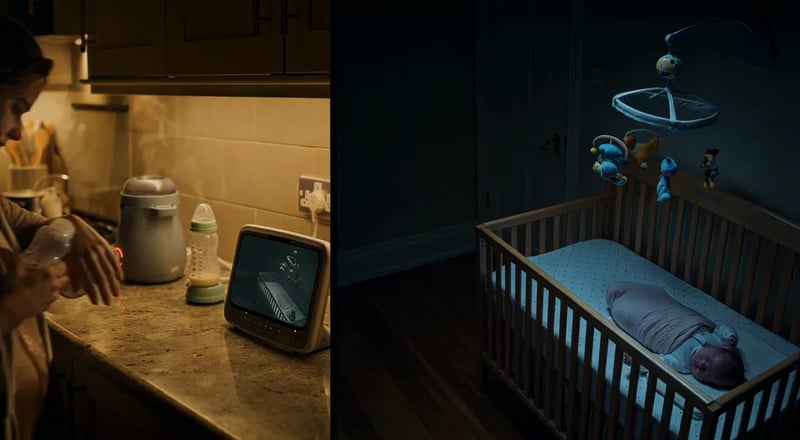
Try candid, animated, design-led, or clean product looks without leaving the page. The FLUX 3 AI video generator is built for everyday posting styles, not only one film look.

More models when you need them
FLUX 3 is the default for video SEO and house branding. The same picker also lists other video and image models so you can compare drafts without a second product login.
History and library
Every finished run can land in your library so prompts and clips compound. Search by date, reopen a draft, and regenerate with a small prompt change.
Free tier, no card
Start free with a real quota and no credit card. Upgrade only when volume or commercial rights grow — no surprise lock-in to open the FLUX 3 AI video generator.
Explore FLUX 3
Start from the page that matches what you want to make.
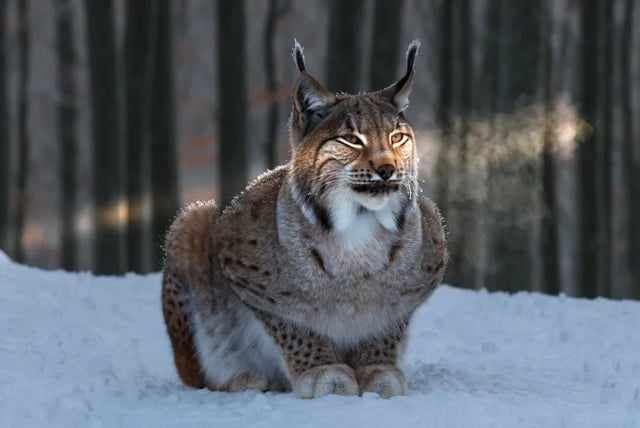
Image to video
Upload a photo and turn it into a clip of 2 to 20 seconds.

FLUX 3 Max
The post-trained FLUX 3, with dialogue, ambience and music in the clip.

FLUX 3 Video Edit
Describe one change in a sentence and apply it to a clip you already have.

FLUX 3 Image
Make stills from text or edit a photo, then use one as a first frame.

FLUX 3 prompt guide
Prompts you can copy, with the camera, sound and dialogue written in.

What is FLUX 3
What the model is, which parts have open weights, and when each one shipped.
How to use FLUX 3
Get access, pick a model and make your first clip.
FLUX 3 Video vs FLUX 3 Image — Which Path?
Black Forest Labs positions FLUX 3 as one multimodal family with staged rollouts. On this site, pick the path that matches your job: short AI video by default, or stills when you need a frame first.
| PrimaryFLUX 3 VideoDefault on this siteOpen video | Image pathFLUX 3 ImageStills & editsOpen image | |
|---|---|---|
| Best first use | Short AI video for posts, demos, and product motion | Posters, product stills, and editable frames |
| Main inputs | Text prompt or start photo (text to video / image to video) | Text prompt or reference image (text to image / image to image) |
| Output | Short video clip ready to download or save | Still image for design, ads, or a later video pass |
| Where to open | The image to video and text to video pages | The FLUX 3 Image page, running FLUX 3 Image Klein |
| Who should pick it | Creators who searched for FLUX 3 video and want a free online try | Teams who need a sharp still before they animate |
Why Creators Choose This FLUX 3 AI Video Generator in 2026
A free browser workspace focused on the FLUX 3 name people search for — with a clear free start and paid plans when volume grows.
Use it in the browser, no API key
Black Forest Labs' own access is an API for developers. Here you open the page, type a prompt or upload a photo, and run FLUX 3 without writing code.
Video first, stills one click away
Most people come here to make short clips, so the page opens on video. When you need a still or a first frame, the FLUX 3 Image page runs FLUX 3 Image Klein on the same credits.
Generate in the browser
No install. Type a prompt or upload a photo, run FLUX 3, and keep results in your library when you sign in.
Text to video and image to video
Both modes live in one workspace. Start from words when you have no plate, or from a photo when the frame already looks right.
Free quota — no card
Try the FLUX 3 AI video generator with a real free tier. Upgrade only when you need more runs or commercial licensing.
Independent product, clear disclaimer
FLUX 3 is a trademark of Black Forest Labs. This site is an independent generator workspace and is not affiliated with or endorsed by BFL.
FLUX 3 AI Video Generator for Creators & Teams
Where short AI video shows up day to day — from social hooks to product motion and client drafts.
- 01
For Social Creators
Ship a 5–15 second hook without a full edit suite. The FLUX 3 AI video generator is built for posts that need motion today, not a week-long shoot.
- 02
For E-commerce & Catalog Teams
Animate a product still into a short demo loop. Image to video keeps packaging and brand framing while adding simple motion for PDP and ads.
- 03
For Marketers & Growth Teams
Spin prompt variants for A/B creative tests. Free quota covers early drafts; paid plans cover higher volume when a winner scales.
- 04
For Short-Form & Story Teams
Block a beat as a short clip, then iterate the prompt. Use the library to keep character and scene experiments in one place.
- 05
For Agencies & Freelancers
Show clients a moving first pass in the same call. Switch models only when a draft needs a different look — FLUX 3 stays the default.
- 06
For Educators & Course Creators
Turn a slide idea into a short explainer clip. Text to video helps when you need motion to teach a step, not a full production.
What People Love About This FLUX 3 AI Video Generator
Short clips, free starts, and a browser workflow — without a design suite install.
From prompt to post the same afternoon.
I needed a short AI video for a product tease. The free FLUX 3 AI video generator got me a usable first clip without waiting on a waitlist email.
Elena M.Social creator Image to video saved the product still.
We already had a hero photo. Image to video on FLUX 3 added motion for ads without rebuilding the whole scene.
Jordan K.Growth marketer Client saw motion in one meeting.
I opened the FLUX 3 AI video generator on a call, ran two prompts, and we picked a direction before the hour ended.
Sofia R.Agency producer No card to try video.
Free quota was enough to test whether short AI video helps our landing page. I upgraded only after the third keeper.
Noah P.Indie founder
FLUX 3 Pricing
Start free on the FLUX 3 AI video generator with a real free tier — no credit card. Upgrade only when you need more volume or commercial licensing.
Up to 1,000 images or 41 videos
- Up to 1,000 images
- Up to 41 videos
- All models, including Premium
Up to 2,500 images or 104 videos
- Up to 2,500 images
- Up to 104 videos
- All models, including Premium
Up to 7,500 images or 312 videos
- Up to 7,500 images
- Up to 312 videos
- All models, including Premium
· No card required
Failed runs are refunded automatically · Cancel anytime
Frequently Asked Questions About the FLUX 3 AI Video Generator
It is a free online workspace where FLUX 3 is the default video model name. You can run text to video and image to video in the browser, save results to your library when signed in, and upgrade for more volume or commercial licensing.
On July 23, 2026, Black Forest Labs announced FLUX 3 as one multimodal model trained on images, video, audio and robot actions together. Since then it has released FLUX 3 Max, FLUX 3 Image and the open-weight FLUX 3 Image Klein and FLUX 3 Action. This site is an independent browser tool that runs part of that family.
Yes. Black Forest Labs announced FLUX 3 on July 23, 2026, and FLUX 3 Video, FLUX 3 Max and FLUX 3 Image are live on its API today. On this site you can run FLUX 3 and FLUX 3 Max in the browser now. The part still to come is the open-weight FLUX 3 Dev backbone, which Black Forest Labs says is on the way, with no date yet.
Partly. FLUX 3 Image Klein, a 5.6B image-editing model, and FLUX 3 Action, a 7B robot-control model, have open weights on Hugging Face under the FLUX Kommunity License, and Klein also has a ComfyUI build. FLUX 3 Video, FLUX 3 Max and the full FLUX 3 Image are hosted only, so there is no FLUX 3 video model to download yet. The What is FLUX 3 page explains what the license allows.
For text to video, FLUX 3 is near the top. On the Artificial Analysis video leaderboard of November 5, 2026, FLUX 3 Max scored 1156 (#4) and FLUX 3 scored 1139 (#8), inside the overlapping group of top models. For image to video, the leading model currently rates about 90 points higher. FLUX 3 also makes dialogue, effects and ambience with the picture, so a clip needs no separate sound step.
No. FLUX 3 is an independent product and is not affiliated with, endorsed by, or sponsored by Black Forest Labs. Model names are trademarks of their owners, used here for identification. Footer legal pages carry the full disclaimer.
No. Black Forest Labs sells FLUX 3 through its own API and dashboard. This site is a separate browser tool: create a free account here and generate without a BFL account or API key.
Yes. Text to video starts from a prompt; image to video starts from a photo you upload. Each has its own page under AI Features, and both use the same account, credits and library.
Not every one. Here you can run FLUX 3 and FLUX 3 Max video with native sound, FLUX 3 Video Edit, video upscaling and FLUX 3 Image Klein for stills, plus FLUX 3 Draft Mode, which runs on this site's own fast preview tier rather than a Black Forest Labs model. BFL's action models, frame-position keyframes, clip extension and anything BFL has not released are not on this site, and we do not claim official BFL API access.
Partly. New accounts get 10 free credits, enough for one 2-second FLUX 3 Turbo clip at 480P or five 1K FLUX 3 Image Klein stills. Signed out, you can try 3 Turbo Image stills a day. FLUX 3 and FLUX 3 Max video need purchased credits.
Use the FLUX 3 Image page for stills. This site runs FLUX 3 Image Klein for text to image and photo edits. Many creators make a still first, then animate it with image to video.
Paid plans include commercial licensing for ads, products, and client deliverables as stated on the pricing page. Free-tier outputs are for personal, non-commercial use unless your plan says otherwise.
No. The FLUX 3 AI video generator runs in the browser. Start on the free tier; signing in unlocks your library, history, and higher limits.

Start Free With the FLUX 3 AI Video Generator
Try text to video or image to video online — free credits when you sign up, no credit card.