

FLUX 3 Image to Video Turn a Photo into Video Online
Upload a photo, describe the motion, and FLUX 3 image to video makes a 2–20 s clip.
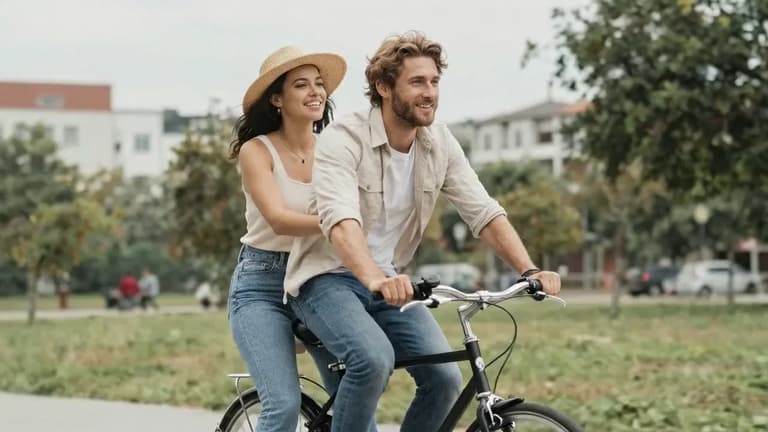

A couple sharing a bicycle glides slowly down a park path on a breezy afternoon. Camera pulls back in a wide tracking shot as they move through dappled light filtering through trees. The woman's hat brim flutters, she turns slightly to look at him. He smiles without looking back. Shallow depth of field, golden overcast sky, 24fps cinematic grade, quiet intimacy.
Image to video examples you can load
Each clip started from a still and was made by one of the models in this generator; every card names its model. Load any prompt and try it on your photo.
- FLUX 3 Max
Official sample
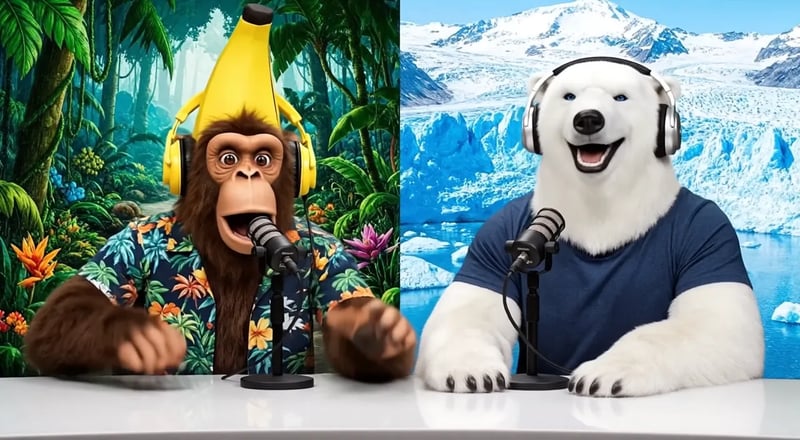
The monkey leans into his microphone and says, "Welcome back to the show!" The polar bear laughs and nods along, tapping the desk. Jungle birdsong on the left, a cold wind on the right.
 Gemini Omni 1.2 Flash
Official sample
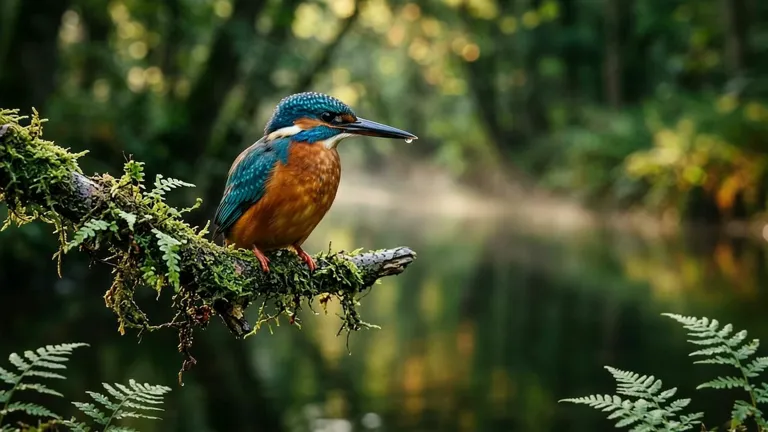
A quiet wildlife moment in one continuous shot. The kingfisher remains perched on the branch, breathing subtly as a breeze lifts the fine feathers along its chest. It slowly turns its head toward the stream, pauses, then tilts its head slightly as if tracking movement below. The droplet at its beak falls into the water, creating a small expanding ripple. The camera gently pushes closer while keeping the bird's entire body visible. Fern tips sway softly and thin morning mist drifts across the blurred stream.
 MiniMax H3 Max
Official sample
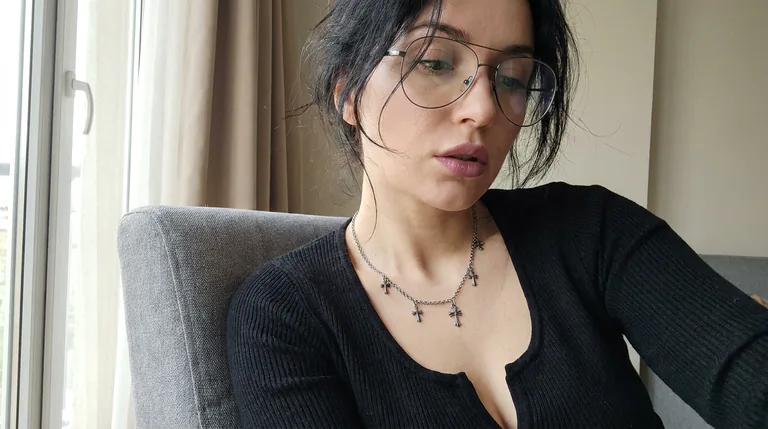
She is saying "I heard something. MiniMax H3 Max is here?.. Is that true?"
 Wan 3.0
Official sample
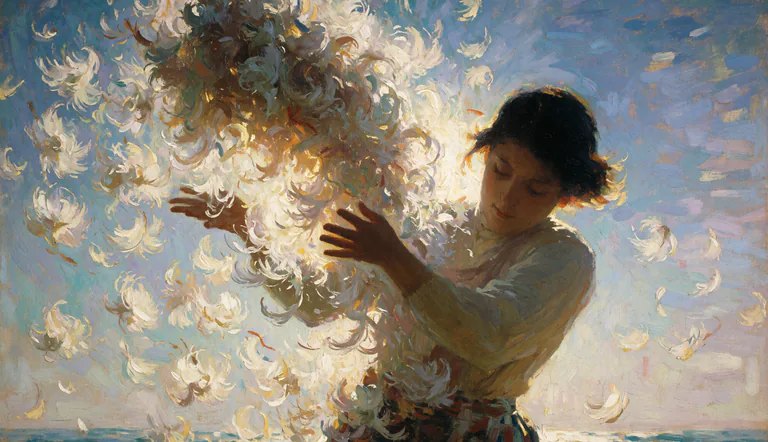
5s Living Oil Painting | 16:9 | Impressionist Post-Painterly Texture | Sea-Cliff Wind and Scattering Blossoms FIRST FRAME: strictly preserve the reference image's original composition, palette, and brushwork. Nothing is re-rendered as photoreal — the animation must look like an oil painting in motion, visible impasto strokes and palette-knife ridges holding their identity as they move. SUBJECT: young dark-haired woman in a sage-olive long-sleeved blouse with a patterned sash, head tilted down and to her right, eyes lowered, expression calm and inward. Both bare forearms lift toward a great bundle of white chrysanthemum blooms breaking apart in the air before her. Face structure, hair mass, sleeve folds, and skin tone stay consistent throughout.
 Kling 4.0
Official sample
She lifts her coffee cup, smiles softly at the camera and tucks a curl behind her ear, gentle cafe ambience, slow push-in
- FLUX 3 Max
Official sample
Continuous single shot, very slow push-in toward the rider’s boots. The young bull rider sits still on the bucket, head bowed, breathing slowly. He lifts his head slightly and looks down at his worn leather boots. A faint, tired smile. The arena behind him stays soft and blurred, the crowd quiet and still. Warm golden backlight, gentle lens flare, 1980s commercial look, 35mm film grain. Rider (quietly): “Lost my hat. Lost my pride. Kept my boots.” Narrator: “Ironside Boots. They stay on when you don’t.”
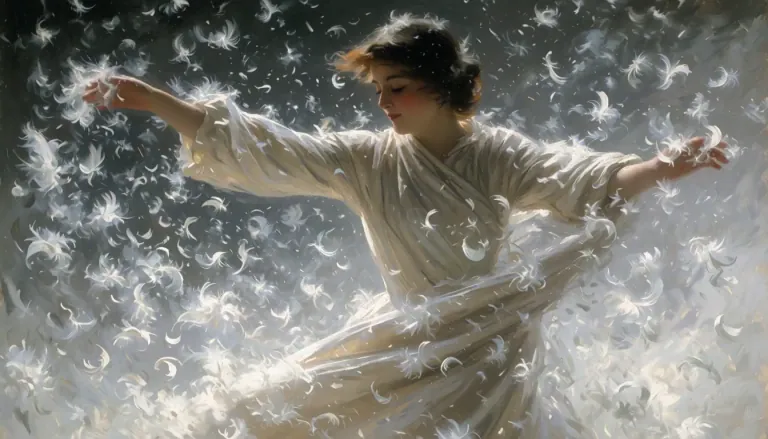 MiniMax H3 Max
Official sample
She spins. A woman in flowing ivory silk turns hard through a violent updraft of white feathers, her skirt flaring wide and heavy as it whips around her legs, sleeves snapping like sails. She throws her head back, hair breaking loose from its pins and streaming sideways, then drops her chin and opens her eyes — laughing. Her outstretched arms sweep down and across, carving visible channels through the feather storm, dragging spiral vortices behind her fingertips. Feathers explode outward on each rotation, some slamming against the lens, others caught and flung upward by the momentum of her skirt. She plants one foot, pivots, and reverses direction; the fabric lags a half-beat behind her body, then catches up and slams around her hips. The light surges from dim to blazing as the storm parts.
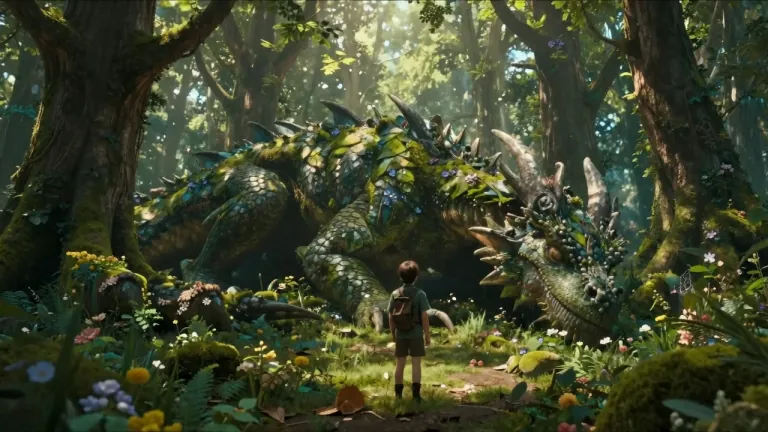 Wan 3.0
Official sample
The dragon slowly opens its eyes, leaves move from its breathing, glowing particles float around the forest, the ranger slowly steps forward and reaches out a hand. The camera slowly circles around both characters revealing the enormous scale difference.
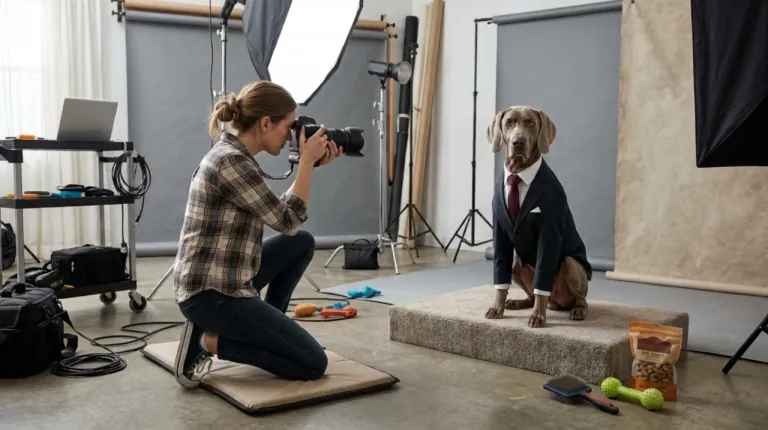 Kling 4.0
Official sample
The photographer raises the camera and tries to get the dog to smile by shaking a toy. The dog remains completely serious. She tries a treat. The dog slowly adjusts its tie with one paw and continues staring directly into the camera. She lowers the camera in disbelief. The camera begins from her shooting position, then gently pushes toward the dog’s deadpan expression. Sophisticated visual comedy, realistic animal movement, polished studio lighting.
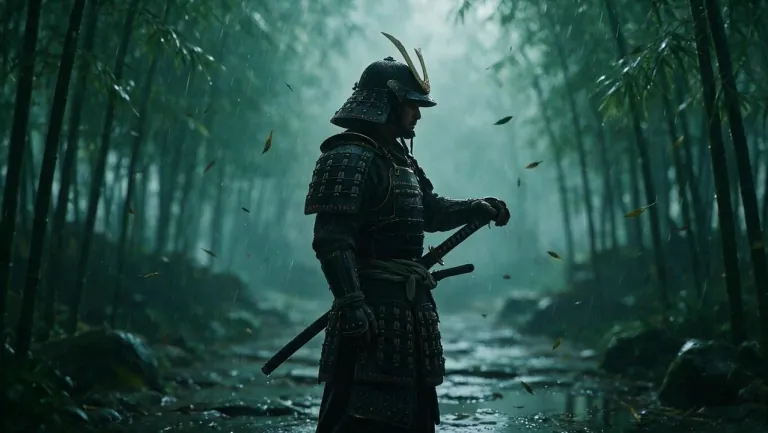 Wan 3.0
Official sample
Heavy rain pours through the bamboo forest. The samurai slowly turns his head, then in one lightning-fast motion draws his katana and slices a falling bamboo leaf in half mid-air. Water sprays from the blade, leaves swirl around him. The camera pushes in from a low angle. Sound of rain, rustling bamboo and the sharp ring of steel.
 Wan 3.0
Official sample
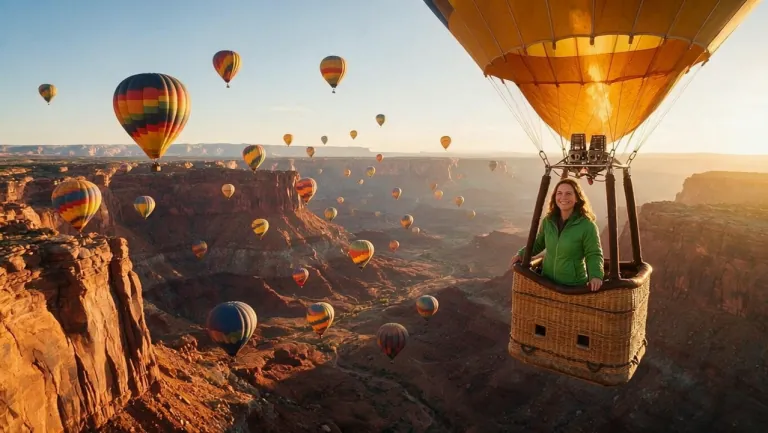
The burner above the basket roars with a burst of flame, and the balloon rises gently over the canyon as dozens of colorful balloons drift in the golden sunrise. The woman leans on the basket edge, looks at the camera and says with a big smile: "Best morning of my life. Look at this view!" The camera slowly pulls back into a wide aerial shot of the canyon.
What FLUX 3 image to video does with your photo
FLUX 3 image to video keeps what is already in your picture and adds the movement you ask for.
Your photo becomes the first frame
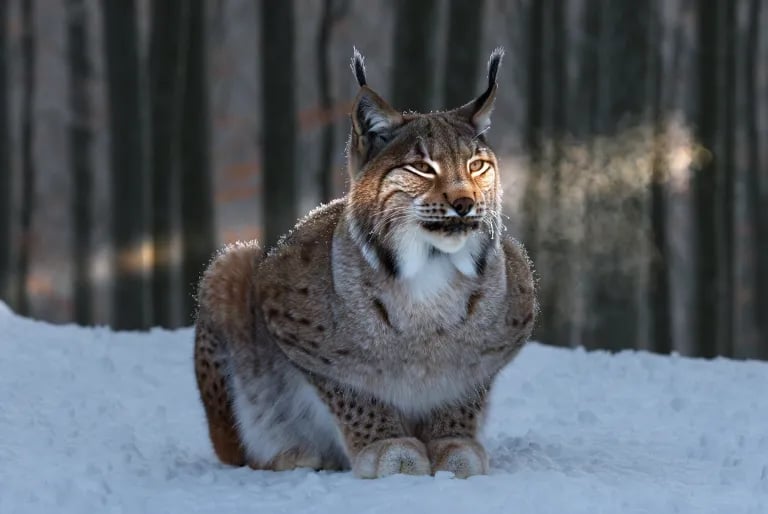
FLUX 3 image to video opens the clip on your photo. Subject, colors, light and framing are already set, so the prompt only says what happens next. In this official FLUX 3 Max sample, the prompt asks a lynx in the snow for slow breaths, a blink and a turn of the head, with the camera locked off.
Add a last frame to set the ending
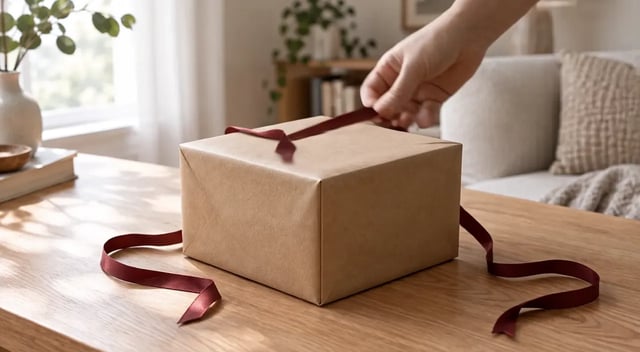
FLUX 3 Turbo and FLUX 3 Max both take a second picture as an optional last frame. Add one when you know how the shot should end, such as a box that ends up open, and the model fills in the movement between. A first and last frame pair works best with the same angle, setting and light. This is the last frame of the gift box run below.

The clip keeps your photo's shape
FLUX 3 image to video has no aspect ratio setting: the clip takes the shape of your photo, so a portrait photo gives a vertical clip. Crop before you upload, to 9:16 for Reels or 16:9 for YouTube, and give a last frame the same shape. One clear subject with space around it moves better than a busy picture.
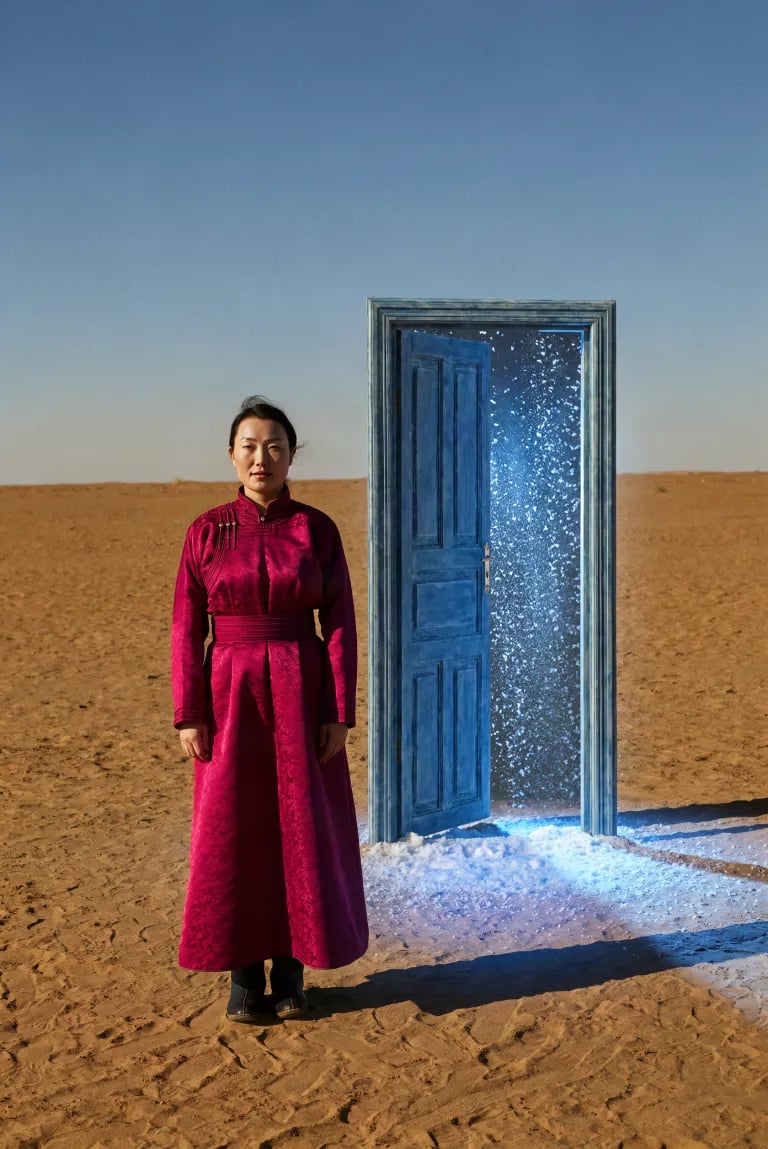
Image to video with sound on FLUX 3 Max
For photo to video with a voice, FLUX 3 Max makes dialogue, ambience and music with the picture; sound is on by default and can be switched off. Put a spoken line in quotes and name who says it. In this official sample the monkey says "Welcome back to the show!" FLUX 3 Turbo clips are silent, which suits product loops.
FLUX 3 image to video at a glance
- Free to try
- Yes, with free sign-up credits
- Enough for a first 2-second clip on FLUX 3 Turbo.
- Sign-up
- Needed for video
- Watermark
- None on video
- Commercial use
- On paid plans or purchased credits
- Clips made only with free credits are for personal use.
- Input
- One photo, plus an optional last frame
- Length
- 2–15 s on FLUX 3 Turbo, 5–20 s on FLUX 3 Max
- Quality
- 480P, 768P or 1080P on FLUX 3 Turbo; 720p or 1080p on FLUX 3 Max
- Free credits run at the lowest setting.
- Sound
- FLUX 3 Max only
One photo pair, one clip: a first and last frame run
We gave FLUX 3 Max two stills and one prompt: the closed gift box as the first frame, the open box as the last.


Prompt
A hand enters the frame, unties the red ribbon and lifts the lid, leans it against the side of the box and moves out of frame, revealing a wristwatch on white tissue paper. The camera holds still. The soft window light stays the same. Sound: ribbon sliding, paper rustling, a soft click as the lid comes off.
Result
FLUX 3 Max, 720p, 5 seconds, sound on. A hand pulls the ribbon loose and lifts the lid; the take ends on the open box from the last frame.
Which FLUX 3 model for image to video: Turbo, Max or FLUX 3
Three FLUX 3 models run image to video here. FLUX 3 Turbo and FLUX 3 Max take a first and an optional last frame, FLUX 3 can work from up to ten photos, and Max and FLUX 3 add sound.
| DefaultFLUX 3 TurboGenerate | FLUX 3 MaxTry | FLUX 3Try | |
|---|---|---|---|
| Photos | First frame, optional last frame | First frame, optional last frame | 1 to 10 photos |
| Length | 2–15 s | 5–20 s | 5–20 s |
| Quality | 480P, 768P, 1080P | 720p, 1080p | 720p, 1080p |
| Sound | None | Dialogue, ambience, music | Dialogue, ambience, music |
| Credits per second | 5 at 480P, 8 at 768P, 20 at 1080P | 35 at 720p, 60 at 1080p | 35 at 720p, 60 at 1080p |
| Shortest clip | 10 credits (2 s at 480P) | 175 credits (5 s at 720p) | 175 credits (5 s at 720p) |
| Pick it for | Testing motion, silent loops, longer clips for fewer credits | Clips with dialogue, ambience or music | Building a shot from several photos, such as a start frame plus storyboard frames |
When to start from a photo instead of text
Still image to video makes sense when the look is decided and only the movement is left.
A real product or package
The photo gives the clip the exact shape, label and color of a bottle, box or screen; a text prompt has to invent them and can get the logo wrong. Ask for hands, a slow turn or a change of light.
A character you already approved
If a face, outfit or mascot was signed off in one still, start from it. Every clip then opens on the approved look, not a new version of it.
A poster or key art
Campaign art has a fixed layout. Add a slow push-in, drifting particles or a moving background for a social post, opening on the approved composition.
A still you made on FLUX 3 Image
Make a still on FLUX 3 ImageNo photo yet? Make the opening frame on FLUX 3 Image until the look is right, then come back to animate a photo you already like. Fixing a still costs less than rerunning a video.
Only an idea in words? Start from text
Write a scene as textWith no picture and the look still open, writing the scene is faster. The FLUX 3 homepage generator starts in text to video with the same two models.
How to write an image to video prompt
The photo already shows the scene. Describing it again can pull the clip toward a different product or face, so write only what changes, in this order, and refer to things in the photo with "the": the box, the woman.
Keep the sound line for FLUX 3 Max; FLUX 3 Turbo makes silent clips.
1The camera holds still. 2A hand enters, unties the red ribbon and lifts the lid. 3The box, the table and the window light stay the same. 4Sound: ribbon sliding, paper rustling, a soft click.
- Camera — One move or none, such as holding still or a slow push-in.
- Main action — What moves, with a clear verb and where the movement ends.
- What stays the same — The label, the face or the light; this keeps the clip close to your photo.
- Sound (FLUX 3 Max) — Three or four specific sounds, or a quoted line with the speaker named.
When the clip drifts from your photo
Change one thing per run, in the prompt or the photo.
The face or the product changes
- Change next
- Stop describing the subject, say it stays as in the photo, ask for smaller moves
- Leave alone
- The photo
The clip barely moves
- Change next
- Name one action with a clear verb and an end point, or add a last frame
- Leave alone
- The camera line
Too much happens and the motion turns to mush
- Change next
- Cut to one main action and one camera move; try a shorter clip
- Leave alone
- The photo
The subject is cut off or the shape is wrong
- Change next
- Crop the photo to the shape you need before uploading
- Leave alone
- The prompt
How to turn a photo into a video with FLUX 3
Use FLUX 3 image to video online in your browser, with nothing to install.
- 1

Upload your photo
Drop a sharp photo with one clear subject into the image box, cropped to the shape you want. Add a last frame if you know the ending.
- 2
Describe the motion
Write the camera move, the main action and what stays the same. Add sounds if you use FLUX 3 Max.
- 3
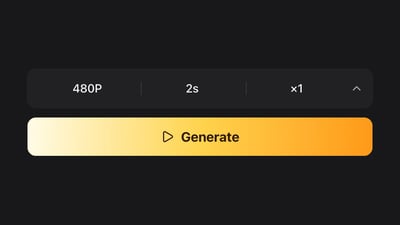
Pick the model and length
FLUX 3 Turbo starts at 2 seconds and 480P, which the free credits cover. Switch to FLUX 3 Max for sound, or go longer once the motion looks right.
- 4
Generate and download
Watch the clip, change one thing if needed, then download the take you keep. Credits for a failed generation go back to your balance.
Plans and credits
Up to 1,000 images or 41 videos
- Up to 1,000 images
- Up to 41 videos
- All models, including Premium
Up to 2,500 images or 104 videos
- Up to 2,500 images
- Up to 104 videos
- All models, including Premium
Up to 7,500 images or 312 videos
- Up to 7,500 images
- Up to 312 videos
- All models, including Premium
· No card required
Failed runs are refunded automatically · Cancel anytime
FLUX 3 image to video FAQ
You can try it free. Sign-up gives you 10 credits, and a 2-second FLUX 3 Turbo clip at 480P costs 10 credits (5 per second), so your first free image to video clip is covered, at the lowest quality. Longer clips, 768P and 1080P, and FLUX 3 Max (from 175 credits for 5 seconds at 720p) use plan or credit pack credits.
Yes, for video. Sign-up is free. Without an account you can make up to 3 still images a day, but not videos.
No. There is no watermark on videos, including clips made with the free sign-up credits.
Yes, if you made them on a paid plan or with purchased credits. Clips made only with free sign-up credits are for personal, non-commercial use.
On FLUX 3 Turbo and FLUX 3 Max your photo is always the first frame, with an optional last frame. FLUX 3 takes up to ten photos and builds the clip from them, so switch to it when you want several images to guide one shot. To put a character in a new setting, you can also make that still on FLUX 3 Image first, then animate it.
No. flux3.video is a web tool that runs in your browser. As of November 2026, FLUX 3 Max is offered only as a hosted model, with no downloadable weights.
Write it as a text to video prompt on the FLUX 3 homepage generator. If you later make a still you like on FLUX 3 Image, bring it here to keep that look.
More ways to make a video
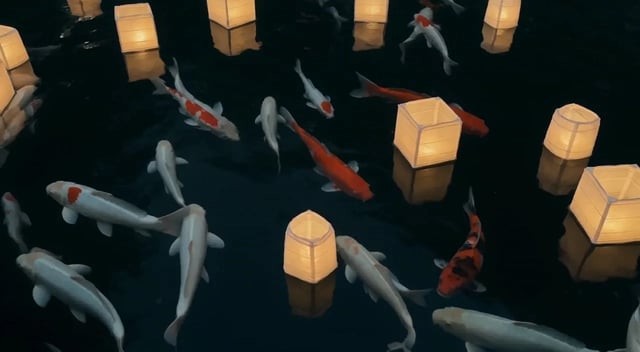
FLUX 3 Draft Mode: Fast Preview, Then Full Quality
Use FLUX 3 Draft Mode to preview a text-to-video or photo-to-video idea on FLUX 3 Turbo, then re-render the same shot at 720p or 1080p on FLUX 3.

FLUX 3 Video Edit: Change a Clip, Keep Its Motion and Audio
FLUX 3 video edit online: upload a clip up to 15 seconds, type one change, and the FLUX 3 edit keeps its motion, framing and sound. Video to video, no reshoot.
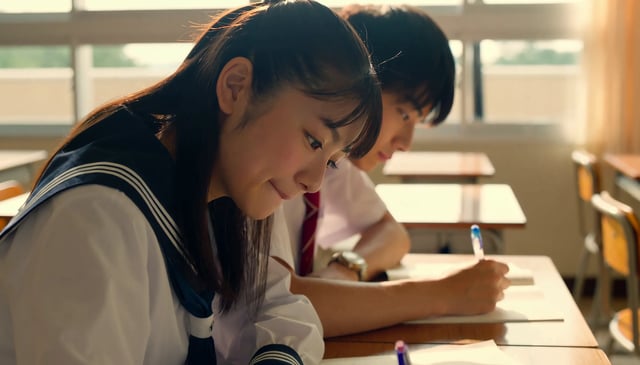
FLUX 3 Video Upscaler
Upload a clip. Pick Precise to hold identity, or Creative to restore texture. Land at 1080p, 2K, or 4K. This FLUX 3 video upscaler runs FLUX Video Upscale, which regenerates your video at a higher resolution instead of stretching pixels. Start from 480p and up. Precise keeps faces and products exact. Creative rebuilds fine detail on water, grass, and scenery. Source audio stays with the clip.
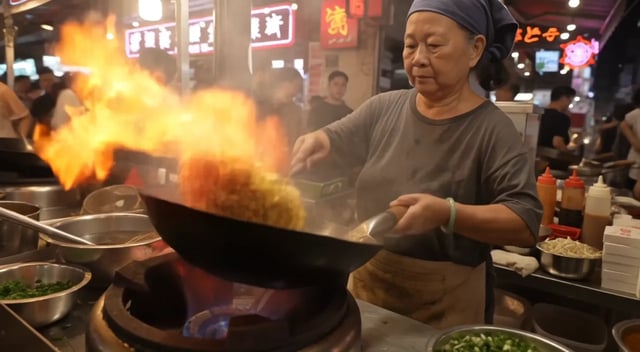
FLUX 3 Max: Turn Text or a Photo into Video with Sound
Run FLUX 3 Max text to video or image to video with dialogue and ambient sound, 5–20 s at 720p or 1080p. See same-prompt tests timed on this site.
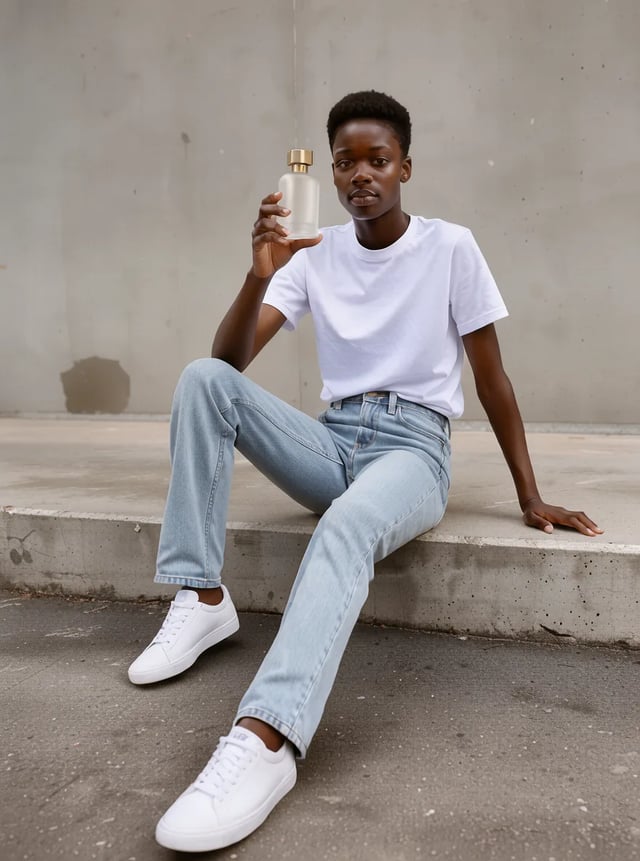
FLUX 3 Image Klein Online: Edit and Combine Up to 10 Photos
Run FLUX 3 Image Klein in your browser: edit photos, keep what matters, or make 1K–4K stills. See timed FLUX 3 Klein image edit tests and Klein vs FLUX 2 Klein.
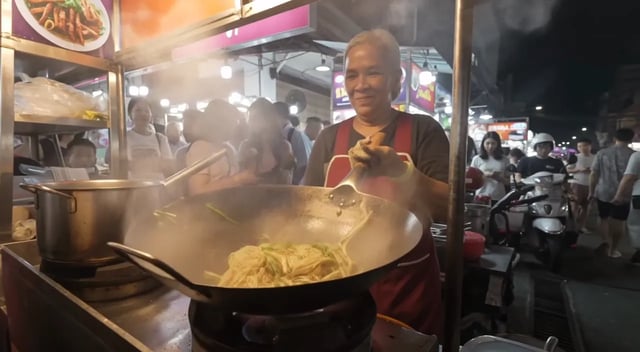
What Is FLUX 3? Video Model, Open Weights and Release Dates
What is FLUX 3? Black Forest Labs' FLUX 3 video model, Max, Image, Klein and Action explained: release dates, is FLUX 3 open source, and where to try it.

How to Use FLUX 3 Video: Access It and Make Your First Clip
How to use FLUX 3: where to use FLUX 3 and how to access it, then make your first FLUX 3 video step by step, with what each try costs and what is free.
FLUX 3 Prompt Guide: Write Video Prompts with Real Examples
A FLUX 3 prompt guide for video: write a FLUX 3 video prompt with camera, sound and dialogue, and copy FLUX 3 prompts shown with the clips they made.