

FLUX 3 Image Generator Try FLUX 3 Image Free Online
FLUX 3 text to image, or edit up to 10 photos with FLUX 3 Image Klein, in your browser.

Overhead flat lay of a Japanese breakfast set on a dark wooden table: grilled salmon, miso soup, rice bowl, pickles, tamagoyaki, chopsticks on a ceramic rest, natural daylight, food magazine style.
FLUX 3 Image at a glance
Is FLUX 3 Image free, how big, how fast, and can you sell what you make? The short answers for Klein on flux3.video.
- Model here
- FLUX 3 Image Klein, listed as FLUX 3 Klein in the picker
- The full FLUX 3 Image is on Black Forest Labs' own API. Other image models share the picker.
- Modes
- Text to image, and image to image to edit or combine photos
- Reference photos
- Up to 10 per edit
- Sizes
- 1K, 2K or 4K
- Free credits run at 1K, one image at a time.
- Shapes
- Nine aspect ratios, from tall 9:21 to wide 21:9
- Prompt
- Any language, up to 5,000 characters
- Wait on this site
- 13–20 s for a 1K text to image still, 21–27 s for a 1K edit
- Our runs, October 2026.
- Free to try
- Yes, with free sign-up credits
- Watermark
- On images made with free credits
- Commercial use
- On paid plans or purchased credits
- Images made only with free credits are for personal use.
- Weights
- Klein's weights are open on Hugging Face
FLUX 3 Image vs FLUX 3 Image Klein: which version runs where
Black Forest Labs ships FLUX 3 Image in two versions. The full FLUX 3 Image runs on BFL's own API and Playground, with weights licensed to companies. FLUX 3 Image Klein is a 5.6B-parameter open-weights model that shares the same core abilities: native 4K, up to 10 references and precise edits. Klein is the one you can run on flux3.video.
| FLUX 3 Image | Runs hereFLUX 3 Image KleinGenerate | |
|---|---|---|
| Weights | Licensed to companies by Black Forest Labs | Open, under the FLUX Kommunity License |
| Where it runs | BFL's API and Playground | Your own GPU with ComfyUI or Diffusers, or this page |
| Native 4K | Yes | Yes |
| Reference images | Up to 10 | Up to 10 |
| Place elements with boxes | Box canvas in BFL's Playground | Supported by the model; no box canvas on this site |
| On flux3.video | No | Yes, the default image model |
FLUX 3 Image text to image: examples with prompts
Two examples we ran on Klein at 1K. These FLUX 3 Image prompts name the subject, setting, light and style, in that order: every listed dish landed on the table, and the ribbons left the empty space asked for, room for a headline.
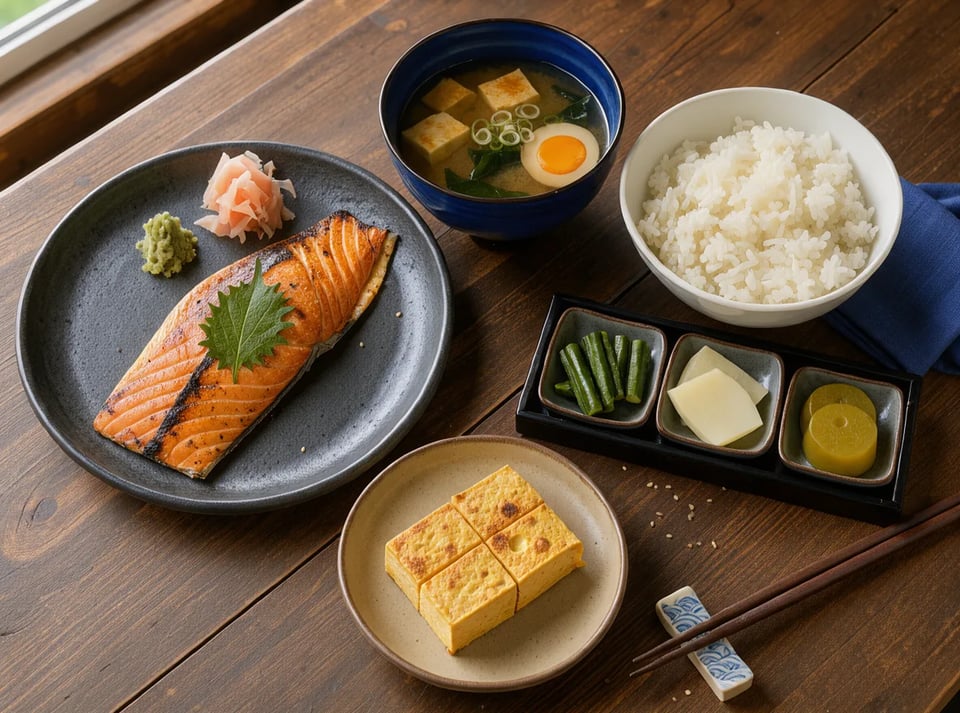
Japanese breakfast flat lay
- 4:3
- Mode Text to image
- Size 1K
- Wait 15 s
Prompt
Overhead flat lay of a Japanese breakfast set on a dark wooden table: grilled salmon, miso soup, rice bowl, pickles, tamagoyaki, chopsticks on a ceramic rest, natural daylight, food magazine style.
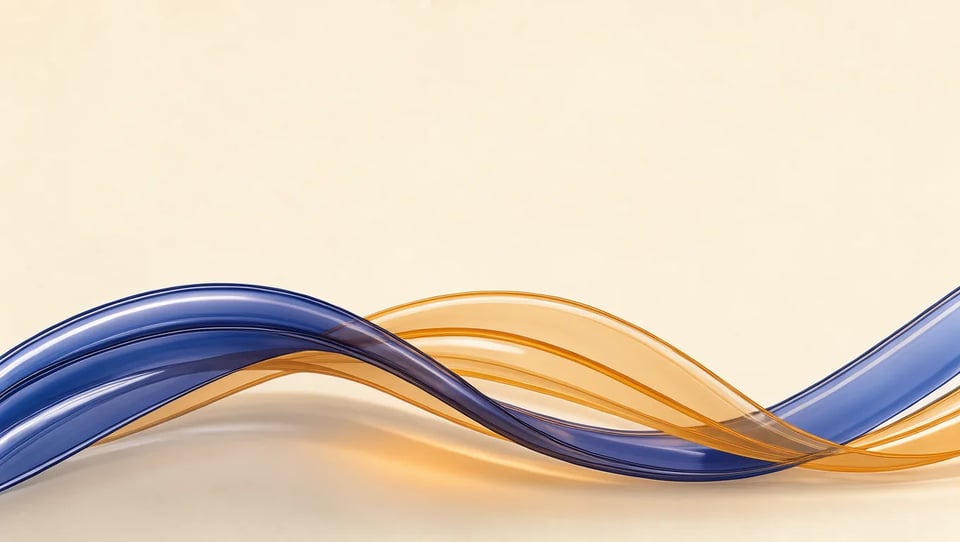
Abstract hero background
- 16:9
- Mode Text to image
- Size 1K
- Wait 16 s
Prompt
Abstract hero image: soft translucent glass ribbons in deep indigo and warm amber light folding into a gentle wave on a warm cream background, subtle grain, elegant minimal composition, lots of empty space.
FLUX 3 Image to image: edit a photo you already have
Upload a photo, say what should change and name what must stay. In this FLUX 3 Image edit we asked Klein to redraw a cafe picture as an anime still and named the face, hair, sweater and cup to keep. Those held; the style came out closer to a storybook illustration. One edit takes up to 10 photos, called image 1, image 2 in upload order.


Edit prompt
Turn this photo into a hand-drawn anime film still, with a soft painted background. Keep her face, curly red hair, yellow sweater and the coffee cup.
Result
FLUX 3 Image Klein, 1K, 1:1, 37 seconds. Her face and freckles stayed close to the photo.
What people make with FLUX 3 Image
Four jobs Klein fits, from a first draft to a finished still.
- 01
Product shots and new backdrops
Describe a clean catalog shot with FLUX 3 text to image, or upload your product photo and move it to a new backdrop. In our Klein edit test the bottle kept its shape and cap.
- 02
Posters and packaging with readable text
Put the words in quotes and say where they go. In our Klein cafe poster test both lines came out spelled right; still read every letter before you print.
- 03
Fixes to your own photos
Use it as a FLUX 3 Image editor: change a shirt, swap a background or restyle the picture while the face and pose stay. Name what must not change.
- 04
First frames for a video
Get the opening shot right as a still, then animate it on image to video. Fixing a still costs fewer credits than rerunning a clip.
How to use FLUX 3 Image online
Three steps in your browser, with nothing to install.
- 1
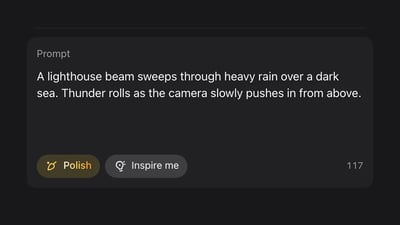
Write a prompt or upload a photo
For FLUX 3 Image text to image, describe the subject, setting, light and style. To edit, switch to image to image, upload up to 10 photos and say what changes and what stays.
- 2
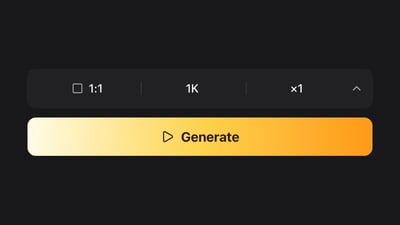
Pick a size and shape
Start at 1K, the size free credits cover, and pick one of nine aspect ratios, or auto to follow your first photo in an edit. Go to 2K or 4K once it looks right.
- 3
Generate, check, and change one thing
Compare the result with your prompt, including any text. If one thing is off, change only that and run again. Credits for a failed generation go back to your balance.
Plans and credits
Up to 1,000 images or 41 videos
- Up to 1,000 images
- Up to 41 videos
- All models, including Premium
Up to 2,500 images or 104 videos
- Up to 2,500 images
- Up to 104 videos
- All models, including Premium
Up to 7,500 images or 312 videos
- Up to 7,500 images
- Up to 312 videos
- All models, including Premium
· No card required
Failed runs are refunded automatically · Cancel anytime
FLUX 3 Image questions
FLUX 3 Image is the part of Black Forest Labs' FLUX 3 that makes and edits pictures. You may also see it written as FLUX.3 Image or flux3 image. It comes in two versions: the full FLUX 3 Image on BFL's API and Playground, and FLUX 3 Image Klein, an open-weights version released on October 15, 2026. The generator here runs Klein.
You can try it free. New accounts get 10 credits, and a 1K FLUX 3 Image Klein still costs 2 credits, so that is five pictures. Free-credit images carry a watermark, stay at 1K and are for personal use. 2K (3 credits) and 4K (6 credits) need purchased credits or a plan. Without an account you get 3 free pictures a day on Turbo Image, a different model.
No. The image generator opens on FLUX 3 Image Klein, listed as FLUX 3 Klein in the picker. The full FLUX 3 Image is on Black Forest Labs' own API and Playground. The picker also holds other image models, such as Nano Banana 2.
The full FLUX 3 Image is not open; Black Forest Labs licenses its weights to companies. FLUX 3 Image Klein is open weights on Hugging Face under the FLUX Kommunity License, with ComfyUI and Diffusers support, and BFL says its INT8 build runs on a GPU with as little as 8 GB of VRAM. No GPU? Run the same Klein model here in your browser.
Yes. flux3.video has a REST API and an MCP server for accounts that have made a purchase, and the documented example calls FLUX 3 Image Klein. Black Forest Labs sells API access to the full FLUX 3 Image on its own platform.
Not with boxes. Black Forest Labs' Playground lets you draw boxes to place each element, but this site has no box canvas. Describe the layout in words instead, what goes at the top, center and bottom, with any text in quotes. If something lands in the wrong spot, move it with a short FLUX 3 Image edit.
Images made with the free sign-up credits carry a watermark and are for personal, non-commercial use. Images made on a paid plan or with purchased credits can be used commercially, and once you pay for a plan or a credit pack, new images carry no watermark.
They are the picture and video sides of Black Forest Labs' FLUX 3. On flux3.video you make stills here, and the homepage and the image to video page make clips, so you can make an opening frame here and animate it there.
More on FLUX 3
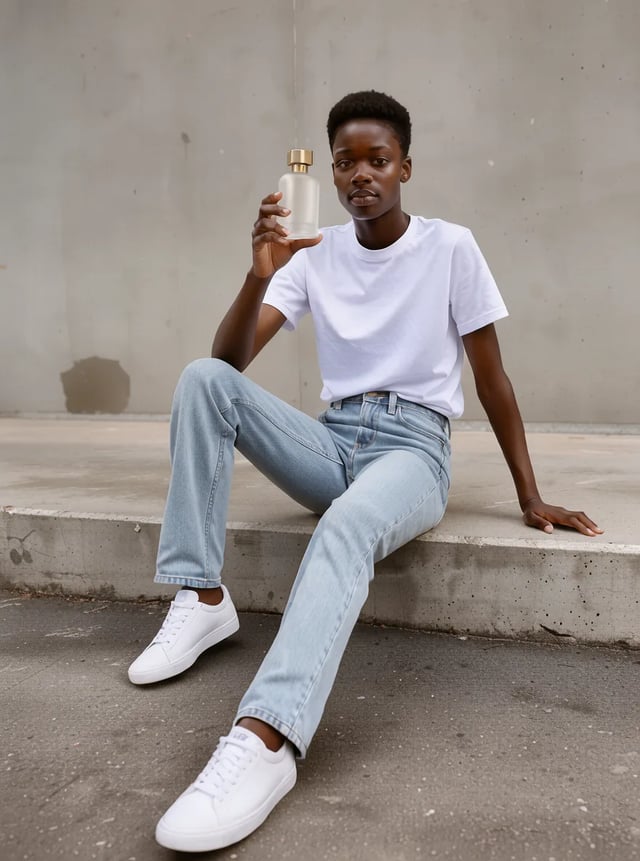
FLUX 3 Image Klein
The model behind this page: edit tests, edit prompts, and Klein vs FLUX 2 Klein.

Image to video
Turn a still into a clip of 2 to 20 seconds.
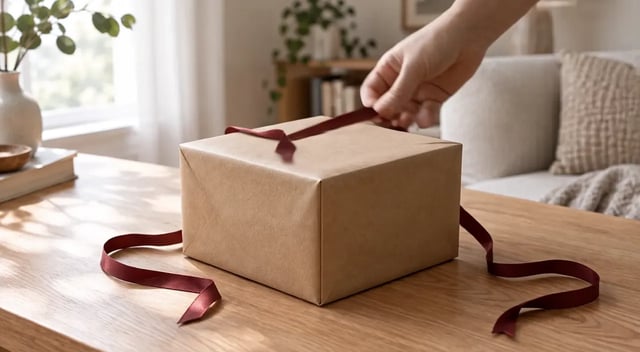
FLUX 3 prompt guide
Write FLUX 3 video prompts with camera, sound and dialogue.
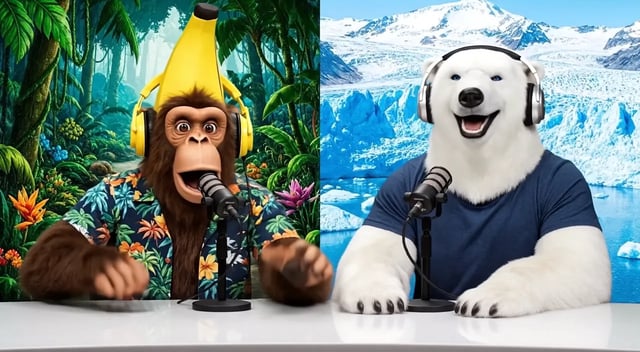
FLUX 3 Max
The video model with sound: dialogue, ambience and music.
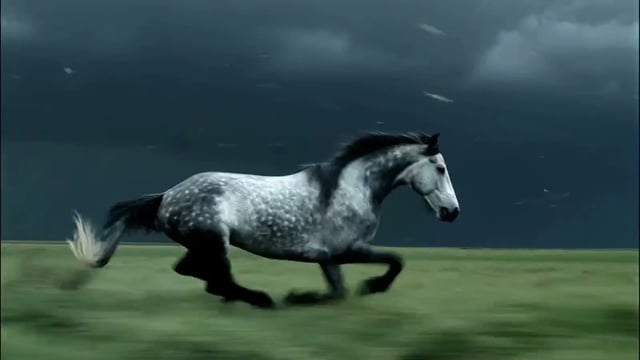
FLUX 3 video generator
The FLUX 3 video homepage: text or a photo to video.
Plans and credits
Credit packs and plans for 2K, 4K and commercial use.
Make your next picture with FLUX 3 Image Klein
Write a prompt or upload a photo, start at 1K on FLUX 3 Image Klein, and check the result against your prompt.