TLDR
- Bevorzugen Sie ein sauberes Hero-Still (ein Produkt, harte Kanten, kein Clutter).
- Öffnen Sie Video; nutzen Sie Image to Video, wenn das Still existiert.
- Prompten Sie nur Motion + Kamera + Audio—erfinden Sie das Logo nicht neu.
- Deckeln Sie First Drafts auf 6–10s für einen einzelnen Hero; 10–12s, wenn Feature-Cuts dazukommen.
- Pass/Fail: Label-Lesbarkeit, Color-Lock, kein Extra-Text.
Key Takeaways
- Continuity schlägt Adjektive—Brand-Farbe und Packaging-Form in einer Zeile festlegen.
- Image-to-Video ist der High-Control-Pfad, wenn Sie den Packshot schon besitzen.
- Multi-Shot hilft, Hero → Feature → Settle ohne volle Edit-Suite zu sequenzieren (venturetwins).
- Natives Audio kann weiche SFX ohne Music Bed liefern (BFL; The Decoder).
- Optionaler Still-Craft: FLUX 3 Image → dann auf Video animieren.
Szenario: Product-Demo-Jobs
| Job | Bester Start | Aspect | | --- | --- | --- | | PDP / Homepage-Loop | Image to Video, sanfter Orbit | 1:1 oder 16:9 | | Paid Social Product Proof | Multi-Shot Hero + Detail | 9:16 | | Feature-Education (2–3 Benefits) | Multi-Shot mit Freeze auf Details | 16:9 oder 9:16 |
Wenn Brand-Guidelines exakte Logo-Geometrie verlangen: starten Sie von einem echten Foto-Still, nicht von einer regenerierten Erfindung. Plattformen erwarten außerdem lesbare Creatives in nativen Placements—halten Sie Zentren crop-sicher (Meta Ads Overview; TikTok Ads Help).
Prompt 1 — Studio-Hero Multi-Shot (Text to Video)
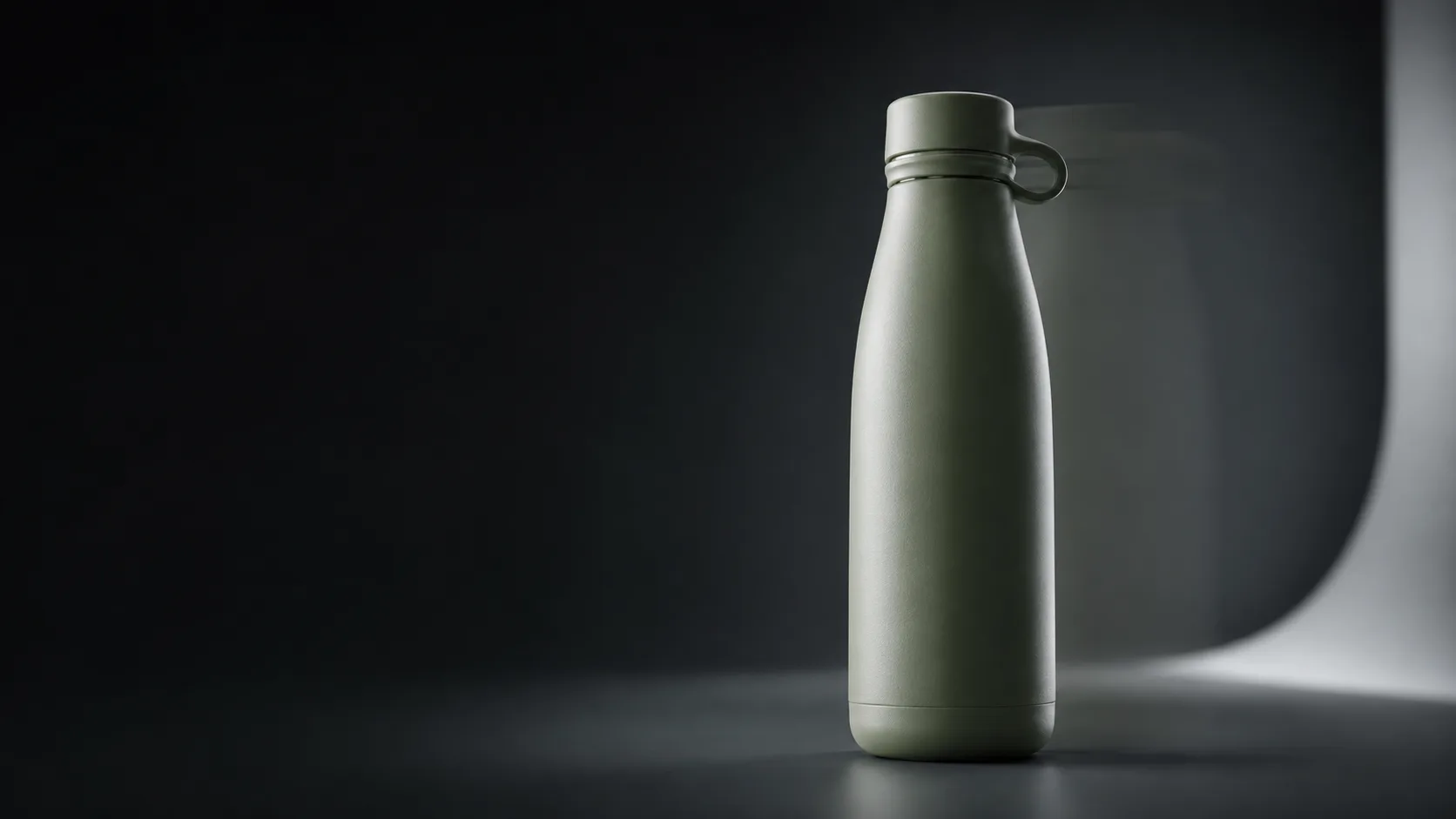
Horizontal 16:9 product demo, about 10 seconds, soft infinity-cove studio, cool white light.
Shot 1 wide: matte sage green ceramic water bottle centered on seamless backdrop.
Shot 2 medium orbit: slow 20-degree rotation, logo facing camera for two beats.
Shot 3 macro: condensation droplets and metal cap threads, sharp edges.
Same bottle color, same logo placement, continuous studio environment.
Soft whoosh SFX only, no music, no on-screen text, no watermark, no extra brands.
Prompt 2 — Feature-Beats (Multi-Shot)
Vertical 9:16 product feature demo, about 12 seconds, clean desk daylight.
Shot 1 hero: compact silver travel speaker on oak desk, soft window light.
Shot 2 feature A: hand presses power button, subtle LED glow.
Shot 3 feature B: fabric mesh close-up with gentle camera push-in.
Shot 4 settle: speaker returns to hero angle, centered for social crop.
Same speaker, same desk props, continuous lighting.
Light click SFX on button, soft room tone, no dialogue, no music bed, no text overlays, no watermark.
Prompt 3 — Image-to-Video Continuity (Copy-Paste)
Nutzen Sie das, nachdem Sie ein Still auf Image oder aus Ihrer Brand-Packshot-Library gesichert haben. Auf Video auf Image to Video wechseln und einfügen:
Image-to-video product demo, 8 seconds, gentle push-in then slow 15-degree yaw.
Preserve the exact product shape, colors, materials, and logo from the reference still.
Keep the same studio background and lighting direction; no new props.
Soft whoosh SFX on motion settle, no music, no new text, no watermark, no extra logos.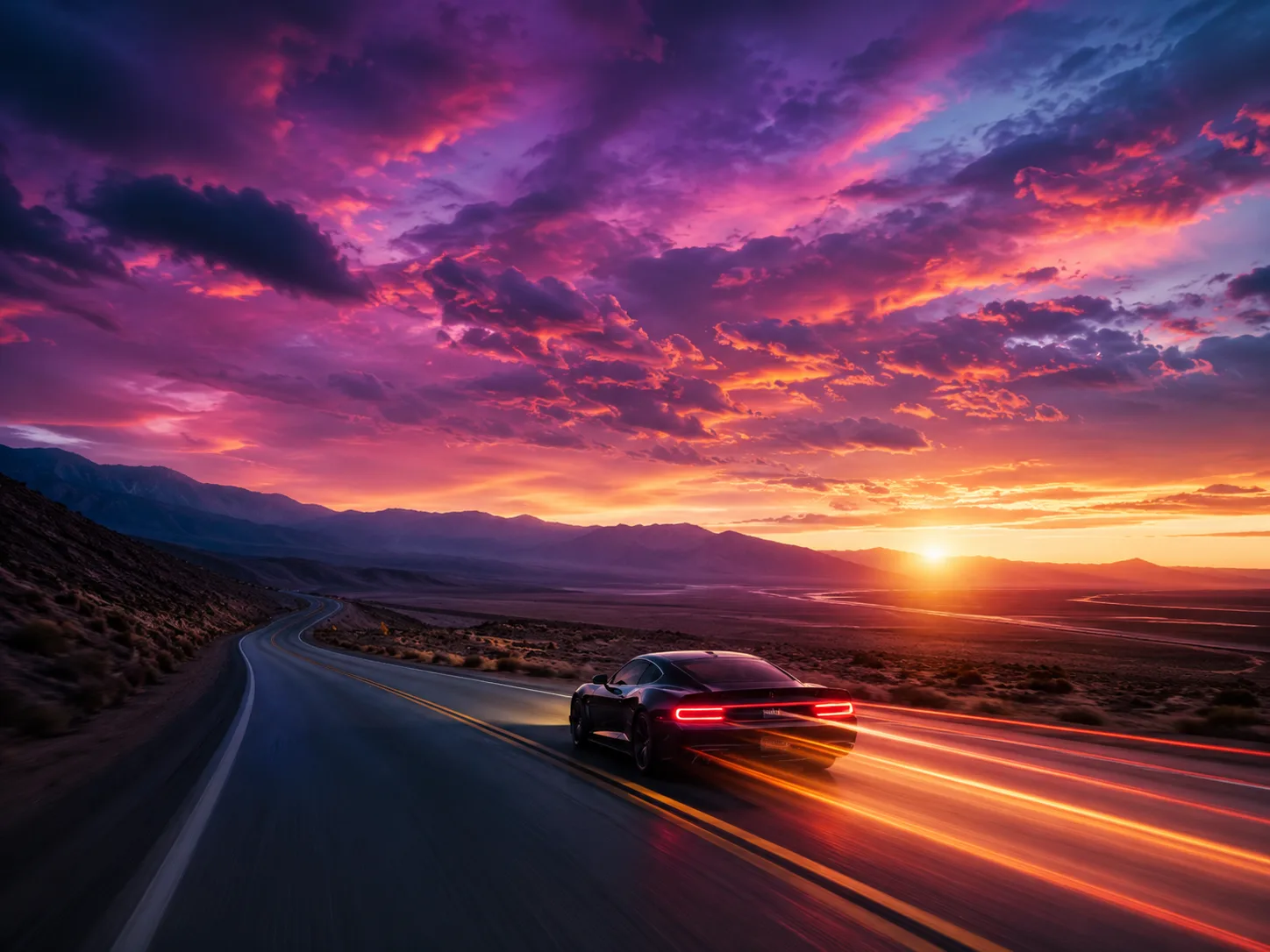
Prompt-first Product Motion · Showcase-Keyframe auf FLUX 3 · Planungs-Still, kein bewertetes Brand-Master
Pass/Fail-Checkliste (produktbezogen)
- Logo / Label im Settle-Frame noch lesbar?
- Color Match zur Brand (kein Random Hue Shift)?
- Kanten — kein schmelzendes Plastik oder rutschender Print?
- Kamera langsam genug, dass das Auge den Pack liest?
- Audio leicht—kämpft nicht mit späterem Voiceover?
- Aspect — sicheres Zentrum für 9:16, falls Sie später croppen?
Wenn das Logo zweimal failt: Text-to-Video-Erfinden stoppen und zu Image-to-Video von einem echten Still zurückkehren.
3-Schritt-Evaluate-Loop
- Öffnen Sie FLUX 3 Video.
- Laufen lassen Prompt 3 (Image-to-Video) oder Prompt 1 (Text).
- Behalten Sie nur Takes, die Logo + Farbe bestehen; optionaler Still-Refresh auf Image.
FAQ
Wann sollte ich reines Text-to-Video für Produkte vermeiden?
Wenn Legal/Brand exakte Packaging-Artwork brauchen. Nutzen Sie ein echtes Still + Image-to-Video.
Wie lang kann ein FLUX-3-Product-Clip sein?
Öffentliche Coverage spricht von Generationen bis etwa 20 Sekunden (The Decoder). Hero-Loops funktionieren oft besser kürzer.
Hilft Multi-Shot bei Feature-Education?
Ja—frühe Creator-Notes heben Multi-Angle-Sequenzen aus einem Prompt hervor (venturetwins). Halten Sie ein Produkt durchgehend.
Brauche ich natives Audio?
Optional. Weicher Whoosh + Stille ist oft sauberer für späteren VO (BFL Audio-Framing).
Wo leben Stills?
FLUX 3 Image für Hero-Frames, dann auf Video animieren.
Kann ich 1:1 nutzen?
Ja—schreiben Sie 1:1 product loop in die Format-Zeile für PDP-Embeds.
Kostenloser Pfad?
Video-Generator auf flux3.video.