TLDR
- Prefer a clean hero still (one product, hard edges, no clutter).
- Open video; use image to video when the still exists.
- Prompt motion + camera + audio only—do not reinvent the logo.
- Cap first drafts at 6–10s for a single hero; 10–12s if you add feature cuts.
- Pass/fail: label readability, color lock, no extra text.
Key Takeaways
- Continuity beats adjectives—lock brand color and packaging shape in one line.
- Image-to-video is the high-control path when you already own the pack shot.
- Multi-shot helps sequence hero → feature → settle without a full edit suite (venturetwins).
- Native audio can supply soft SFX without a music bed (BFL; The Decoder).
- Optional still craft: FLUX 3 image → then animate on video.
Scenario: product demo jobs
| Job | Best start | Aspect | | --- | --- | --- | | PDP / homepage loop | Image to video, gentle orbit | 1:1 or 16:9 | | Paid social product proof | Multi-shot hero + detail | 9:16 | | Feature education (2–3 benefits) | Multi-shot with freeze on details | 16:9 or 9:16 |
If brand guidelines demand exact logo geometry, start from a real photo still, not a regenerated invent. Platforms also expect readable creative in native placements—keep centers safe for crop (Meta ads overview; TikTok Ads Help).
Prompt 1 — studio hero multi-shot (text to video)
Horizontal 16:9 product demo, about 10 seconds, soft infinity-cove studio, cool white light.
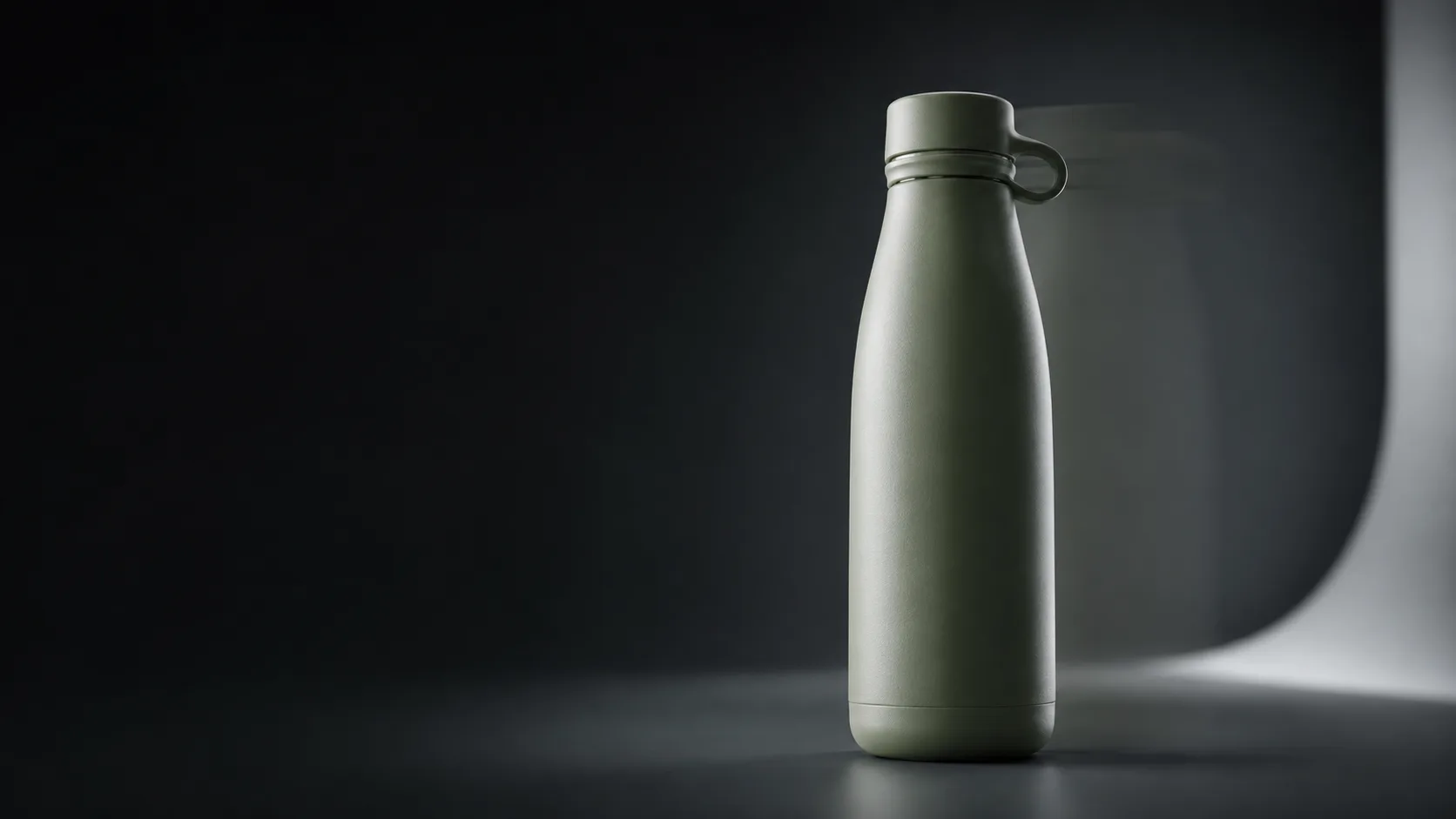
Shot 1 wide: matte sage green ceramic water bottle centered on seamless backdrop.
Shot 2 medium orbit: slow 20-degree rotation, logo facing camera for two beats.
Shot 3 macro: condensation droplets and metal cap threads, sharp edges.
Same bottle color, same logo placement, continuous studio environment.
Soft whoosh SFX only, no music, no on-screen text, no watermark, no extra brands.
Prompt 2 — feature beats (multi-shot)
Vertical 9:16 product feature demo, about 12 seconds, clean desk daylight.
Shot 1 hero: compact silver travel speaker on oak desk, soft window light.
Shot 2 feature A: hand presses power button, subtle LED glow.
Shot 3 feature B: fabric mesh close-up with gentle camera push-in.
Shot 4 settle: speaker returns to hero angle, centered for social crop.
Same speaker, same desk props, continuous lighting.
Light click SFX on button, soft room tone, no dialogue, no music bed, no text overlays, no watermark.
Prompt 3 — image-to-video continuity (copy-paste)
Use after you lock a still on image or from your brand packshot library. On video, switch to image to video and paste:
Image-to-video product demo, 8 seconds, gentle push-in then slow 15-degree yaw.
Preserve the exact product shape, colors, materials, and logo from the reference still.
Keep the same studio background and lighting direction; no new props.
Soft whoosh SFX on motion settle, no music, no new text, no watermark, no extra logos.
Prompt-first product motion · showcase keyframe on FLUX 3 · planning still, not a graded brand master
Pass/fail checklist (product-specific)
- Logo / label still legible at the settle frame?
- Color match to brand (no random hue shift)?
- Edges — no melting plastic or sliding print?
- Camera slow enough that the eye can read the pack?
- Audio light—not fighting a future voiceover?
- Aspect — safe center for 9:16 if you will crop later?
If logo fails twice, stop inventing with text-to-video and return to image-to-video from a true still.
3-step evaluate loop
- Open FLUX 3 video.
- Run Prompt 3 (image-to-video) or Prompt 1 (text).
- Keep only takes that pass logo + color; optional still refresh on image.
FAQ
When should I avoid pure text-to-video for products?
When legal/brand needs exact packaging artwork. Use a real still + image-to-video.
How long can a FLUX 3 product clip be?
Public coverage discusses generations up to about 20 seconds (The Decoder). Hero loops often work better shorter.
Can multi-shot help feature education?
Yes—early creator notes highlight multi-angle sequences from one prompt (venturetwins). Keep one product continuous.
Do I need native audio?
Optional. Soft whoosh + silence is often cleaner for later VO (BFL audio framing).
Where do stills live?
FLUX 3 image for hero frames, then animate on video.
Can I use 1:1?
Yes—state 1:1 product loop in the format line for PDP embeds.
Free path?
Video generator on flux3.video.