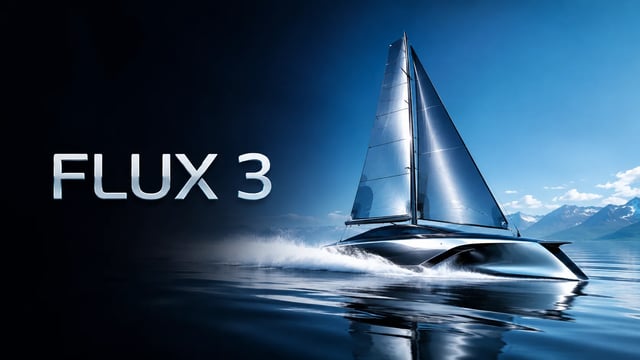
Ad-Creative-Varianten
Teste drei Hook-Zeilen als Draft-Video, wähle den Gewinner und rendere genau diese Draft-Idee in Vollqualität für bezahlte Social Ads.
 FLUX 3
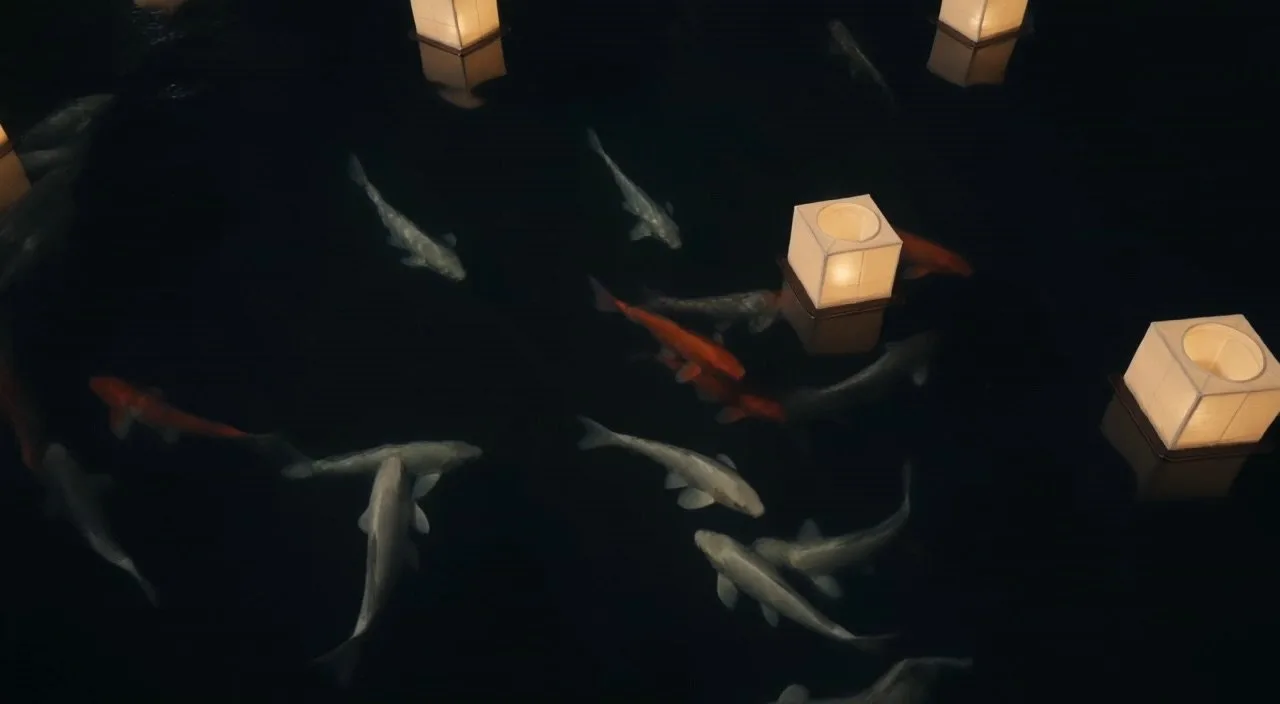
Koi drifting between floating paper lanterns at night, soft reflections on dark water, gentle camera drift
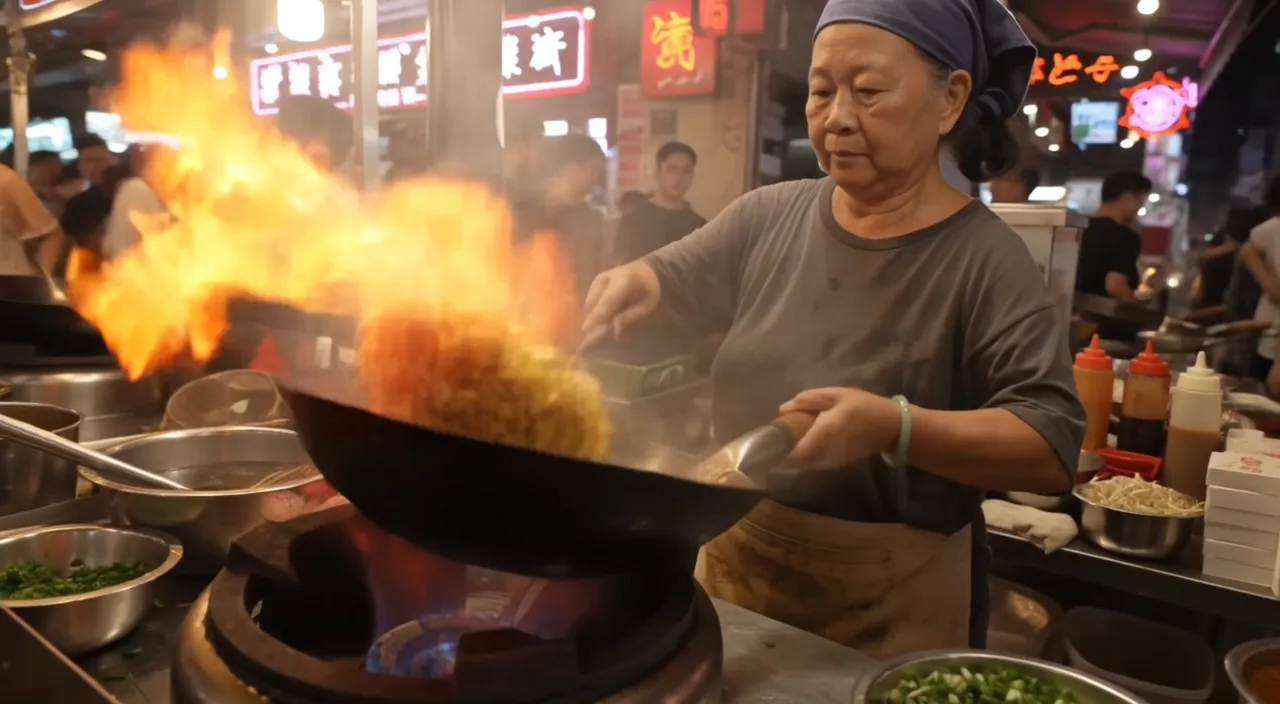
Night market food stall, handheld medium shot. An older street cook tosses noodles in a flaming wok; the flames flare up and light her face. She looks up at a customer just off camera and says with a grin: "Two minutes. Best noodles on this street." Sizzling wok, crowd chatter, a distant scooter horn. Warm neon signs and drifting steam.
 Offizielles Beispiel
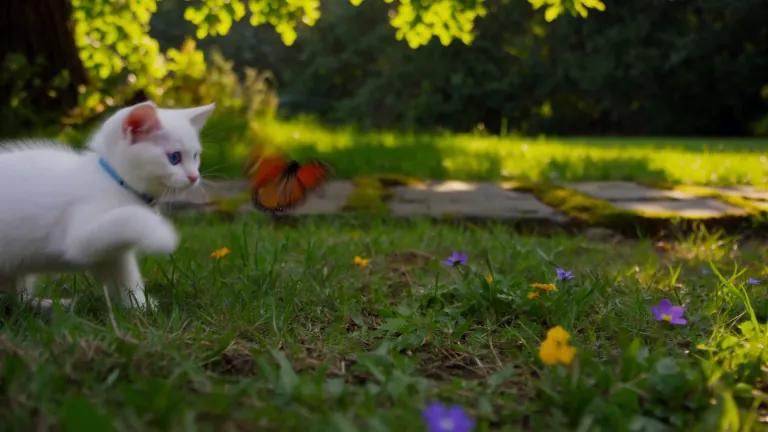
A white kitten chases a butterfly across a sunlit garden. Gentle camera tracking, natural movement, soft afternoon light filtering through the leaves.
 Offizielles Beispiel
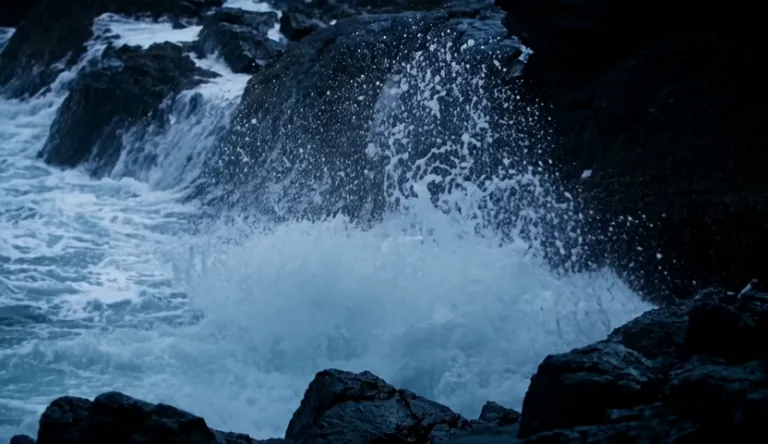
A lighthouse beam sweeps through heavy rain over black rocks at night, waves detonating against the cliff.
 Offizielles Beispiel
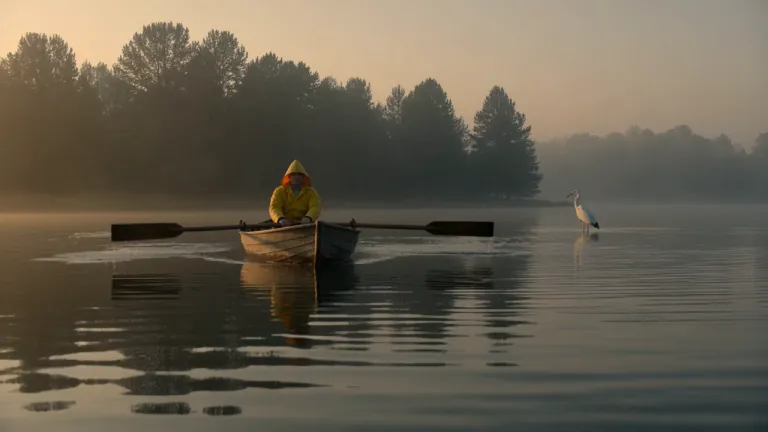
A fisherman in a yellow raincoat rows a small wooden boat across a calm misty lake at dawn, soft golden light breaking through the fog, gentle ripples, a heron lifts off in the background, slow cinematic dolly-in, natural ambient sound of water and distant birds
A red panda walks along a mossy log in a sunlit forest, pausing to sniff the air before climbing over a fallen branch. Soft morning light filters through the canopy. Ambient birdsong and rustling leaves.
 Offizielles Beispiel
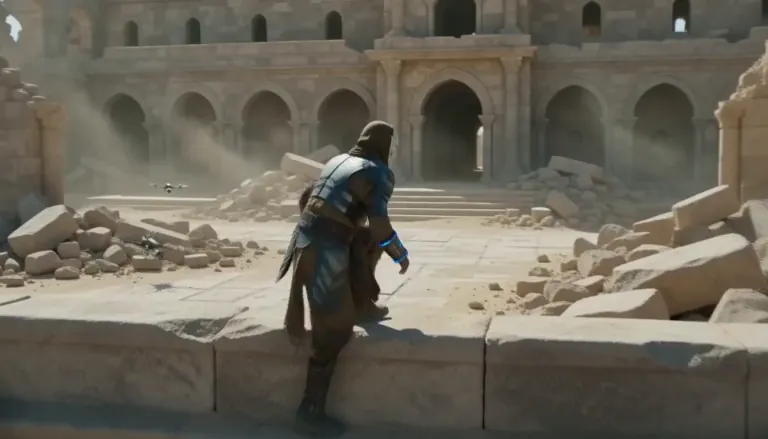
An aging warrior-monk in scorched ceremonial armor, a split ceramic mask and a humming prayer-band on his forearm + 0–4s: climbs silently along a cliffside terrace as insect-like surveyor drones comb the sun-bleached ruins, standing alone under as the camera rises over the ruined monastery. Sun-blasted post-apocalyptic sci-fi action, dust, heat haze, practical debris, sweeping crane tracking, silence broken only by wind.
 Offizielles Beispiel
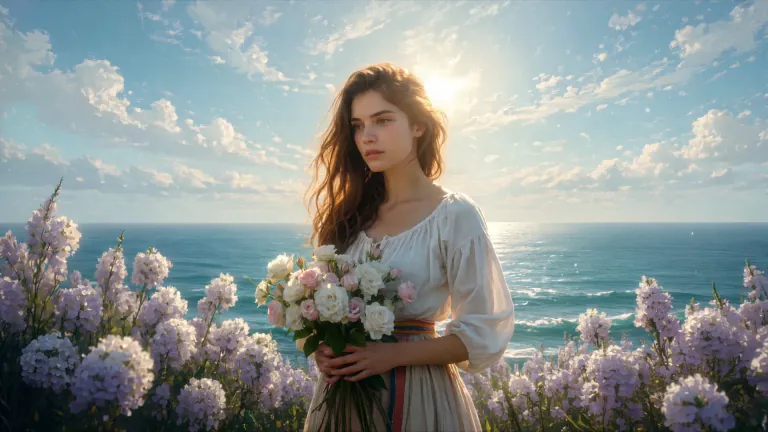
ENVIRONMENT: open coastal air — pale blue and violet sky with dry scumbled clouds, a thin band of teal sea at the lower edge, warm cream haze along the horizon. Backlight from behind the flower mass makes the petals glow near-white while her face and arms fall into warm shadow. STYLE: 24fps, gentle handheld drift, no camera shake spikes. Slow continuous push-in of about 8%, drifting a few degrees to the right so her face rotates marginally into the light. Shallow parallax between three planes: foreground drifting petals, mid-plane figure and bouquet, background sky and sea. Color tone: cool blue-lilac against cream-gold and umber. No morphing, no smoothing, no plastic skin, no added detail beyond the painting's own resolution.
 Offizielles Beispiel
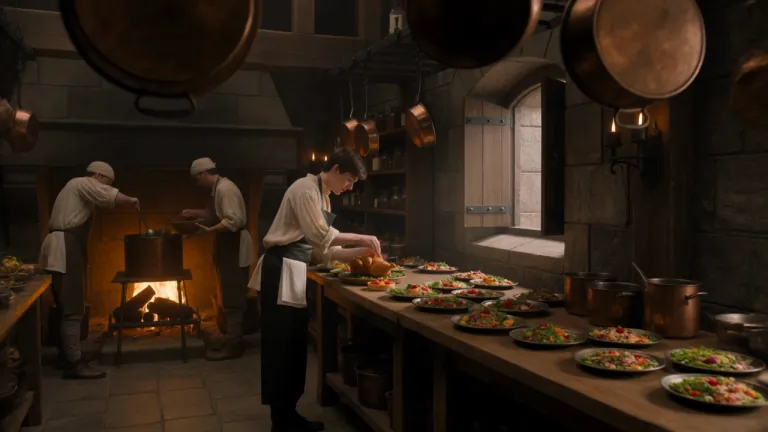
A young royal chef stands inside a huge medieval castle kitchen, wearing a cream tunic and dark leather apron while dozens of elaborate dishes cover a long wooden table. A small dragon suddenly pushes its head through an open stone window. Everyone in the kitchen freezes. The chef cautiously offers it a roasted chicken. The dragon ignores it completely. He nervously raises a tiny fruit tart instead. The dragon’s eyes immediately brighten and it gently reaches toward the dessert. The camera begins behind hanging copper pans, tracks toward the chef, then pushes past him toward the dragon outside the window. Playful Western fantasy, detailed medieval kitchen, expressive creature behavior, cinematic comedy, realistic food and firelight.
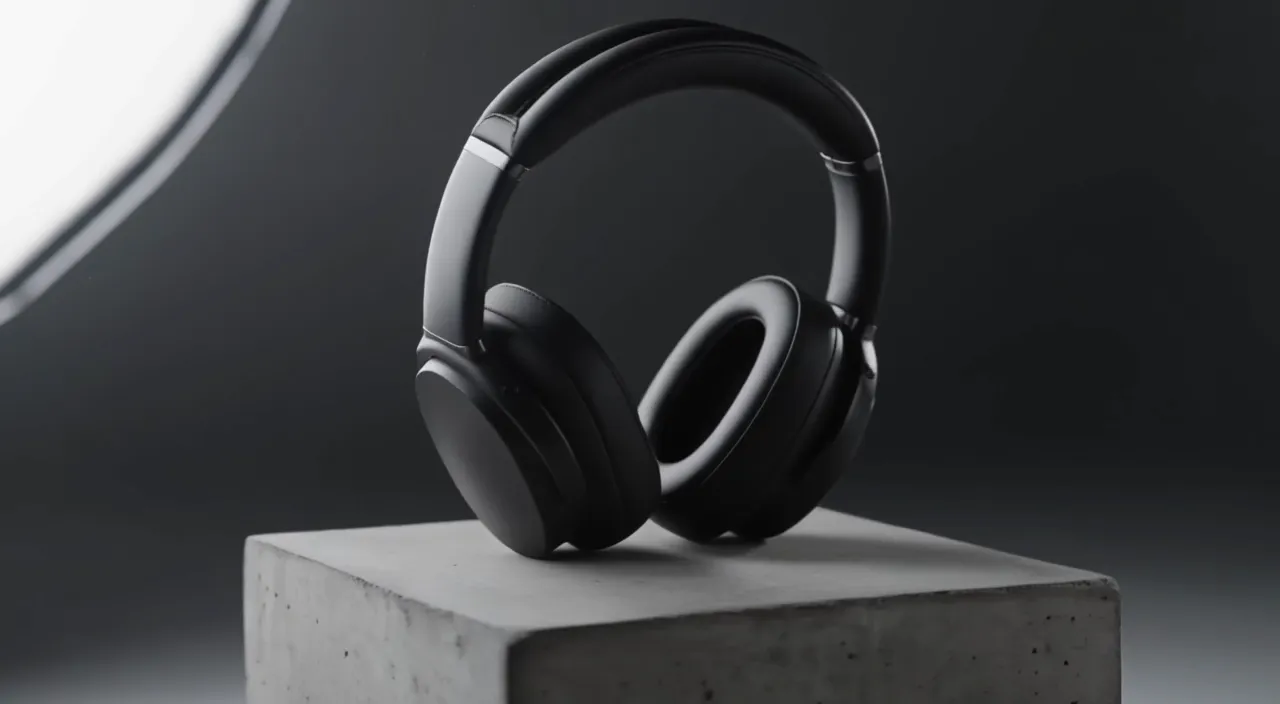
Slow 180-degree orbit around a pair of matte black over-ear headphones resting on a concrete pedestal in a minimal studio. Soft key light from the left, a thin rim light traces the ear cups, dust drifts through the beam. The orbit ends front-on as the light warms slightly. A low ambient synth hum.
 Offizielles Beispiel
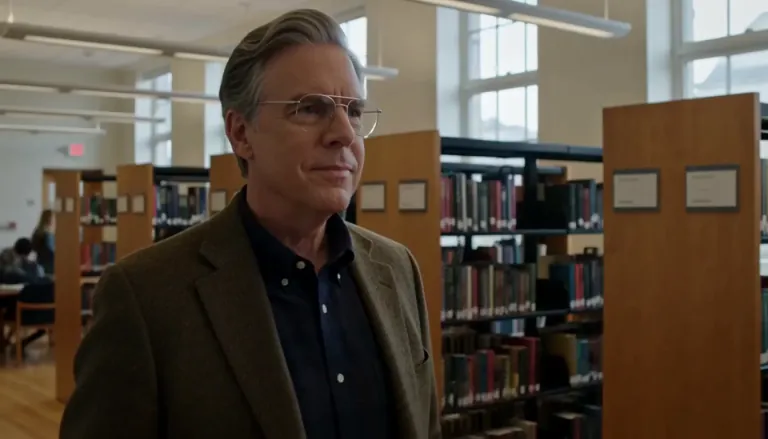
Create a 5-second live-action Hollywood film shot in a bright university library. A thoughtful professor stands in a medium shot, turns slightly toward an unseen student, and calmly says, “What is the real?” Natural daylight, professional cinema camera, realistic performance, subtle camera drift, no close-up, no dark lighting, perfect lip sync.
 Offizielles Beispiel
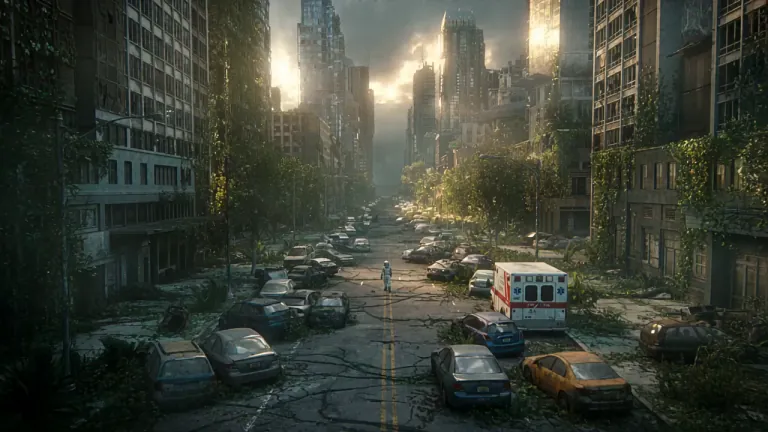
A lone astronaut walks through the ruins of a once-busy city, surrounded by abandoned cars, overgrown skyscrapers, and trees growing through cracked streets. She discovers a small child standing inside an old convenience store, holding a glowing flower. The astronaut slowly removes her helmet as birds suddenly rise into the sky and sunlight breaks through the clouds. Emotional science-fiction film, grand post-apocalyptic environment, slow cinematic camera movement, wide establishing shots, intimate facial close-ups, realistic dust particles, warm sunlight contrasting with cold ruins, epic yet hopeful atmosphere.
 Offizielles Beispiel
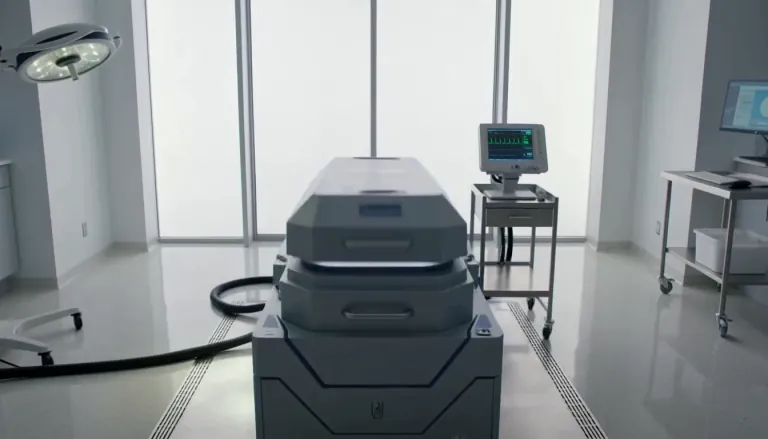
Exactly 5 seconds. Inside a bright sterile laboratory, a cryogenic chamber opens and cold vapor spills across the floor. A confused man slowly sits up. A scientist steps forward and says, “Welcome back.” The man asks, “What year is it?” The scientist hesitates as the camera gently pulls backward. Photorealistic Hollywood science-fiction drama, soft white daylight, realistic vapor, restrained acting, accurate lip sync, no extreme close-up.
Ein günstiger erster Pass, damit du Richtungen erkundest, bevor die Vollqualität kommt.
FLUX 3 Draft Mode liefert eine schnelle Vorschau deines Prompts auf FLUX 3 Turbo. Wenn Bewegung, Bildausschnitt und Story stimmen, wechselst du zu FLUX 3, wählst 720p oder 1080p und renderst dieselbe Idee in Vollqualität. Nutze es für Text-zu-Video-Drafts und Bild-zu-Video-Drafts, sobald du mehr Versuche brauchst, ohne bei jedem Fehlversuch den vollen Tarif auszugeben.
Vier Gründe, warum Creator auf FLUX 3 Turbo starten und nur den Gewinner hochstufen.
FLUX 3 Draft Mode ist für einen schnellen ersten Blick auf Bewegung und Bildausschnitt gebaut. Starte ein Draft-Video aus deinem Prompt, beurteile den Beat in Sekunden und zahle Vollqualität erst, wenn die Idee schon trägt. So bleibt das Erkunden günstig — und du hast am Ende trotzdem einen postfähigen Clip.
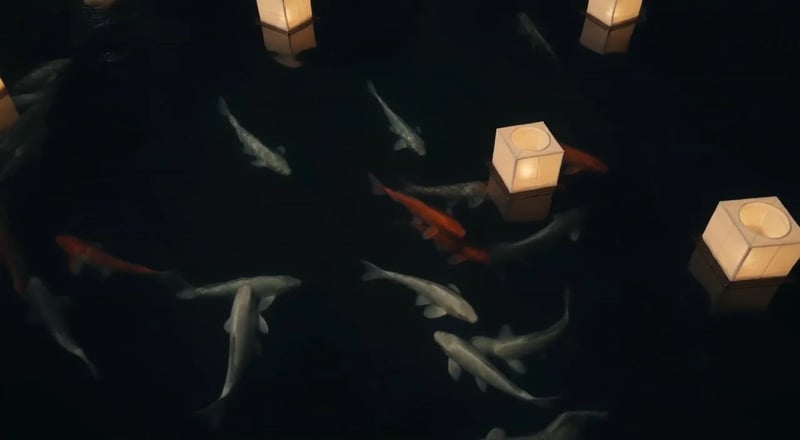
Wenn ein Draft passt, schick dieselbe Idee in 720p oder 1080p zurück. FLUX 3 Draft Mode ist keine Sackgasse auf niedriger Stufe — sondern die erste Hälfte eines Draft-zu-Voll-Workflows, damit du nicht raten musst, welcher Prompt den höheren Tarif verdient.
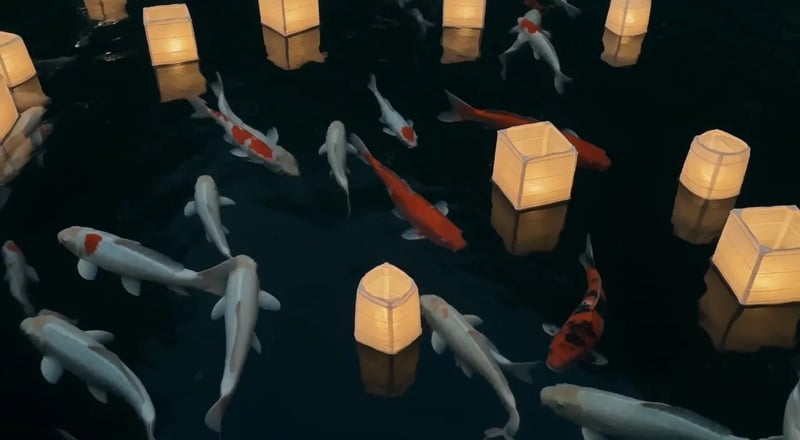
FLUX 3 Turbo kostet 5 Credits pro Sekunde, eine Vorschau von 5 Sekunden also 25 Credits — ein Bruchteil der Tarife für Vollqualität. Nutze FLUX 3 Draft Mode, wenn du drei Prompt-Winkel brauchst, nicht einen teuren Rateversuch. Volle Tarife sparst du für den Cut, dem du schon vertraust.
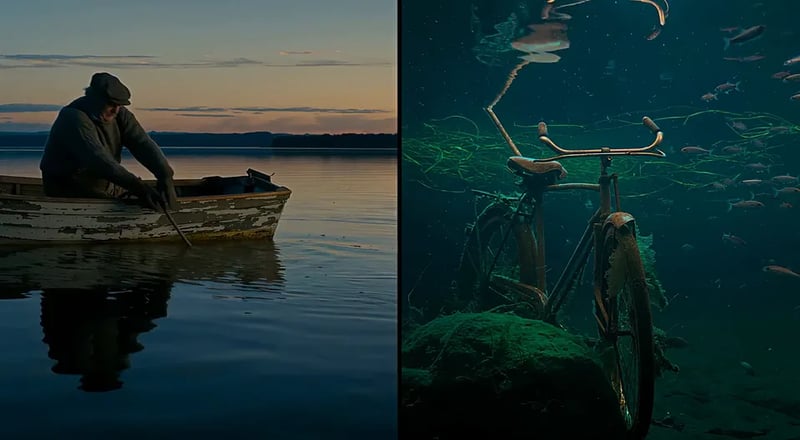
Starte mit einem klaren Prompt für Text zu Video oder lade ein Still für Bild zu Video hoch. FLUX 3 Turbo kann beides — Produktshots, Charakter-Stills und geschriebene Szenen bekommen so eine günstige Vorschau vor der Vollqualität.
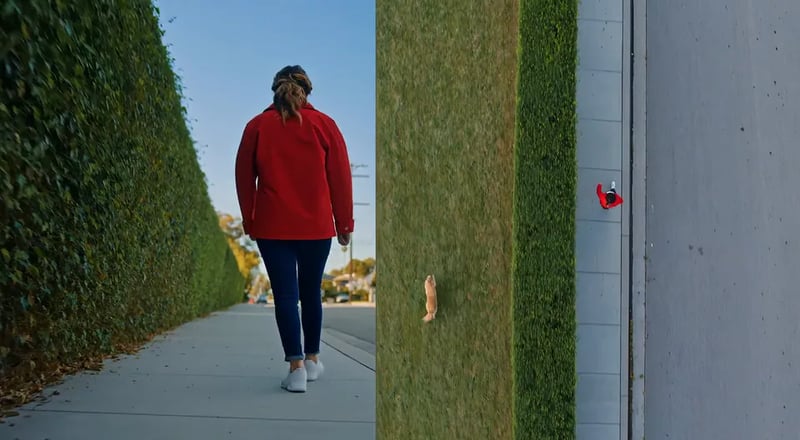
Günstig vorschauen, nur den Shot hochstufen, der dir gefällt.
Beschreib die Szene in klaren Worten oder lade ein Foto hoch, das du animieren willst. Halte einen klaren Beat, damit der Draft leicht zu beurteilen ist.
Lass das Modell auf FLUX 3 Turbo (hier der Standard) und wähle eine Länge von fünf bis fünfzehn Sekunden. Vorschauen sind stumm — Audio kommt erst mit dem Vollqualitäts-Lauf auf FLUX 3.
Starte den Draft und sieh dir das Ergebnis in deiner Bibliothek an. Ändere Prompt oder Still, bis Bewegung und Story stimmen.
Wenn ein Draft gewinnt, stellst du das Modell auf FLUX 3 um, wählst 720p oder 1080p und erzeugst dieselbe Idee erneut — damit der finale Clip zur Vorschau passt, die du schon freigegeben hast.
Jobs, die viele Looks brauchen, bevor einmal Vollqualität dran ist.
Teste drei Hook-Zeilen als Draft-Video, wähle den Gewinner und rendere genau diese Draft-Idee in Vollqualität für bezahlte Social Ads.
Blocke Szenen als günstige Draft-Vorschauen, damit Regie und Schnitt sich auf Bewegung einigen, bevor jemand 1080p-Tarife ausgibt.
Animiere ein Packshot-Still mit Bild-zu-Video-Drafts, bis Kamera und Licht stimmen — dann stufe den freigegebenen Take hoch.
Vergleiche Looks und Stimmungen mit Draft-Vorschauen, bevor du einen markensicheren Vollqualitäts-Pass festlegst.
Teile eine Draft-Vorschau für Feedback und gib Vollqualität erst aus, wenn die Anmerkungen da sind.
Drafte jeden Beat eines Multi-Szenen-Shorts, baue die Story und stufe nur die Cuts hoch, die im finalen Edit bleiben.
Zum vollen Video-Hub oder Still-Generator, wenn die Vorgabe den Draft Mode verlässt.
Bis zu 1.000 Bilder oder 41 Videos
Bis zu 2.500 Bilder oder 104 Videos
Bis zu 7.500 Bilder oder 312 Videos
· Keine Kreditkarte nötig
Fehlgeschlagene Generierungen werden automatisch erstattet · Jederzeit kündbar
FLUX 3 Draft Mode ist der Vorschau-Durchgang auf dieser Website. Er schickt deinen Prompt an FLUX 3 Turbo, ein schnelles, günstiges Videomodell, damit du Richtungen erkundest, bevor du für 720p- oder 1080p-Vollqualität auf FLUX 3 bezahlst.
FLUX 3 Turbo ist das günstige Vorschaumodell hinter dem Draft Mode. 720p und 1080p sind Renders von FLUX 3 in Vollqualität. Starte auf Turbo und führe die gewinnende Idee danach auf FLUX 3 erneut aus.
Ja. FLUX 3 Turbo kann beides. Lade ein Still hoch, wenn du schon ein Produkt- oder Charakter-Bild hast; schreib einen Prompt, wenn du den Shot von null erfindest.
Eine Vorschau auf FLUX 3 Turbo kostet 5 Credits pro Sekunde, der Standardlauf von 5 Sekunden also 25 Credits. Vollqualität auf FLUX 3 kostet 35 Credits pro Sekunde in 720p und 60 in 1080p, mit einem Mindestbetrag von 175 Credits pro Lauf. Der Generator zeigt die Schätzung, bevor du startest.
Ja — genau das ist der vorgesehene Draft-zu-Voll-Pfad für FLUX 3 Draft Mode. Behalte denselben Prompt (und das Still, falls du eines genutzt hast), stell das Modell von FLUX 3 Turbo auf FLUX 3 um, wähle 720p oder 1080p und erzeuge erneut.
Turbo-Vorschauen dauern fünf bis fünfzehn Sekunden, Vollqualitäts-Läufe auf FLUX 3 bis zu zwanzig. Wähle die Länge vor dem Erzeugen, damit Draft-Versuche gezielt bleiben.
Draft-Vorschauen auf FLUX 3 Turbo sind stumm — das Modell hat keine Audio-Option. Natives Audio kommt mit dem Vollqualitäts-Lauf auf FLUX 3, dort ist es standardmäßig an.
Allein nicht. Die Anmeldung enthält auf dieser Website 10 freie Credits, eine Standard-Vorschau von 5 Sekunden auf FLUX 3 Turbo kostet 25 Credits. Nutz die Anmelde-Credits für Bilder mit FLUX 3 Image und kauf Credits oder einen Plan, wenn du ein Entwurfsvideo erstellen willst.
Bleib im Arbeitsbereich, um Stills fertigzumachen oder den vollen Video-Hub zu öffnen.
Öffne den Haupt-Videogenerator, wenn du jede Auflösung und Modelloption willst.
Bau zuerst ein Still und animiere es danach mit einem Bild-zu-Video-Draft.
Prüfe Draft- und Vollqualitäts-Clips, die in deiner Bibliothek gespeichert sind.
Durchsuche Community- und Showcase-Arbeiten für Prompt-Ideen.
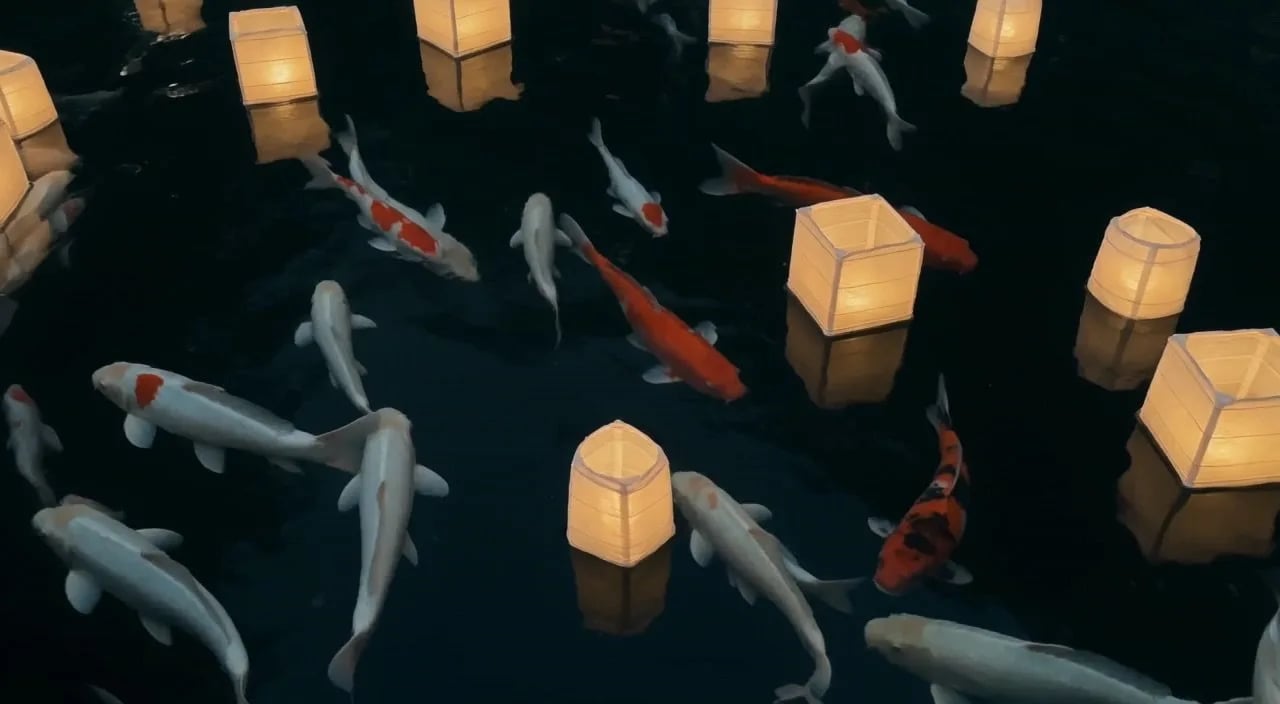
Erzeuge eine Vorschau auf FLUX 3 Turbo, fixiere die Idee und rendere denselben Shot in Vollqualität.