Variantes creativas de anuncio
Prueba tres ganchos como vídeo en borrador, elige el ganador y vuelve a renderizar solo esa idea a calidad total para redes de pago.
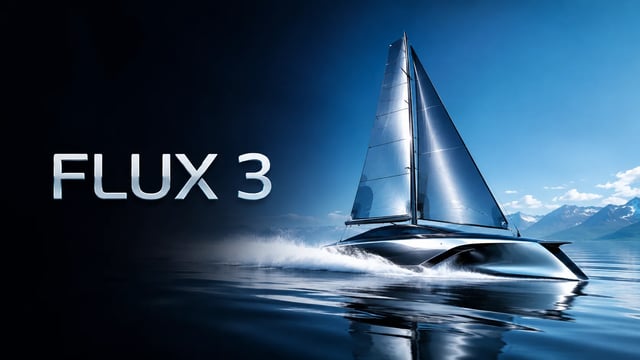
 FLUX 3
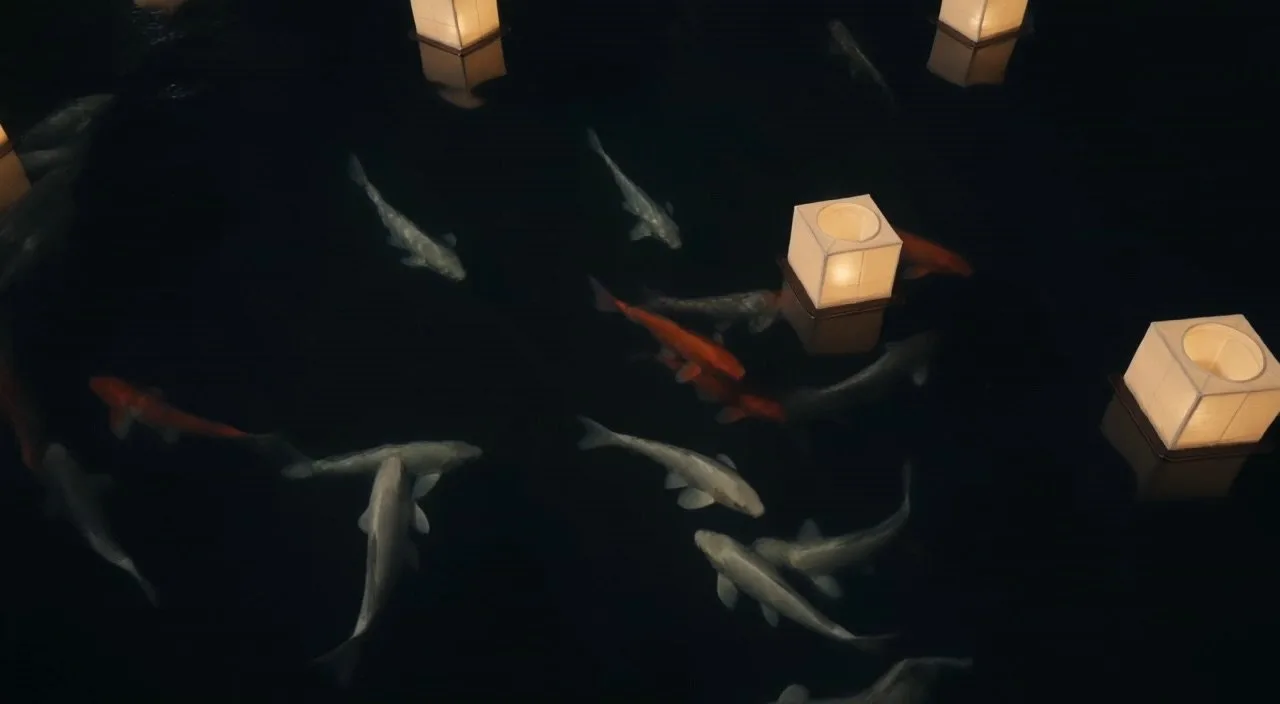
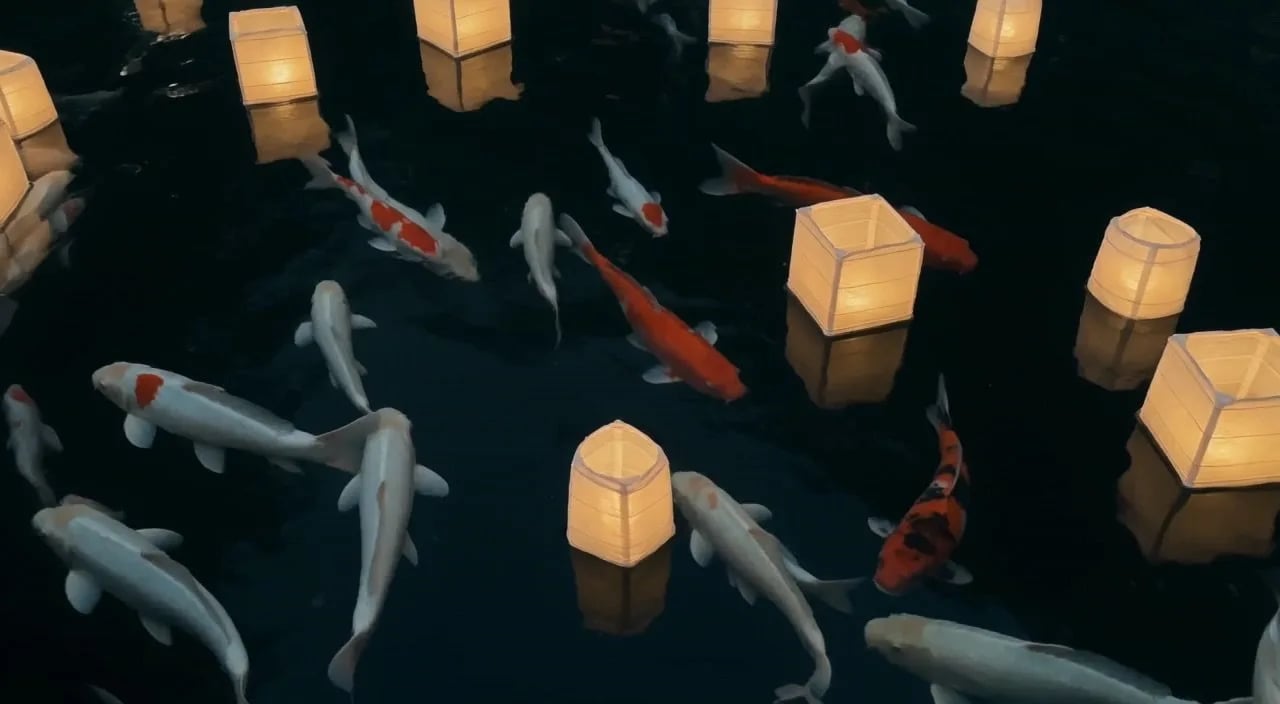
Carpas koi flotando entre farolillos de papel de noche, reflejos suaves en agua oscura, deriva suave de cámara
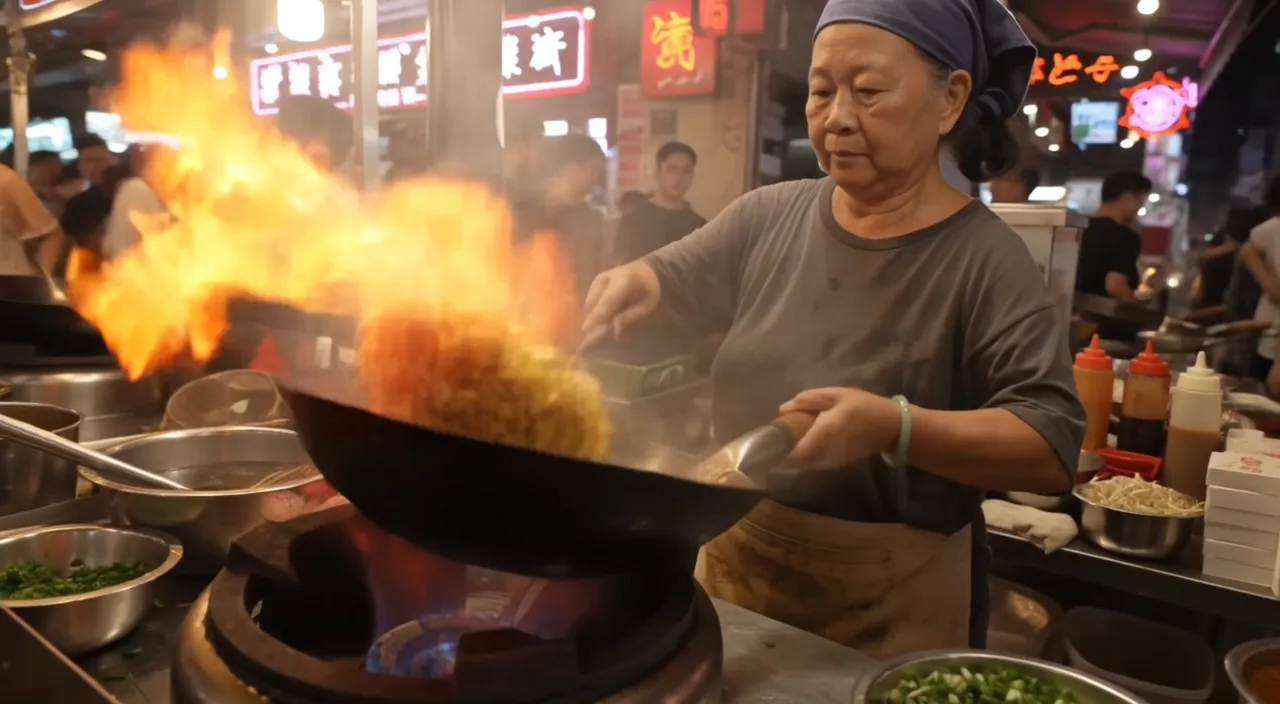
Night market food stall, handheld medium shot. An older street cook tosses noodles in a flaming wok; the flames flare up and light her face. She looks up at a customer just off camera and says with a grin: "Two minutes. Best noodles on this street." Sizzling wok, crowd chatter, a distant scooter horn. Warm neon signs and drifting steam.
 Muestra oficial
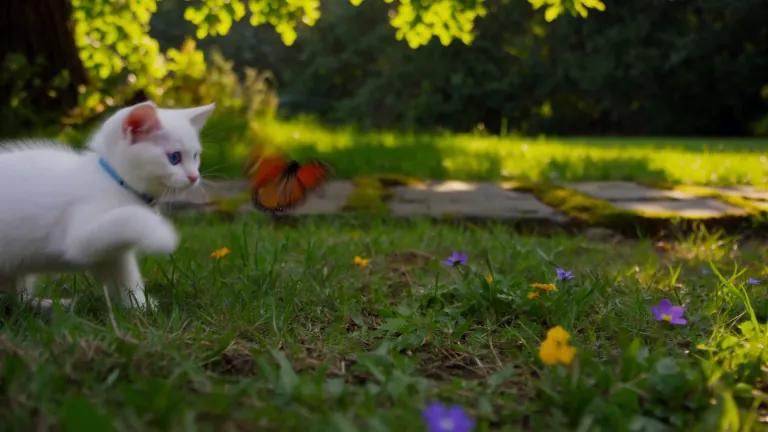
A white kitten chases a butterfly across a sunlit garden. Gentle camera tracking, natural movement, soft afternoon light filtering through the leaves.
 Muestra oficial
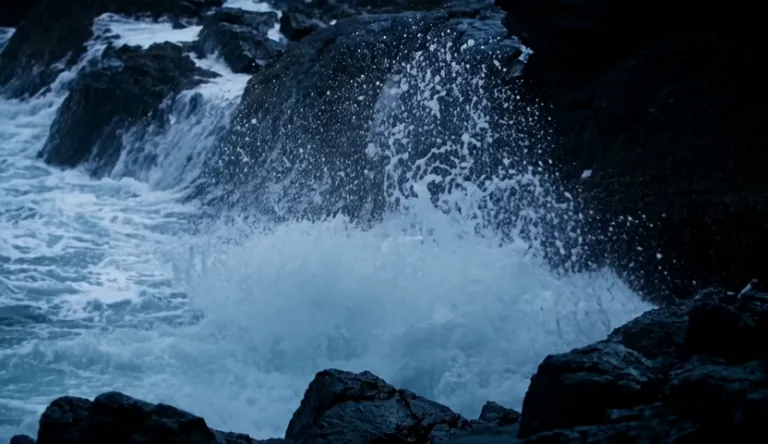
A lighthouse beam sweeps through heavy rain over black rocks at night, waves detonating against the cliff.
 Muestra oficial
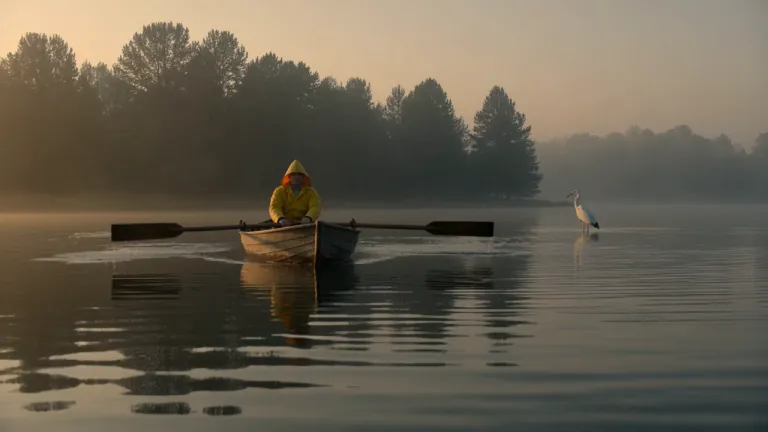
A fisherman in a yellow raincoat rows a small wooden boat across a calm misty lake at dawn, soft golden light breaking through the fog, gentle ripples, a heron lifts off in the background, slow cinematic dolly-in, natural ambient sound of water and distant birds
A red panda walks along a mossy log in a sunlit forest, pausing to sniff the air before climbing over a fallen branch. Soft morning light filters through the canopy. Ambient birdsong and rustling leaves.
 Muestra oficial
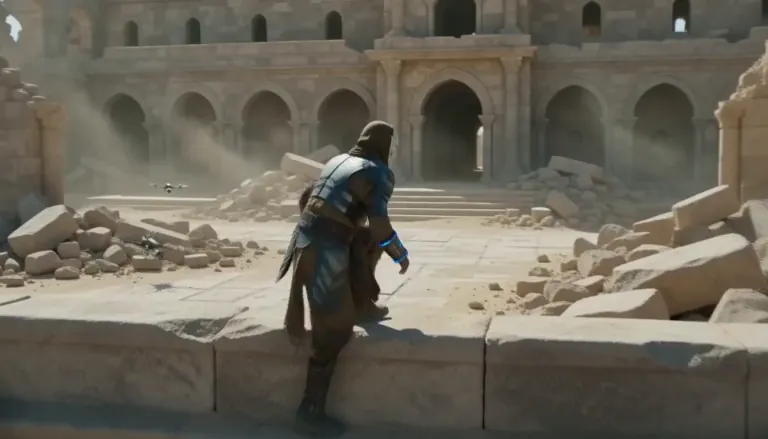
An aging warrior-monk in scorched ceremonial armor, a split ceramic mask and a humming prayer-band on his forearm + 0–4s: climbs silently along a cliffside terrace as insect-like surveyor drones comb the sun-bleached ruins, standing alone under as the camera rises over the ruined monastery. Sun-blasted post-apocalyptic sci-fi action, dust, heat haze, practical debris, sweeping crane tracking, silence broken only by wind.
 Muestra oficial
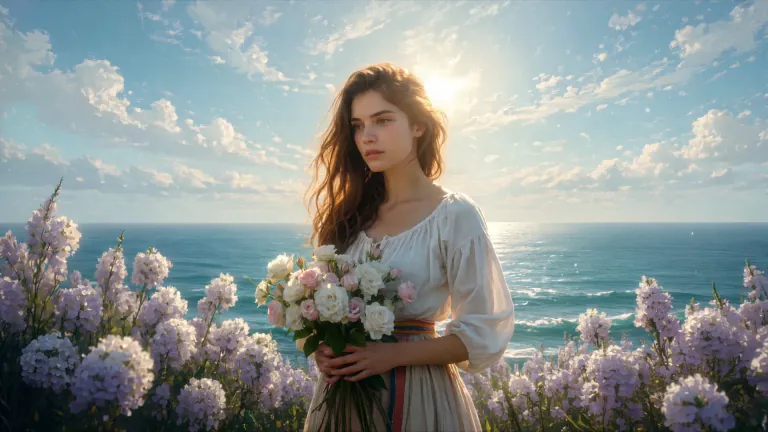
ENVIRONMENT: open coastal air — pale blue and violet sky with dry scumbled clouds, a thin band of teal sea at the lower edge, warm cream haze along the horizon. Backlight from behind the flower mass makes the petals glow near-white while her face and arms fall into warm shadow. STYLE: 24fps, gentle handheld drift, no camera shake spikes. Slow continuous push-in of about 8%, drifting a few degrees to the right so her face rotates marginally into the light. Shallow parallax between three planes: foreground drifting petals, mid-plane figure and bouquet, background sky and sea. Color tone: cool blue-lilac against cream-gold and umber. No morphing, no smoothing, no plastic skin, no added detail beyond the painting's own resolution.
 Muestra oficial
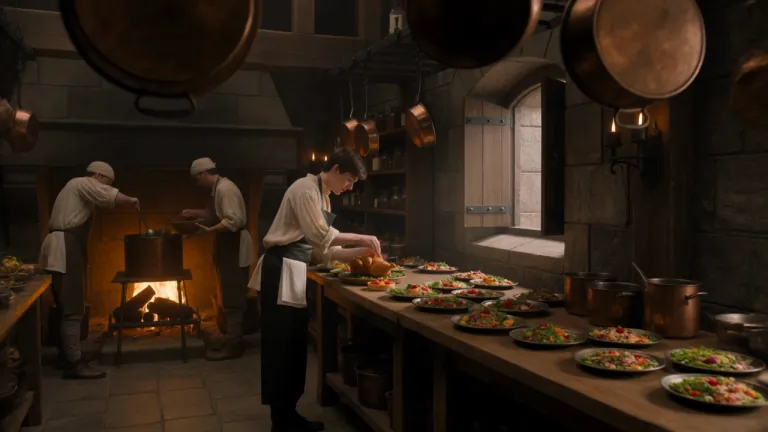
A young royal chef stands inside a huge medieval castle kitchen, wearing a cream tunic and dark leather apron while dozens of elaborate dishes cover a long wooden table. A small dragon suddenly pushes its head through an open stone window. Everyone in the kitchen freezes. The chef cautiously offers it a roasted chicken. The dragon ignores it completely. He nervously raises a tiny fruit tart instead. The dragon’s eyes immediately brighten and it gently reaches toward the dessert. The camera begins behind hanging copper pans, tracks toward the chef, then pushes past him toward the dragon outside the window. Playful Western fantasy, detailed medieval kitchen, expressive creature behavior, cinematic comedy, realistic food and firelight.
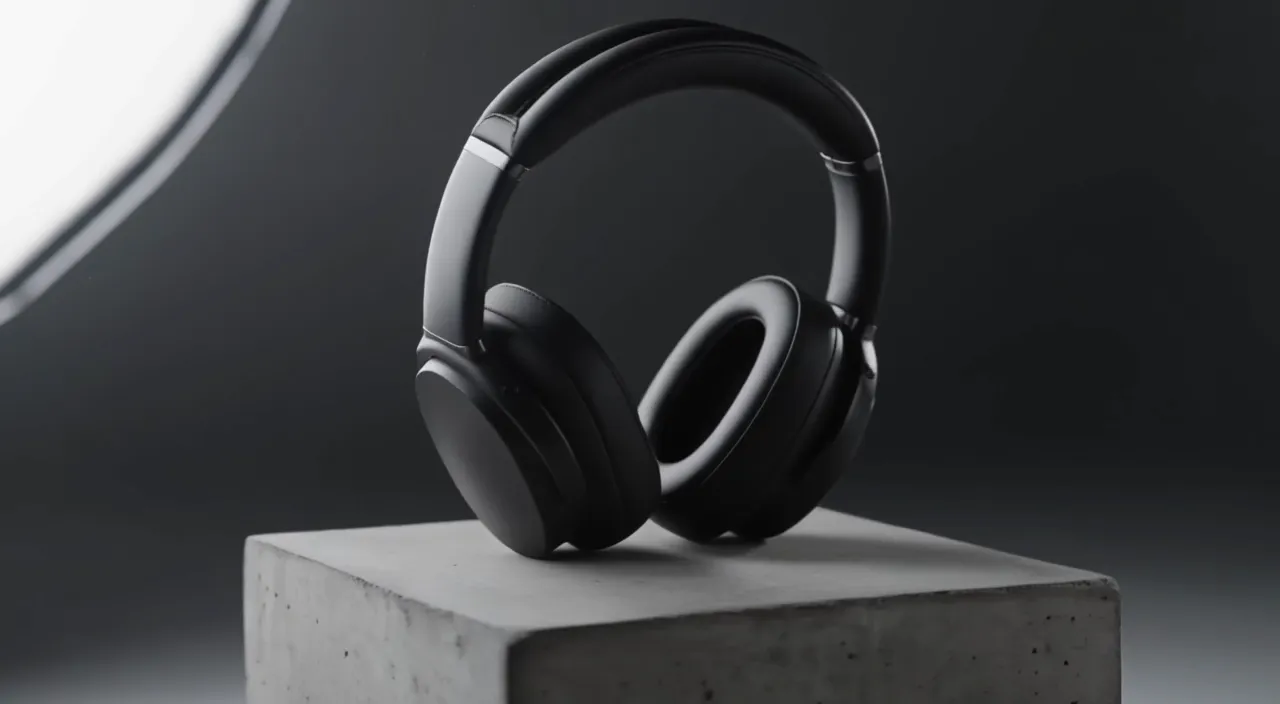
Slow 180-degree orbit around a pair of matte black over-ear headphones resting on a concrete pedestal in a minimal studio. Soft key light from the left, a thin rim light traces the ear cups, dust drifts through the beam. The orbit ends front-on as the light warms slightly. A low ambient synth hum.
 Muestra oficial
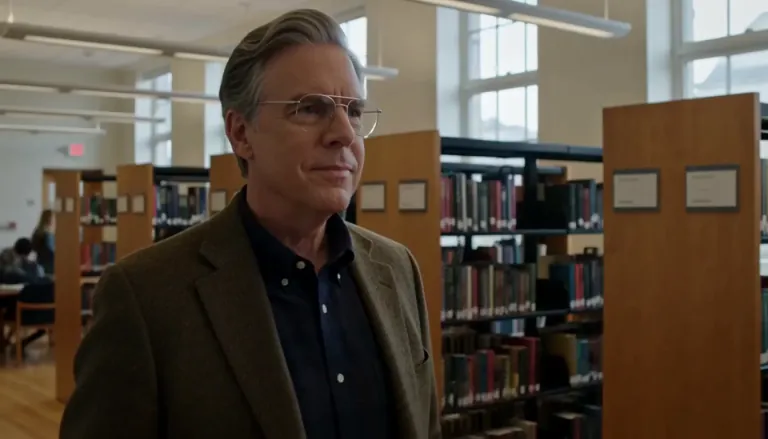
Create a 5-second live-action Hollywood film shot in a bright university library. A thoughtful professor stands in a medium shot, turns slightly toward an unseen student, and calmly says, “What is the real?” Natural daylight, professional cinema camera, realistic performance, subtle camera drift, no close-up, no dark lighting, perfect lip sync.
 Muestra oficial
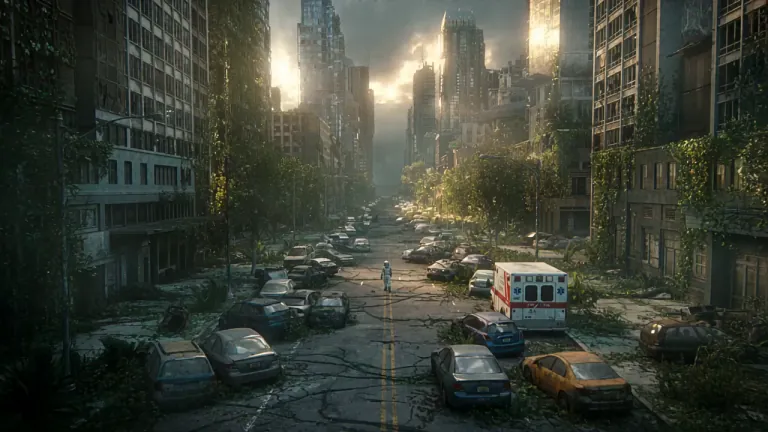
A lone astronaut walks through the ruins of a once-busy city, surrounded by abandoned cars, overgrown skyscrapers, and trees growing through cracked streets. She discovers a small child standing inside an old convenience store, holding a glowing flower. The astronaut slowly removes her helmet as birds suddenly rise into the sky and sunlight breaks through the clouds. Emotional science-fiction film, grand post-apocalyptic environment, slow cinematic camera movement, wide establishing shots, intimate facial close-ups, realistic dust particles, warm sunlight contrasting with cold ruins, epic yet hopeful atmosphere.
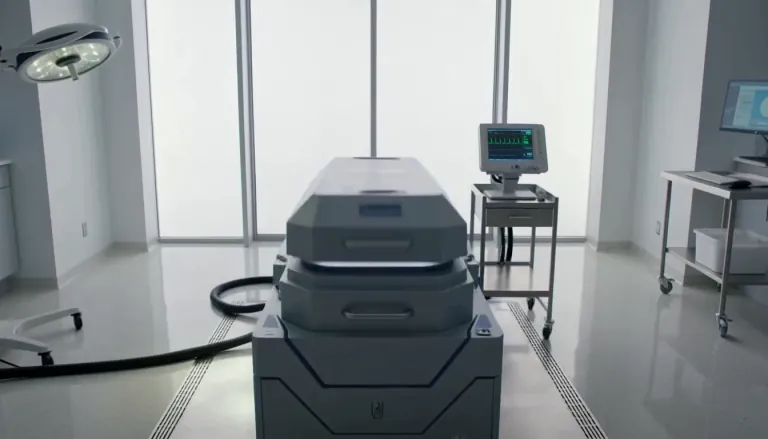 Muestra oficial
Exactly 5 seconds. Inside a bright sterile laboratory, a cryogenic chamber opens and cold vapor spills across the floor. A confused man slowly sits up. A scientist steps forward and says, “Welcome back.” The man asks, “What year is it?” The scientist hesitates as the camera gently pulls backward. Photorealistic Hollywood science-fiction drama, soft white daylight, realistic vapor, restrained acting, accurate lip sync, no extreme close-up.
Un primer pase más barato para explorar direcciones creativas antes de la calidad total.
FLUX 3 Draft Mode devuelve una vista previa rápida de tu prompt en FLUX 3 Turbo. Cuando el movimiento, el encuadre y la historia encajen, cambia a FLUX 3, elige 720p o 1080p y renderiza la misma idea a calidad total. Úsalo para borradores de texto a vídeo e imagen a vídeo cuando necesites más intentos sin gastar la tarifa completa en cada fallo.
Cuatro motivos por los que los creadores empiezan en FLUX 3 Turbo y solo suben el ganador.
FLUX 3 Draft Mode está pensado para un primer vistazo rápido al movimiento y al encuadre. Genera un vídeo en borrador desde tu prompt, juzga el ritmo en segundos y solo paga calidad total cuando la idea ya funciona. Ese hábito mantiene la exploración barata y aún así llegas a un clip listo para publicar.
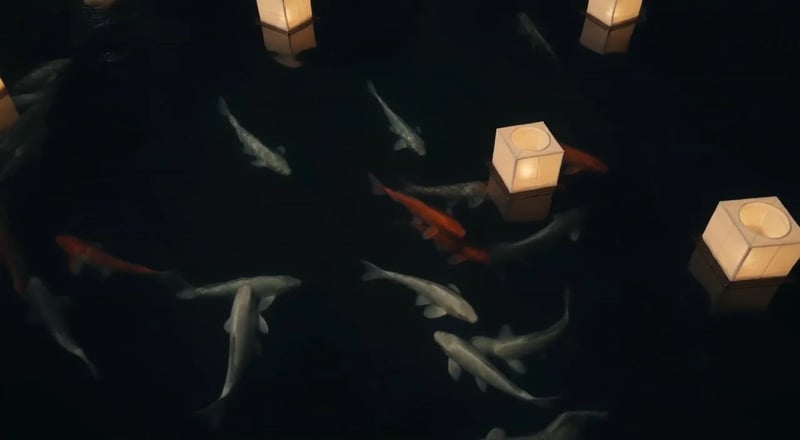
Cuando un borrador te convenza, manda la misma idea de nuevo en 720p o 1080p. FLUX 3 Draft Mode no es un escalón barato sin salida: es la primera mitad del flujo de borrador a calidad total, para dejar de adivinar qué prompt merece la tarifa más alta.
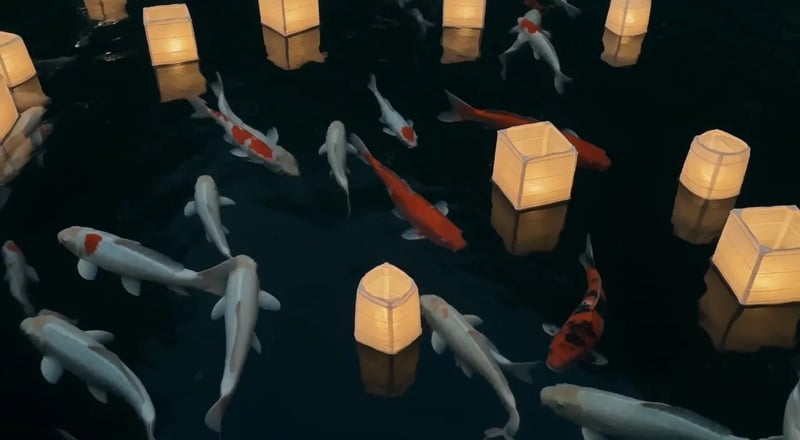
FLUX 3 Turbo cuesta 5 créditos por segundo, así que una vista previa de 5 segundos son 25 créditos: una fracción de las tarifas de calidad completa. Usa FLUX 3 Draft Mode cuando necesites tres ángulos de prompt, no una sola apuesta cara. Reserva la tarifa completa para el corte en el que ya confías.
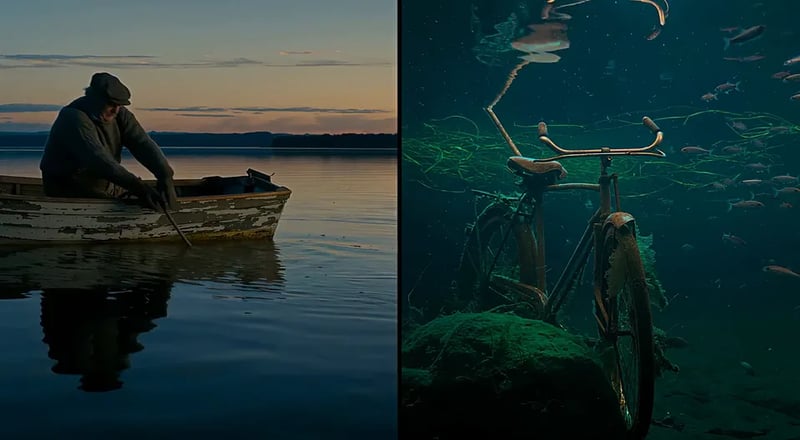
Empieza con un prompt sencillo para texto a vídeo, o sube una imagen fija para imagen a vídeo. FLUX 3 Turbo admite las dos cosas, así que tomas de producto, imágenes fijas de personaje y escenas escritas reciben una vista previa barata antes de la calidad total.
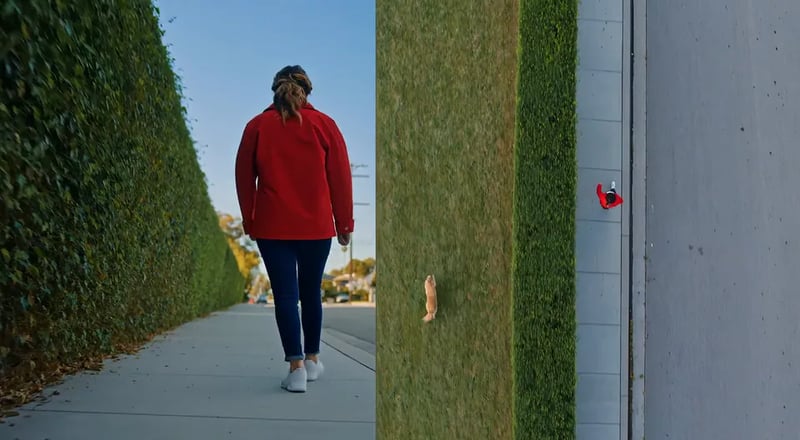
Previsualiza barato y sube solo la toma que te guste.
Describe la escena con palabras sencillas, o sube una foto que quieras animar. Quédate con un momento claro para que el borrador sea fácil de juzgar.
Deja el modelo en FLUX 3 Turbo (el predeterminado aquí) y elige una duración de cinco a quince segundos. Las vistas previas no llevan sonido: el audio llega con el pase a calidad total en FLUX 3.
Lanza el borrador y mira el resultado en tu biblioteca. Cambia el prompt o la imagen fija hasta que el movimiento y la historia encajen.
Cuando un borrador gane, cambia el modelo a FLUX 3, elige 720p o 1080p y genera de nuevo con la misma idea para que el clip final coincida con la vista previa que ya aprobaste.
Trabajos que necesitan muchas miradas antes de un solo gasto a calidad total.
Prueba tres ganchos como vídeo en borrador, elige el ganador y vuelve a renderizar solo esa idea a calidad total para redes de pago.
Bloquea escenas como vistas previas baratas en borrador para que dirección y montaje acuerden el movimiento antes de gastar tarifas de 1080p.
Anima un packshot con borradores de imagen a vídeo hasta que cámara y luz encajen, y luego sube la toma aprobada.
Compara looks y ambientes con vistas previas en borrador antes de fijar un pase a calidad total seguro para la marca.
Comparte una vista previa en borrador para comentarios y gasta calidad total solo cuando llegue el feedback.
Haz un borrador de cada momento de un corto multi-escena, arma la historia y sube solo los cortes que se queden en el montaje final.
Salta al hub de vídeo completo o al generador de imágenes fijas cuando el encargo salga del modo borrador.
Hasta 1000 imágenes o 41 videos
Hasta 2500 imágenes o 104 videos
Hasta 6500 imágenes o 270 videos
· Sin tarjeta de crédito
Reembolso automático si una generación falla · Créditos añadidos cada mes · Cancela cuando quieras
FLUX 3 Draft Mode es el pase de vista previa de este sitio. Ejecuta tu prompt en FLUX 3 Turbo, un modelo de vídeo rápido y de bajo coste, para que explores direcciones creativas antes de gastar en calidad total 720p o 1080p en FLUX 3.
FLUX 3 Turbo es el modelo de vista previa de bajo coste que hay detrás de Draft Mode. 720p y 1080p son renders a calidad total de FLUX 3. Empieza en Turbo y vuelve a ejecutar la idea ganadora en FLUX 3.
Sí. FLUX 3 Turbo admite las dos. Si ya tienes una imagen del producto o del personaje, súbela como imagen fija; escribe un prompt cuando estés inventando la toma desde cero.
Una vista previa en FLUX 3 Turbo cuesta 5 créditos por segundo, así que la generación por defecto de 5 segundos son 25 créditos. La calidad completa en FLUX 3 cuesta 35 créditos por segundo en 720p y 60 en 1080p, con un mínimo de 175 créditos por generación. El generador muestra la estimación antes de empezar.
Sí: ese es el camino pensado de borrador a calidad total en FLUX 3 Draft Mode. Mantén el mismo prompt (y la imagen fija, si usaste una), cambia el modelo de FLUX 3 Turbo a FLUX 3, elige 720p o 1080p y genera de nuevo.
Las vistas previas en Turbo van de cinco a quince segundos; las generaciones a calidad total en FLUX 3 llegan a veinte. Elige la duración antes de generar para que las pruebas en borrador sean deliberadas.
Las vistas previas en FLUX 3 Turbo no llevan sonido: ese modelo no tiene control de audio. El audio nativo llega con el pase a calidad total en FLUX 3, donde viene activado por defecto.
No por sí solos. El registro incluye 10 créditos gratis en este sitio, y una vista previa por defecto de 5 segundos en FLUX 3 Turbo cuesta 25 créditos. Usa los créditos de registro en imágenes con FLUX 3 Image y compra créditos o un plan cuando quieras generar un video borrador.
Quédate en el espacio de trabajo para terminar imágenes fijas o abrir el hub de vídeo completo.
Abre el generador de vídeo principal cuando quieras todas las resoluciones y opciones de modelo.
Crea primero una imagen fija y luego anímala con un borrador de imagen a vídeo.
Revisa clips en borrador y a calidad total guardados en tu biblioteca.
Explora trabajos de la comunidad y del showcase para ideas de prompt.
Genera una vista previa en FLUX 3 Turbo, fija la idea y vuelve a renderizar la misma toma a calidad total.