
FLUX 3 Image Klein Online Try FLUX 3 Klein Image Edit Free
FLUX 3 Klein edits up to 10 photos or makes 1K–4K stills from text, in your browser.
FLUX 3 Image Klein is Black Forest Labs' open-weights image model, released on 15 October 2026. Here FLUX 3 Klein runs in your browser, with no GPU and no ComfyUI. Upload up to 10 photos and say what to change, or write a prompt, and get a 1K, 2K or 4K image, usually in under half a minute in our tests. Sign up and your free credits cover five 1K images. Below: our timed edits, and FLUX 3 Klein vs FLUX 2 Klein.

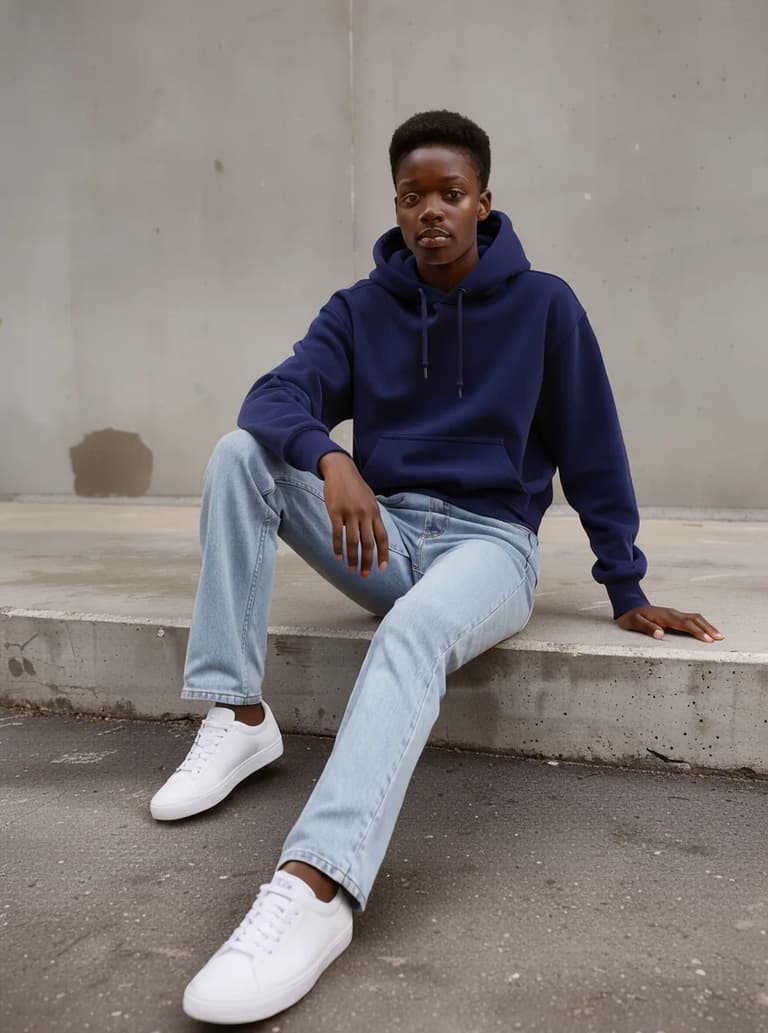

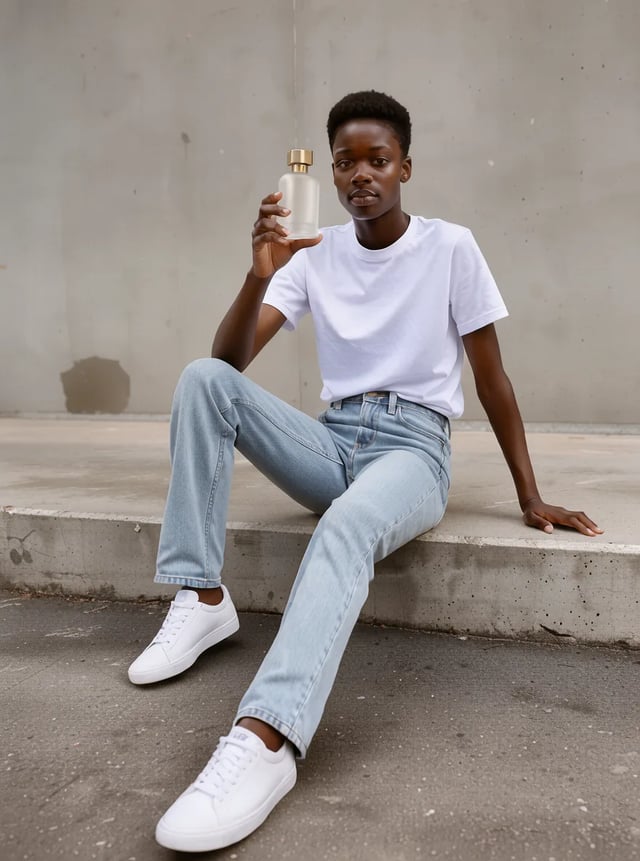
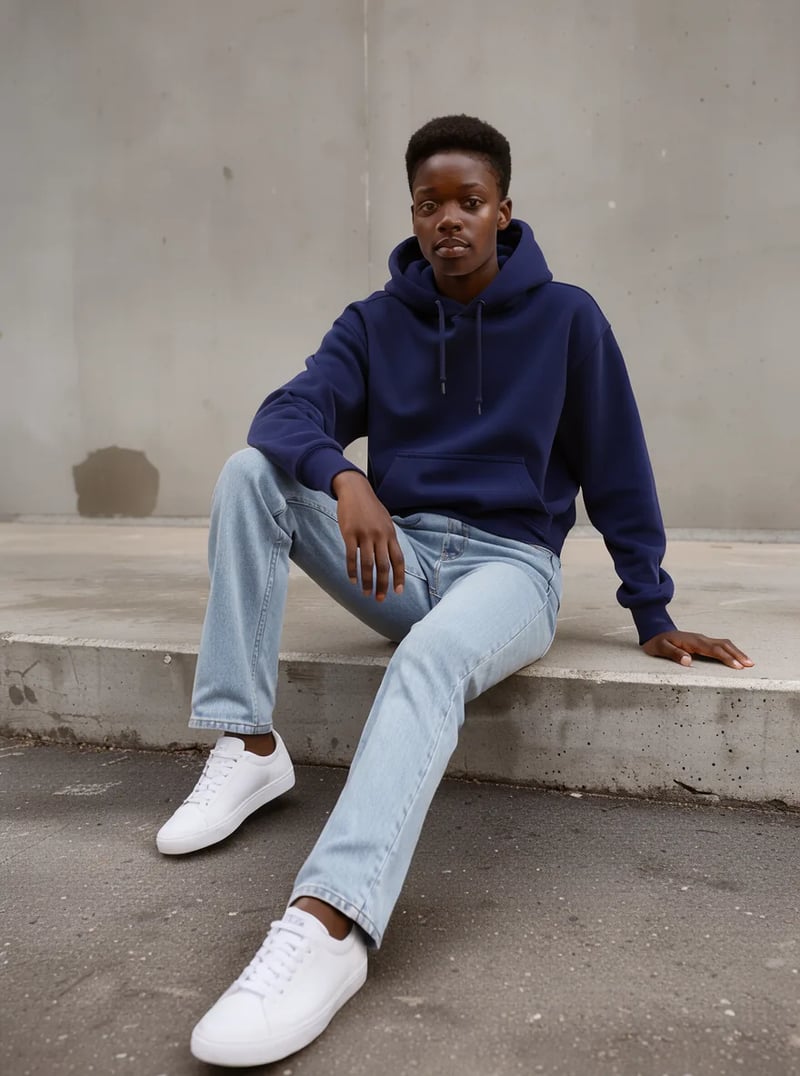
Change only the white t-shirt to a navy blue hoodie. Keep the person, face, pose, jeans, sneakers, wall and lighting exactly the same.
FLUX 3 Image Klein at a glance
Checked on 5 November 2026.
- Made by
- Black Forest Labs, released 15 October 2026
- Weights
- Open, under the FLUX Kommunity License
- Gated download on Hugging Face.
- On this site
- Hosted in your browser, nothing to install
- Modes
- Text to image, or edit and combine photos
- Reference images
- Up to 10 per edit
- Output
- 1K, 2K or 4K, nine shapes from 9:21 to 21:9
- Prompts
- Any language, up to 5,000 characters
- Wait on this site
- 13–20 s per 1K still, 21–27 s per 1K edit
- Each prompt run once, October 2026.
- Free to try
- Yes, with signup credits
- Watermarked, personal use; 2K and 4K need paid credits.
- Commercial use
- Yes, on paid credits
- Free-credit images are for personal use only.
FLUX 3 Klein image edit: four tests on this site
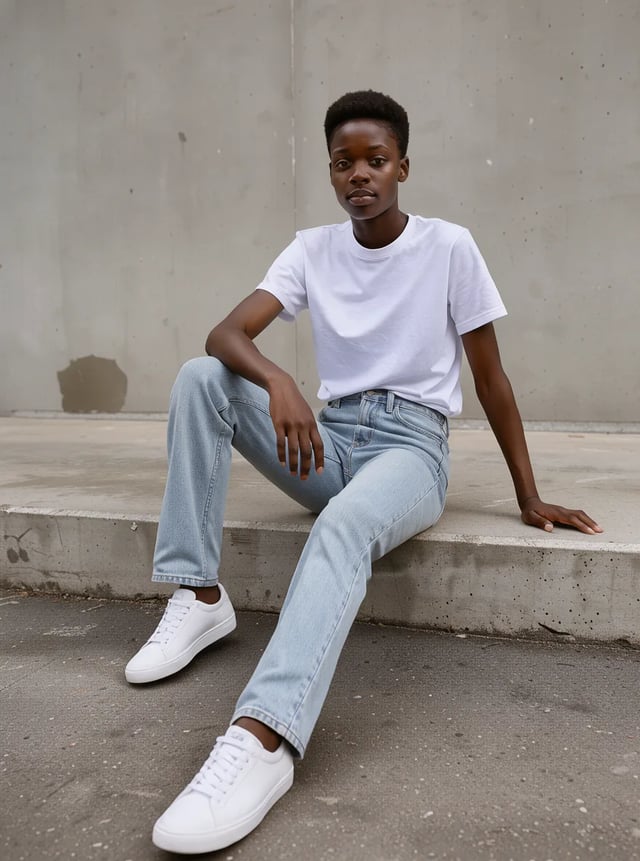
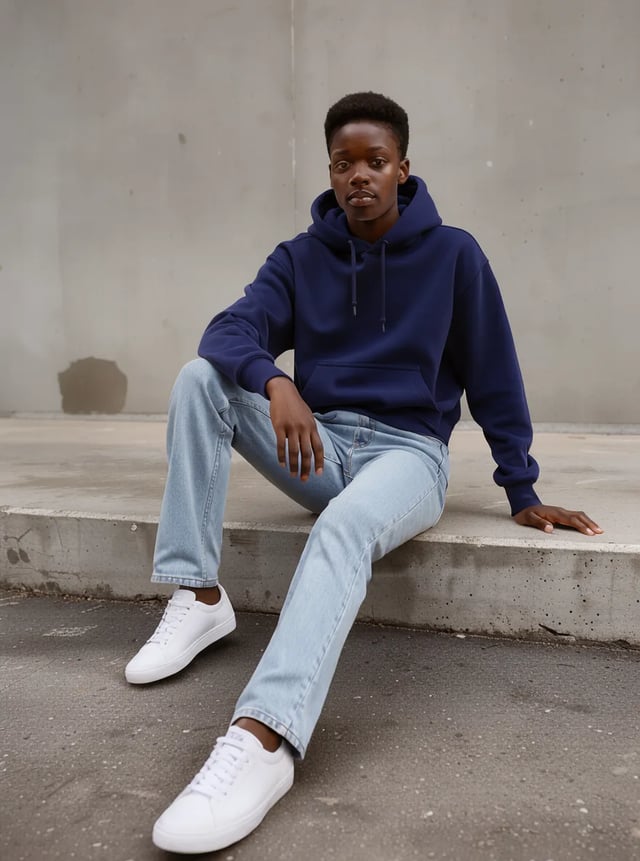
We made each original with FLUX 3 Klein, uploaded it, and ran one edit prompt at 1K. Each result is the first image it returned; the wait under each one includes queueing and saving.
Edit prompt
Change only the white t-shirt to a navy blue hoodie. Keep the person, face, pose, jeans, sneakers, wall and lighting exactly the same.
Result
27 s · face, pose and wall unchanged
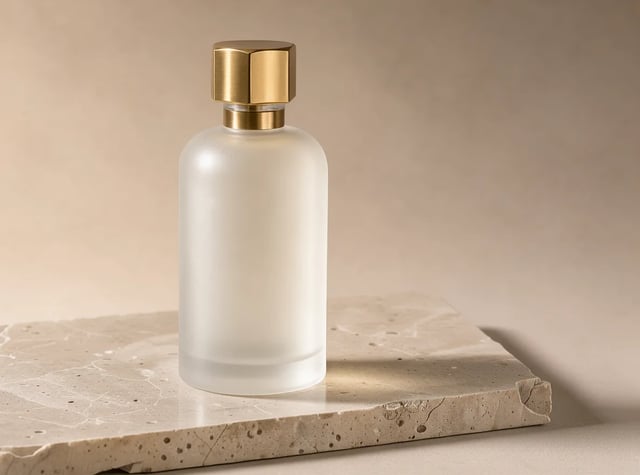
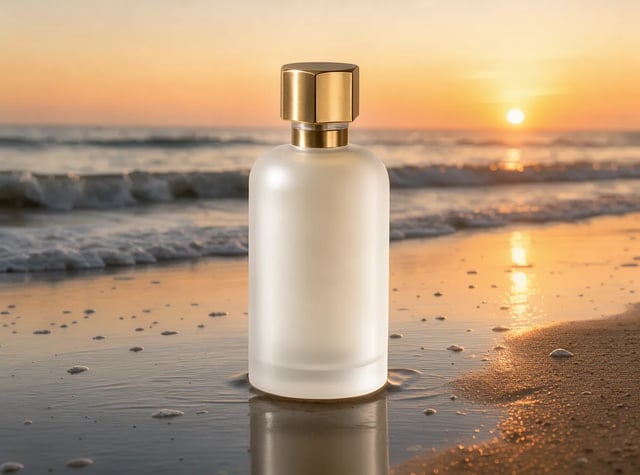
Edit prompt
Keep the perfume bottle exactly as it is. Replace the background and stone with wet sand on a beach at golden hour sunset, soft waves behind, warm backlight.
Result
24 s · bottle shape and cap unchanged


Edit prompt
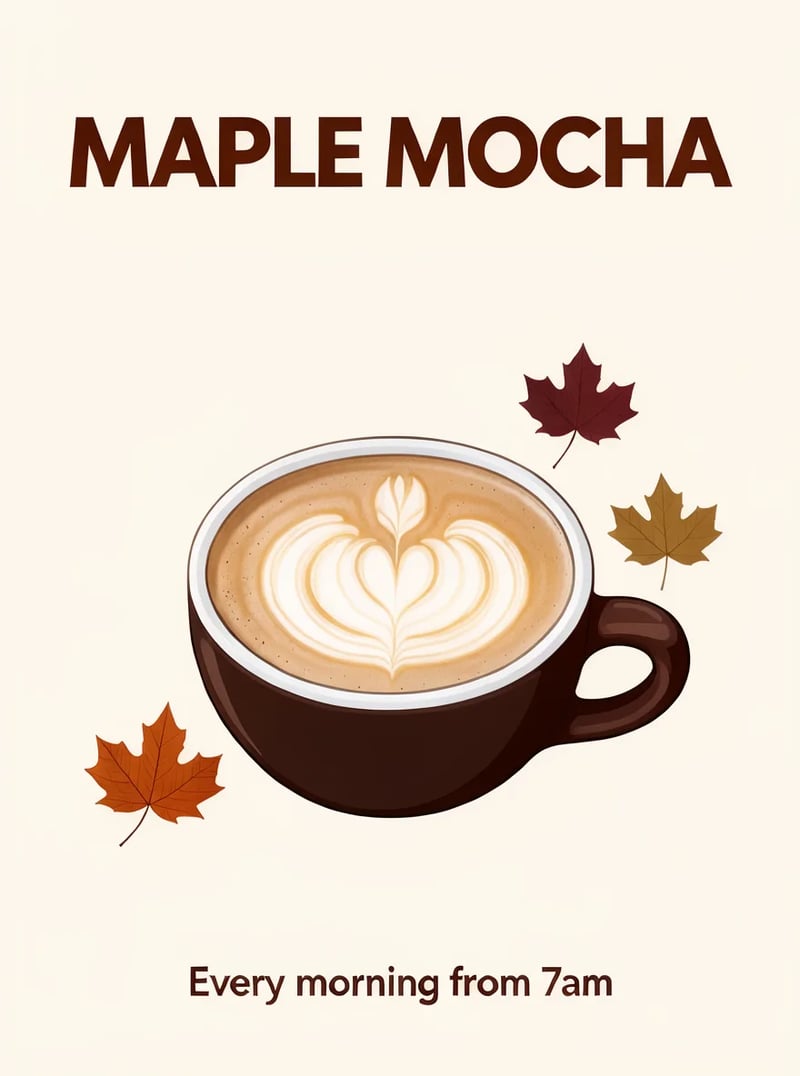
Change the title text to "MAPLE MOCHA" and make the cup dark chocolate brown. Keep the layout, leaves, background and the bottom line unchanged.
Result
21 s · layout, leaves and bottom line kept
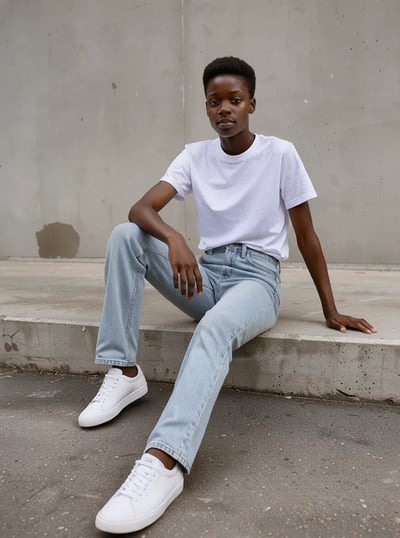
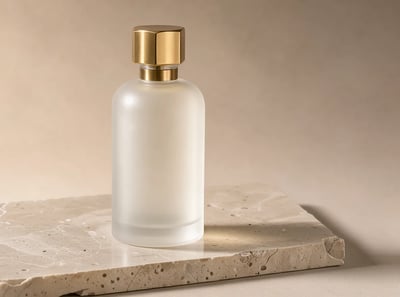
Edit prompt
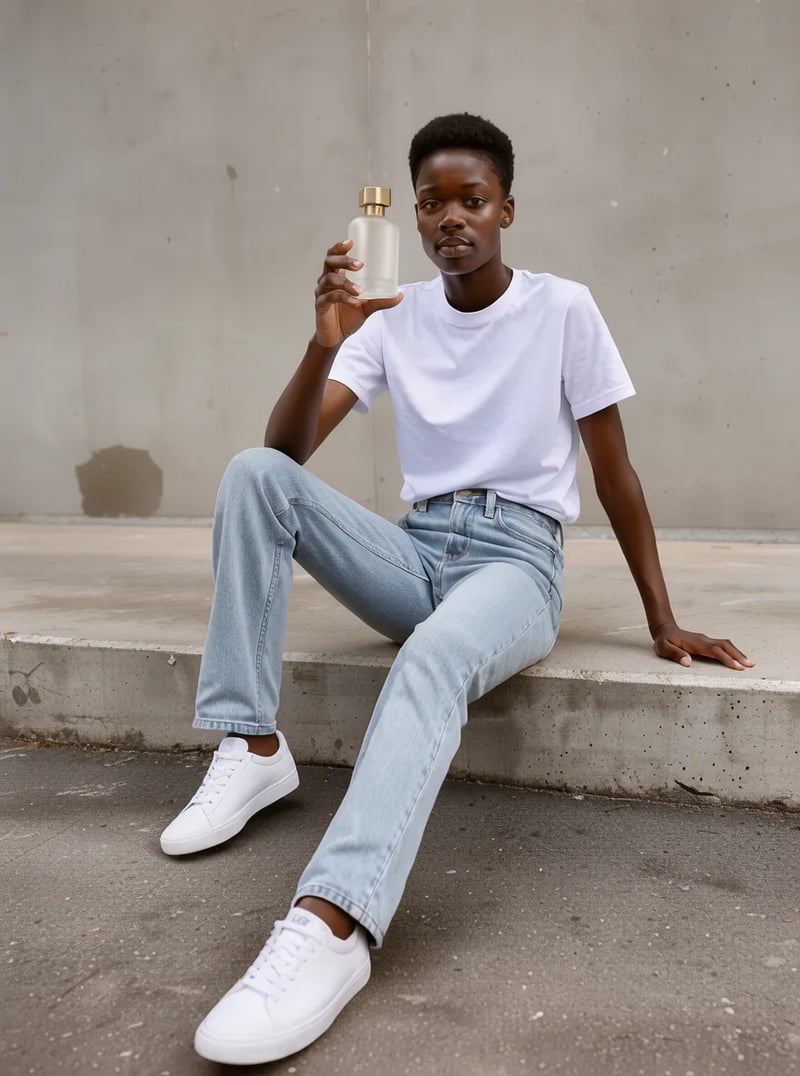
The person from the first image sits on the same concrete step holding the perfume bottle from the second image up near their face, looking at the camera. Keep the person's face, outfit and the bottle design unchanged. Editorial ad photo.
Result
27 s · outfit and bottle design kept
What FLUX 3 Klein edits can do
Four jobs, each shown with one of our runs.
Change one thing, keep the rest
A FLUX 3 Klein edit changes the part you name and keeps what you list. In our hoodie test, listing the face, pose, jeans, wall and light kept them identical around the new top.
Combine up to 10 reference images
FLUX 3 Klein takes up to 10 photos per edit at no extra cost. Name them by upload order and say how they fit; our two-photo test put a perfume bottle in a model's hand.
Put words on an image, or rewrite them
Quoted words come out in the design: both lines of our cafe poster were spelled right. On an uploaded poster, FLUX 3 Klein swapped the title and kept the layout. Proofread before you print.
Text to image at 1K, 2K or 4K
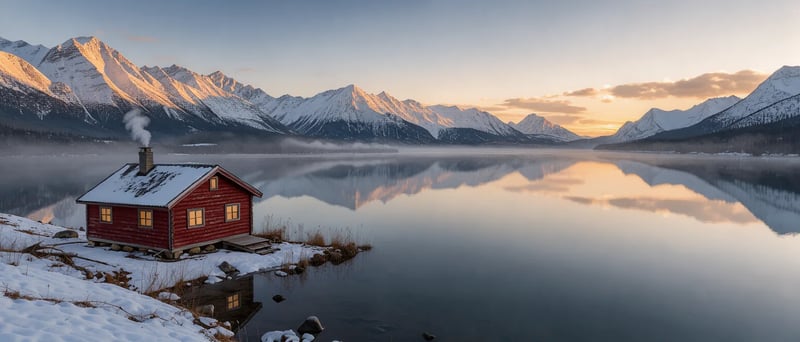
FLUX 3 Klein also works from a prompt alone, from tall 9:21 to ultra-wide 21:9; this lake took 17 seconds at 1K. Draft at 1K, then rerun the keeper at 2K or 4K on paid credits.
How to write a FLUX 3 Klein edit prompt
A good FLUX 3 Klein prompt for an edit has five parts, and the four tests above use these parts: what changes, what stays, which photo is which, any exact words, and the look.
Leave out the parts you do not need.
Change only 1what changes. Keep 2what must stay exactly the same. 3Which photo is which. 4Exact words in quotes. 5Light and style.
- What changes — One part and its new version: "the white t-shirt to a navy blue hoodie". One change per run is easiest to check.
- What must stay — List what must not move: "the person, face, pose, jeans". This stops the edit redrawing more.
- Which photo is which — Use upload order: "the person from the first image … the bottle from the second image".
- Exact words — Quote text exactly as it should print: Change the title text to "MAPLE MOCHA".
- Light and style — End with the look, like "warm backlight". Style words move the result most, so change them one at a time.
FLUX 3 Klein prompts you can copy
Text to image prompts from our 1K runs, each the first image returned. Copy one, or keep the style words and change the subject.

Cafe poster with two lines of text
Prompt
Minimal autumn cafe poster. Large bold title text "PUMPKIN LATTE" at the top, a single ceramic cup with latte art centered, scattered maple leaves, cream background, small line "Every morning from 7am" at the bottom. Clean flat graphic design.
Rainy street portrait with a film look
Prompt
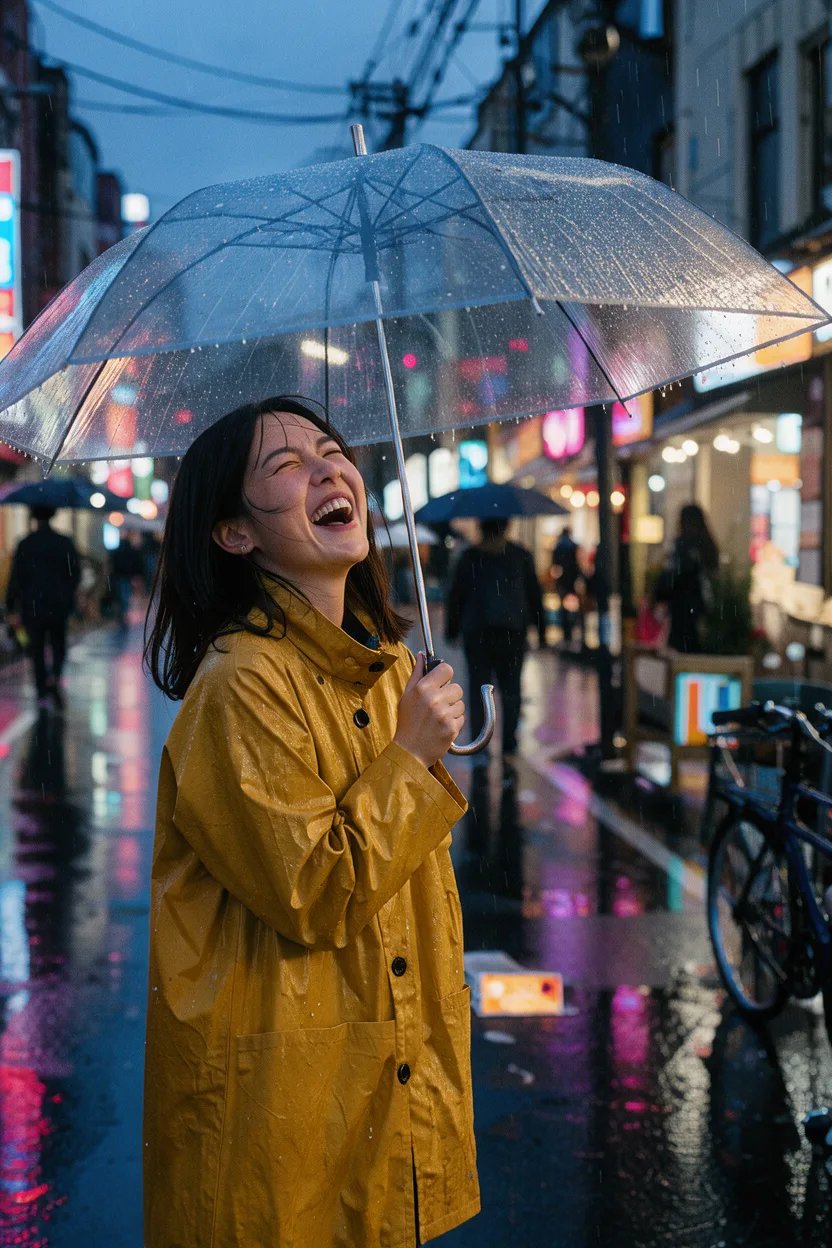
Candid street portrait of a young woman in a mustard raincoat laughing under a clear umbrella on a rainy Tokyo side street at dusk, neon reflections on wet asphalt, shallow depth of field, 35mm film look.

Isometric 3D room
Prompt
Cozy isometric 3D illustration of a tiny home office: desk with laptop, potted monstera, bookshelf, cat sleeping on a cushion, warm lamp light, pastel colors, soft shadows, clean render.
FLUX 3 Klein vs FLUX 2 Klein
FLUX 3 Image Klein follows the FLUX.2 [klein] models as BFL's small open-weights image model. The table sticks to published facts, checked on 5 November 2026; we have not run FLUX.2 Klein on this site, so it does not say which one draws better.
| This pageFLUX 3 Image KleinEdits with up to 10 photosGenerate | FLUX.2 [klein] 4BSmallest, Apache 2.0 | FLUX.2 [klein] 9BLarger, non-commercial licence | |
|---|---|---|---|
| Parameters | 5.6B | 4B | 9B |
| Weights | Open, on Hugging Face (accept terms to download) | Open | Open |
| Licence | FLUX Kommunity License v1.0 | Apache 2.0 | FLUX Non-Commercial License |
| BFL's own tests vs FLUX.2 [klein] 9B | +91 Elo text to image, +70 Elo editing | Not in that comparison | The baseline |
| Run it on this site | Yes, in the browser | No | No |
Where FLUX 3 Klein fits
Jobs where one good photo has to become many versions.
- 01
One product, many settings
Put the same packshot on a beach, a desk or a counter.
- 02
One model, a whole range
Keep the person and pose; change one garment per run.
- 03
Next week's poster from this week's
Swap the title while the layout stays, so a series keeps its look.
- 04
First frames for FLUX 3 video
Make the opening still in the clip's shape, then animate it.
How to edit a photo with FLUX 3 Klein
- 1
Upload 1 to 10 photos
Add the photo to change, plus any to combine, in the order you will name them. Or switch to text to image.
- 2
Say what to change and what to keep
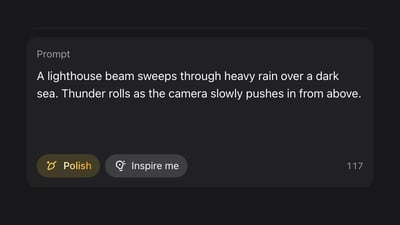
Write one change, list what stays the same, and put any exact words in quotes.
- 3
Pick a size and check the result
Start at 1K; Auto keeps the first photo's shape. Check faces and text, then rerun the keeper at 2K or 4K.
Pricing for FLUX 3
Up to 1,000 images or 41 videos
- Up to 1,000 images
- Up to 41 videos
- All models, including Premium
Up to 2,500 images or 104 videos
- Up to 2,500 images
- Up to 104 videos
- All models, including Premium
Up to 7,500 images or 312 videos
- Up to 7,500 images
- Up to 312 videos
- All models, including Premium
· No card required
Failed runs are refunded automatically · Cancel anytime
FLUX 3 Image Klein questions
FLUX 3 Image Klein is the small, open-weights version of FLUX 3 Image from Black Forest Labs, released on 15 October 2026 and also written FLUX.3 Klein or flux3 klein. Here it is listed as FLUX 3 Klein and runs in your browser.
Yes, once you sign up. New accounts get 10 free credits and a 1K image or edit costs 2 credits, so that is five 1K images, watermarked and for personal use. 2K (3 credits) and 4K (6) need paid credits. Signed-out free tries here run Turbo Image, a different model.
In BFL's own tests, FLUX 3 Image Klein scores 91 Elo higher than FLUX.2 [klein] 9B for text to image and 70 higher for editing, with 38% fewer parameters, and it takes up to 10 reference images plus bounding boxes. Early community tests are mixed: some testers still prefer FLUX.2 Klein 9B for people and lighting. If your work is editing products, outfits or posters, try the same edit on FLUX 3 Klein here first; FLUX.2 [klein] 4B stays the choice if you need an Apache 2.0 licence to self-host without a revenue limit.
FLUX 3 Image Klein is open weights, not open source in the Apache sense. As of 5 November 2026, BFL publishes a distilled and a base model on Hugging Face, downloaded after you accept the terms. The FLUX 3 Image Klein license is the FLUX Kommunity License: free non-commercially, and outputs may be used commercially by individuals and companies with under 5 million US dollars in annual revenue. Here you use a hosted version, with nothing to download.
Yes, when you make them on a paid plan or with purchased credits, client work included. Images made only with free credits are for personal use and carry a watermark. If you run the weights yourself, the FLUX Kommunity License applies instead of our Terms.
Up to 10 per run, at no extra cost. Our own tests used one or two.
Not on this site. Bounding boxes come with the open weights and BFL's API; this generator takes a prompt and photos. Describe placement in words, such as "the bottle in the lower right corner".
Yes, any language, up to 5,000 characters. Quote words that must appear in the image.
More on FLUX 3 Image
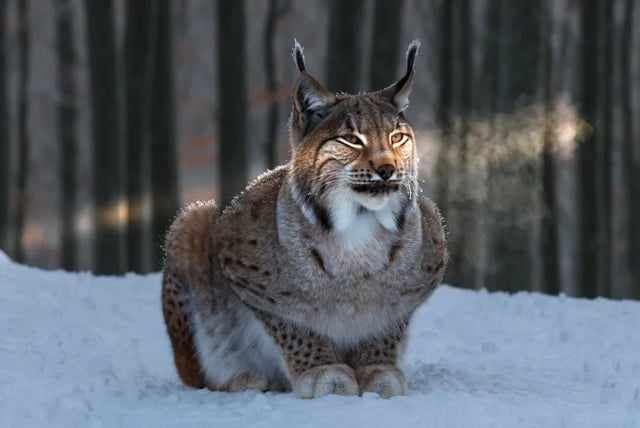
Image to video
Turn a FLUX 3 Klein still into a clip with FLUX 3 Max or the other video models here.

FLUX 3 Max
Fast FLUX 3 video with sound; upload your still as the start frame.
FLUX 3 Image
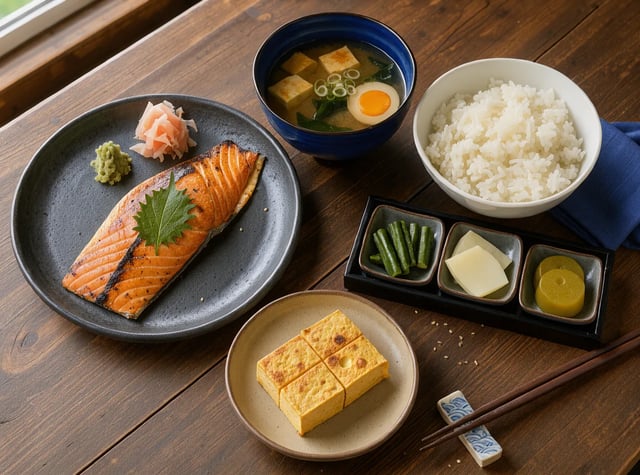
How FLUX 3 Image and its open-weights Klein version differ, and which one runs on this site.
FLUX 3 prompt guide
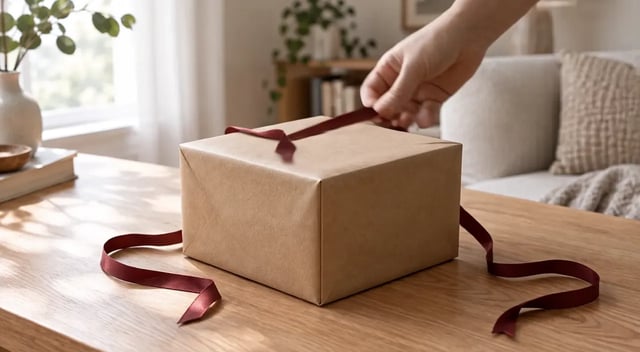
How to prompt FLUX 3 video for camera, sound and timing, with same-prompt tests.
Edit your first photo with FLUX 3 Klein
Try a FLUX 3 Klein edit online: upload a photo, say what to change and what to keep, and check the 1K result.