
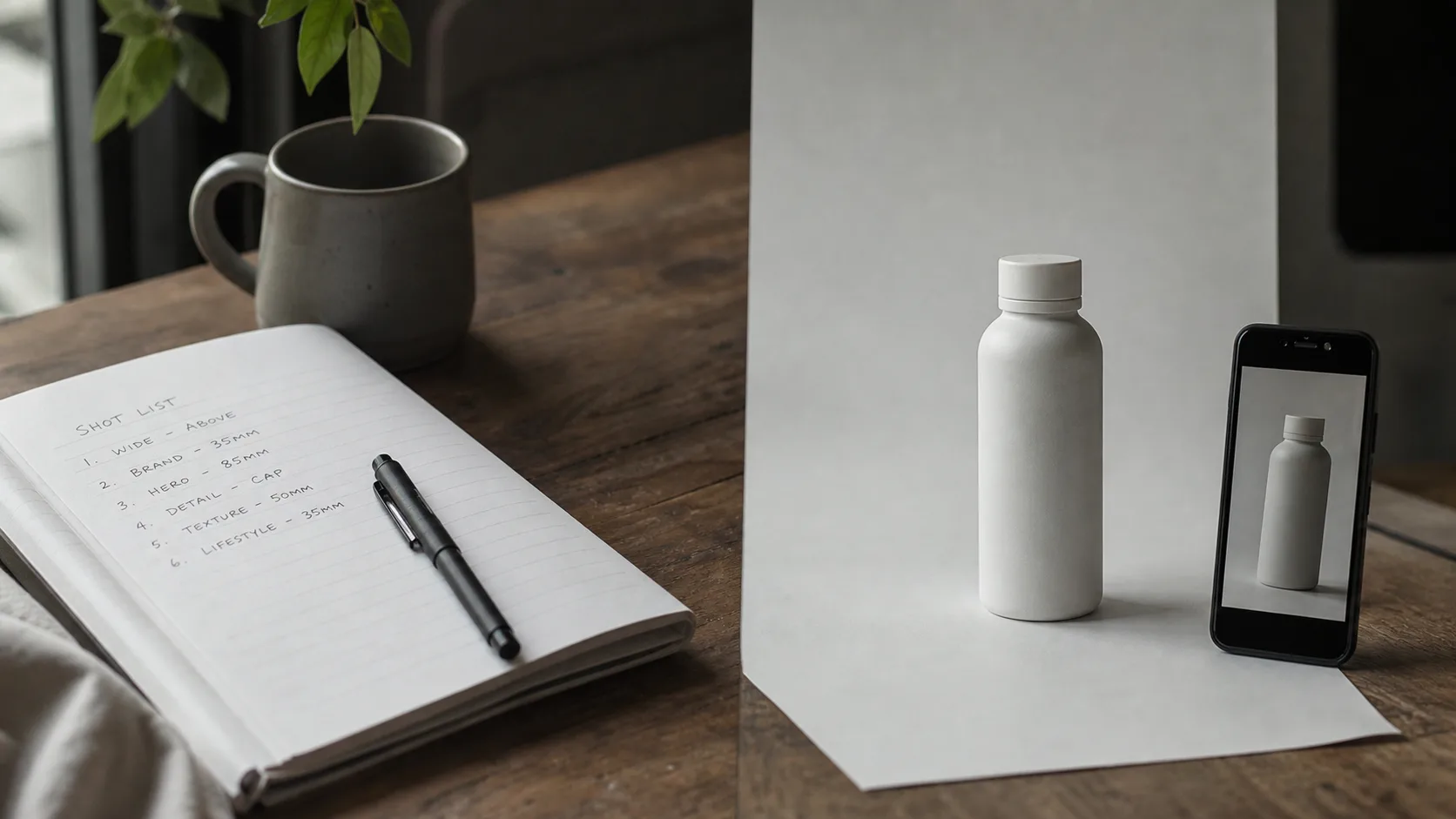
TLDR
| Start with | Best when | Skip when |
|---|---|---|
| Text to video | You are inventing the world, testing multi-shot grammar, or exploring styles | Brand needs exact logo/packaging geometry |
| Image to video | You already own a product still, character board, or approved frame | You have no still and no time to make one—just write text |
| Hybrid (still → motion) | Identity or packaging must survive cuts | You only need a mood test |
Default rule: if look must match an approved still, use image to video. If story and camera invent the look, use text to video. Both run on FLUX 3 video; craft stills on FLUX 3 image when needed.
Key Takeaways
- Official dual path: FLUX 3 video includes text-to-video and image-to-video (start-frame animation or images as visual references), with native audio on outputs (BFL blog).
- ~20s single-generation ceiling is the public length narrative—not a requirement for every draft (The Decoder summary of BFL materials; BFL blog).
- Multi-shot from one prompt is a first-class creator skill in early notes—number your shots either path (Justine Moore / a16z).
- Image-to-video prompt shift: describe motion + camera + audio, not a second outfit or a new product shape (BFL: starting-frame “animation” framing).
- Try here: video for both modes; optional still craft on image.
Head-to-head: text vs still start
Read this table first—about 30 seconds to choose a path.
| Dimension | Text to video | Image to video |
|---|---|---|
| What you provide | Written scene only | Still + motion prompt |
| What the model invents | Look, wardrobe, set, lighting | Motion, camera, time, often audio energy |
| Best jobs | Story beats, UGC personas, style exploration, multi-shot experiments | Product spin, brand packshots, approved character lock, poster-to-motion |
| Continuity strength | Comes from prompt locks (wardrobe/location lines) | Comes from the pixels of the still first |
| Failure mode | Logo / face / product invents drift | Still too busy; prompt re-describes a different object |
| Prep time | Fastest | Needs a clean still (photo or image generator) |
| Public capability root | BFL FLUX 3 video list | Same post: start-frame animation + image references |
Prompt-first motion language · showcase keyframe on FLUX 3 · planning still, not a graded master
When pure text to video wins
Choose text to video when the still does not exist yet—or when inventing the still would waste the point of the experiment.
1. Multi-shot story tests
You care about Shot 1 → Shot 2 → Shot 3 readability more than pixel-perfect packaging. Public early-access commentary highlights multi-shot control from a single prompt (venturetwins). Start on video with numbered shots (full recipes in the FLUX 3 Video: Multi-Shot, ~20s Clips & Native Audio).
2. UGC / persona invention
No approved talent photo. You want a believable handheld creator, not a brand kit match. Write wardrobe + room + speech energy in one block—then iterate lines, not stills.
3. Style range exploration
BFL emphasizes broad style range—from candid camcorder energy to animation and cinematics (BFL blog). Text is faster for “try three looks” than locking three masters first.
4. Pure concept pitches
Stakeholders only need a first-pass motion board. Text gets you there without art-direction loop on stills.
Skip pure text when: legal, brand, or ecommerce needs exact label art, SKU color, or a character already signed off as a frame.
When image to video wins
Choose image to video when the look is already decided and motion is the remaining job.
1. Real product / packaging
If the box, bottle, or UI screenshot already exists, do not re-hallucinate it. Pin the still, then prompt rotation, hands, light, SFX only. See also the product demo prompt pack.
2. Character identity lock
Approved hero frame (or a still you generated on image) → animate with continuity. BFL’s own framing includes continuing from a starting frame as animation (BFL blog).
3. Poster / key art to motion
Campaign art is fixed; you need a 6–12s social push-in. Image-to-video keeps composition; text-to-video risks a “similar but not the same” keyframe.
4. After text already found a winner still
Hybrid path below: freeze the best frame (or regenerate a clean still), then re-run motion from that lock.
Skip image-to-video when: the still is cluttered, low-res, or has multiple competing subjects—clean the still first.
Still-first lock language · showcase frame on FLUX 3 · planning still, not a graded film still
Hybrid path: image page → video page
This is the production loop most brand teams actually need:
- Craft or refine a still on FLUX 3 image (or use a real photo).
- Open FLUX 3 video → image to video.
- Prompt only motion + camera + audio + “preserve exact colors/logo/outfit.”
- Full-screen review once; if logo fails twice, stop inventing—fix the still, not the adjectives.
Public materials also note image references as visual anchors (not only start-frame animation) (BFL blog). Treat the still as the contract; the text is the direction.
How to run both paths on FLUX 3 (evaluate loop)
- Open FLUX 3 video (house model stays FLUX 3).
- Pick path from the table above.
- Paste Prompt A (text) or Prompt B (image-to-video) with your real product noun.
- Judge with the checklist below → keep one winner.
- Optional: polish a still on image, then re-animate.
Aim first drafts around 8–12 seconds even though public materials discuss clips up to about 20 seconds (The Decoder; BFL blog). Shorter beats are easier to read on phone.
Prompt A — text to video multi-shot (copy-paste)
Vertical 9:16 short, about 10 seconds, soft daylight bedroom UGC.
Shot 1 medium: creator in gray hoodie holds a matte white product box to camera, natural smile.
Shot 2 close hands: opens lid smoothly, tissue paper folds read clearly.
Shot 3 product close-up: lifts the item toward lens, subtle specular highlight.
Same hoodie, same box color, continuous bedroom background.
Quiet room tone, soft paper rustle SFX, conversational energy, no music bed, no on-screen text, no watermark.
Prompt B — image to video from a locked still (copy-paste)
Use after you attach a clean product or character still on video.
Image-to-video, about 8 seconds, gentle orbital move then settle.
Preserve the exact product shape, materials, colors, and logo from the reference still.
Keep the same lighting direction and background cleanliness.
Soft studio whoosh on the settle frame, no new text, no watermark, no extra products, no music bed.
Prompt C — still craft then animate (hybrid text for image page)
Generate a clean lock on image, then use Prompt B:
Studio packshot, single matte white wireless earbud case centered on seamless light gray, soft top light, sharp logo edges, empty background, product photography, no text overlay, no watermark, high detail materials.
Pass/fail checklist (works for both paths)
Watch once without scrubbing, then scrub:
- Path fit — did you invent when you should have locked, or lock when you needed freedom?
- Identity / product — same face, wardrobe, or logo across the clip?
- Hands / edges — melting box, extra fingers, sliding labels?
- Audio — matches events, or did you request silence? Native audio is part of the official multimodal story (@bfl_ai; The Decoder).
- Crop — subject safe for 9:16 Reels/TikTok-style placements (keep centers readable for feed ads—see Meta ads overview and TikTok Ads Help).
- Text pollution — random glyphs or watermarks?
Two fails → change path or still, not just add adjectives.
Common mistakes
| Mistake | Why it hurts | Fix |
|---|---|---|
| Text-to-video for legal packaging | Logo invents | Real still + image-to-video |
| Image-to-video prompt rewrites the product | Fights the still | Motion/camera/audio only |
| Busy still (many objects) | Motion latch fails | Crop to one hero subject |
| No shot list on either path | Continuous mush | Number Shot 1/2/3 |
| Max duration on first try | Unreadable beats | Start ~8–12s |
| Music + dialogue + SFX all at once | Muddy audio | One audio priority line |
Scenario winners (if / then)
| If… | Then start with… | Why |
|---|---|---|
| You only have a one-line idea | Text to video | Fastest loop |
| Brand sent a packshot PNG | Image to video | Geometry is already truth |
| Character looks good in one still only | Hybrid | Freeze look, vary camera |
| Multi-shot dialogue test | Text to video first | Grammar before locks |
| Logo failed twice in text | Stop → still + i2v | Don’t burn more invent runs |
| Exploring camcorder vs animation style | Text to video | Style is the experiment (BFL style range) |
What We Know vs. What We Don't
| We know (sourced) | We don't know / won't claim |
|---|---|
| FLUX 3 public launch July 23, 2026 with multimodal video + audio framing (@bfl_ai; BFL blog; wire summary) | That every host exposes identical start-frame controls or durations |
| Official video list includes text-to-video and image-to-video (start frame or image references) (BFL blog) | Guaranteed first-take logo perfection for every SKU |
| Clips up to about 20 seconds with native audio appear in public materials (BFL blog; The Decoder) | That longer is always better for social ads |
| Multi-shot chaining appears in early creator notes (venturetwins) | Independent film-industry certifications ranking one path permanently “better” |
FAQ
What is the difference between FLUX 3 text-to-video and image-to-video?
Text-to-video builds the clip from a written prompt alone. Image-to-video conditions on a still—either as a starting frame to animate or as a visual reference—then follows your motion and audio directions (BFL blog).
Which path should I use first on flux3.video?
If you have no approved still, start text to video. If brand look is already fixed, start image to video on the same video generator.
Can I use both in one project?
Yes. Many teams discover with text, lock a still on image or from a photo, then finish with image-to-video.
Does image-to-video include audio?
Public FLUX 3 video capabilities list native audio generation with outputs, including image-conditioned paths in the same capability set (BFL blog; The Decoder). Still listen to every take.
How long should my first clip be?
Public ceiling narrative is about 20 seconds (BFL blog). For decisions, start 8–12 seconds so path quality is obvious.
Why does my product logo break in text-to-video?
The model is inventing pixels. Switch to a true still + image to video, and forbid new text in the prompt.
Why does image-to-video ignore my still?
Usually the still is cluttered or the prompt redescribes a different product. Crop to one subject; write only motion + camera + audio.
Do I need the image generator?
Only for hybrid locks. Pure text and pure photo→video can skip it. Stills live at image when you need them.
Where do multi-shot prompts fit?
Either path. Number shots explicitly—see multi-shot & native audio.
Is this the same as a peer-model ranking article?
No. This page is path selection inside FLUX 3. For criteria vs other systems, read FLUX 3 vs peer AI video models.
Where do I try free?
Open FLUX 3 video on flux3.video and start free—no card required to begin.